


- Status
- Waiting for author
- Related plugin/theme
- Email Encoder - Protect Email Addresses
Overview of the issue
If you are using the Email Encoder – Protect Email Addresses and Phone Numbers plugin, when you go to WPML → Translation Management → Automatic Translation tab, you will receive the following error:
There is a problem connecting to automatic translation. Please check your internet connection and try again in a few minutes. If you continue to see this message, please contact our support team.
Workaround
You have two workarounds:
- Go to Settings → Email Encoder and open the Advanced Settings.
- Select WordPress filters in the Protect emails section.
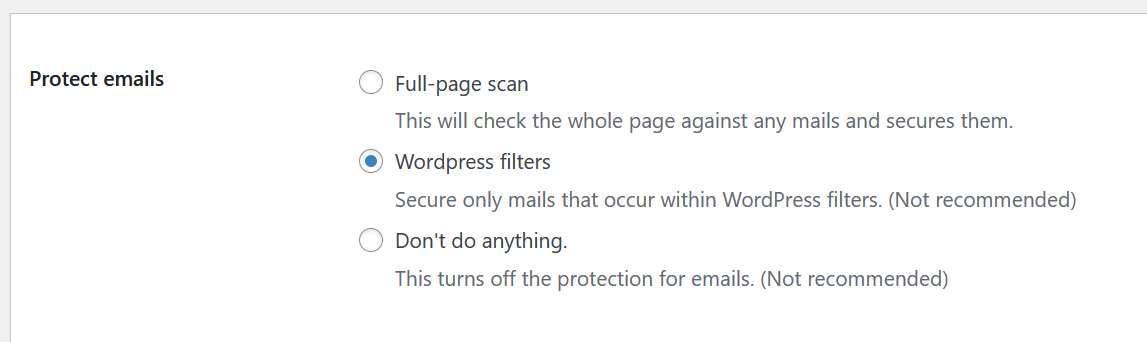
Or
- Make a full backup of your site.
- Add this code into your functions.php file:
add_filter('eeb/validate/is_post_excluded', function($return){ if (is_user_logged_in() && !empty($_GET['wpml-app'])) { return true; } return $return; }); - Remove the code once the error disappears.