- Status
- Resolved
- Resolved in
- 4.0.5
Overview of the issue
Translated content is missing when you view the translated version of pages built using the Avia builder on the front-end.
Workaround
To resolve this issue follow the steps below:
-
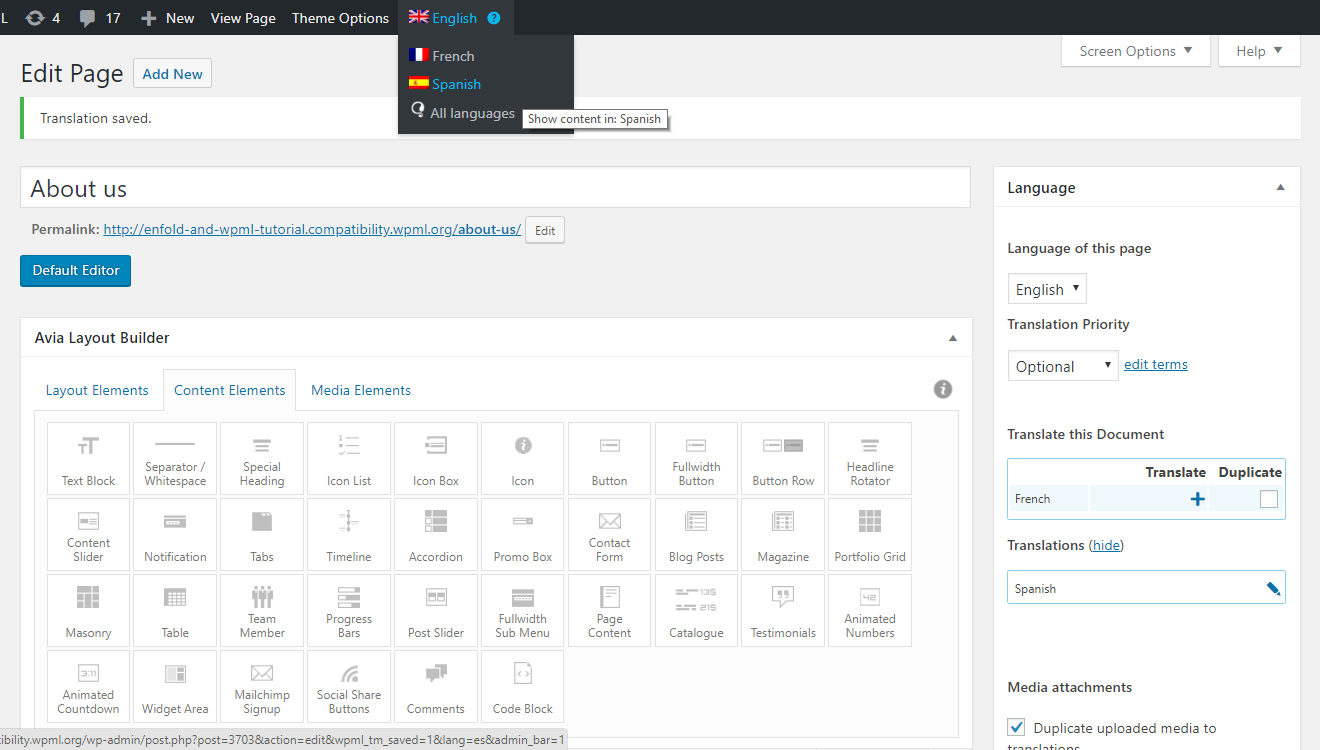
- Navigate to the defualt language content editor.
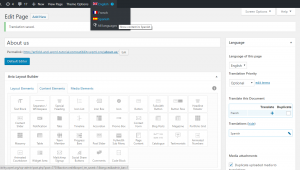
- Use the admin bar language switcher to navigate to the secondary language content editor for the page that is not showing on the front-end.
-
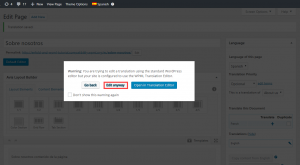
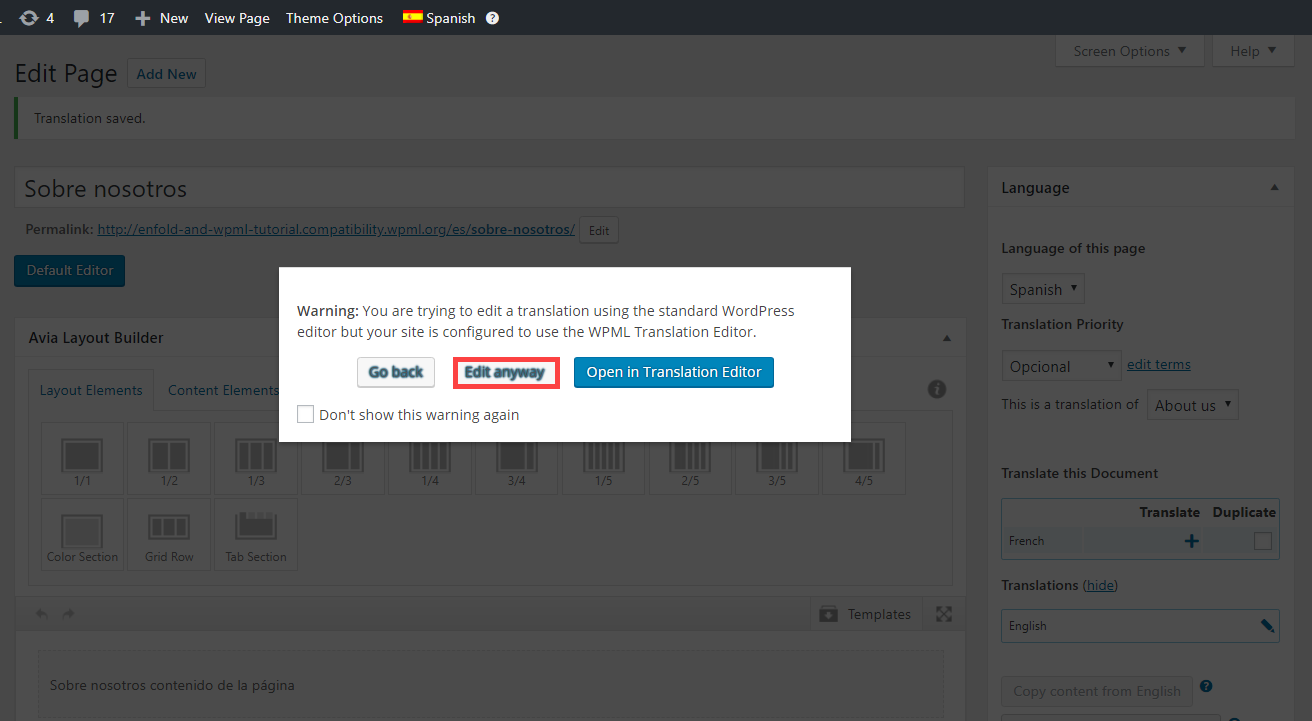
- You will see a warning pop-up about editing a translation using the standard WordPress editor. Click on the Edit anyway button.
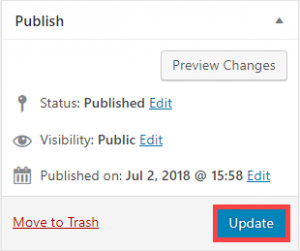
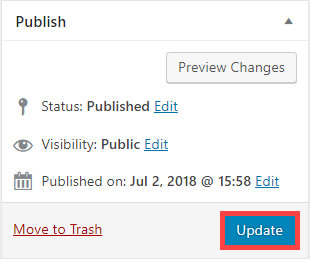
- In the publish meta-box click on the Update button.
- View the secondary languge page on the front-end. The translated texts should show normally.