- Status
- Resolved
- Reported for
- WPML Multilingual & Multicurrency for WooCommerce 4.12.6
- Resolved in
- 5.0.0
Overview of the issue
WooCommerce is planning to release the new product filtering by attributes in WooCommerce 6.3. However, this table is not populated automatically for products in secondary languages.
Workaround
Our developers are aware of this situation and they are working on it. In the meantime, you can apply any of these workarounds. To fix each product individually:
- Go to WooCommerce → Status → Tools.
- Click on the language switcher at the top of the screen and switch to the secondary language.
- Look for the section to Regenerate the product attributes lookup table.
- Search for the product you want to fix and click the Regenerate button.
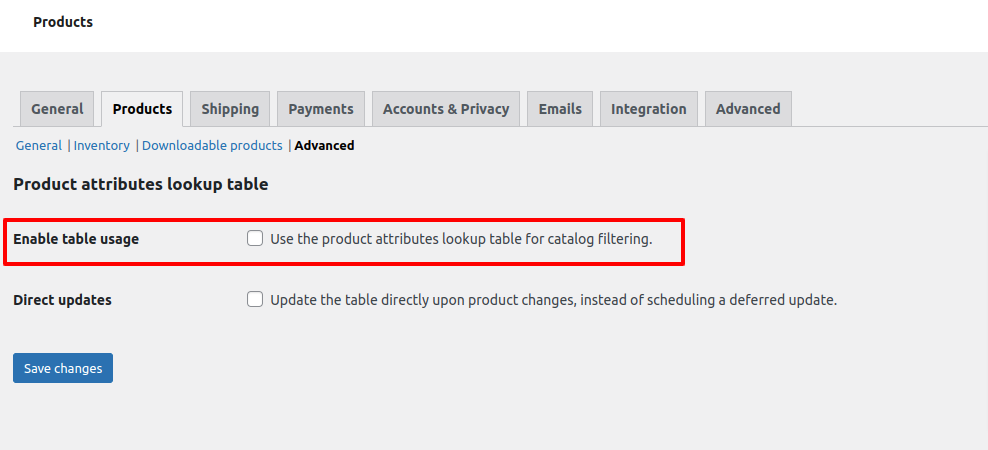
Alternatively, you can disable that feature:
- Go to WooCommerce → Settings → Products → Advanced.
- Uncheck the Enable table usage option.