


WPML provides flags for many languages but also allows you to use your own flag images if needed.
WPML comes with built-in flags for all 65 pre-configured languages, plus additional flags for popular country-specific language variants (such as Canadian French, Brazilian Portuguese, or Swiss German). These flags are available as either SVG or PNG files at the following file path:
../wp-content/plugins/sitepress-multilingual-cms/res/flags
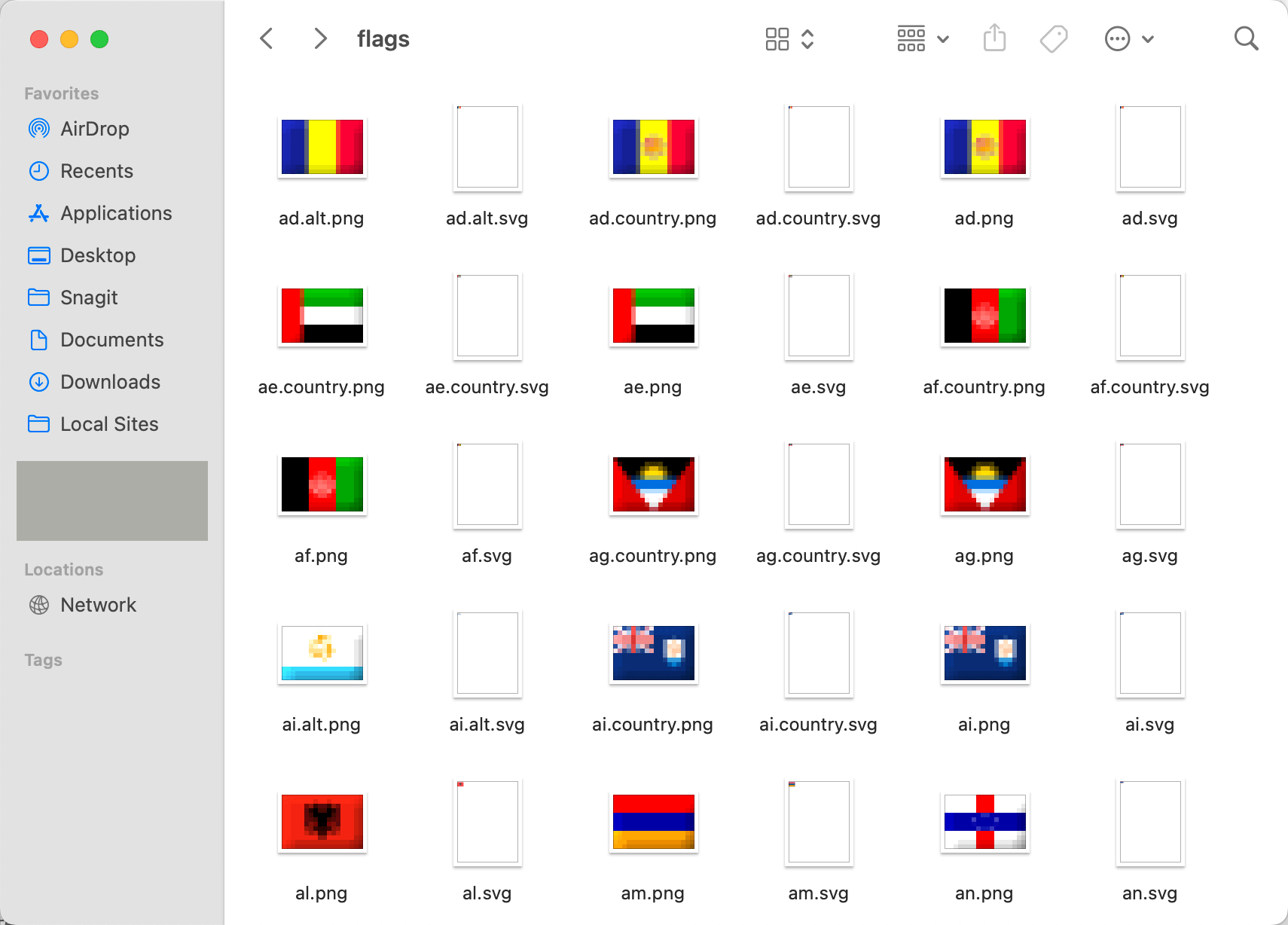
However, you may want to use a different style of flag that better matches your site. Or, you may want to add a flag for a language WPML doesn’t have pre-configured. In these cases, you can upload a custom flag.
Custom Flag Requirements
You can upload your own flag as an SVG file. SVG is the only format WPML accepts for a custom flag, and the file has to be 100 KB or smaller.
You do not need a plugin that allows SVG uploads for this. WPML stores the flag itself, under wp-content/uploads/flags/, rather than in the WordPress media library.
You will also need to be sure that the SVG source file is 18 x 12 pixels if you want it to look right alongside WPML’s default flags. The viewBox can be any proportional value, for example:
<svg xmlns="http://www.w3.org/2000/svg" width="18" height="12" fill="none" viewBox="0 0 36 24">...</svg>
How to Add a Custom Flag
Go to WPML → Settings → Languages. In the Manage and Hide Site Languages section, click Edit on the row of the language whose flag you want to change. This is also where you can add a custom language to your site.

Open the row’s Flag picker. It offers one of WPML’s flags, a neutral globe, or the country code — and, as its last entry, Upload a custom SVG…. Choose that and pick your file.

Upload your flag file and click Save to add the flag to your language switcher.
Adjusting the Flag Size
You can choose a custom size for all the flags in a language switcher when you add or edit the language switcher.

If you use the language switcher block, you can resize your flag from the block settings.

If you do not set a specific size for your flags, PNG and JPG flags are automatically resized to 18×12 pixels for consistency. You might not want to resize your flags if they are handled by CSS or JavaScript, or if you want to display an animated GIF.
In such cases, you can turn off automatic resizing by adding the following to your wp-config.php file:
define( 'WPML_DO_NOT_RESIZE_UPLOADED_FLAGS', true );