


How to Translate BeTheme with WPML
Learn how to translate BeTheme into more languages and create a multilingual website with WPML.


Translate all Elements
Translate all BeTheme elements, including pages, custom posts, products, and more
Translate Theme Texts
Translate headers, footers, and any other texts in the theme
Localized Designs
Use the same design across languages, or create different designs in each language
Translate Any BeTheme Element
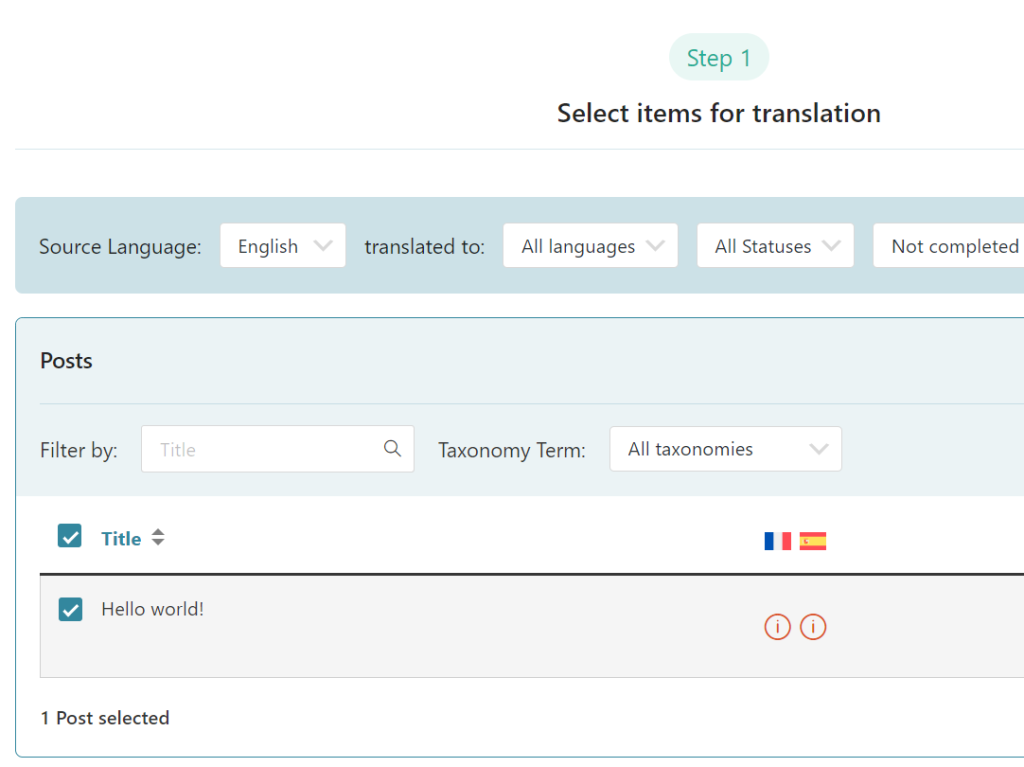
Translate any BeTheme element with WPML’s Translation Dashboard.
Simply go to WPML → Translation Dashboard and select content for translation. Then, choose to translate by yourself or using Private Translation Cloud (PTC), our most advanced automatic translation engine.
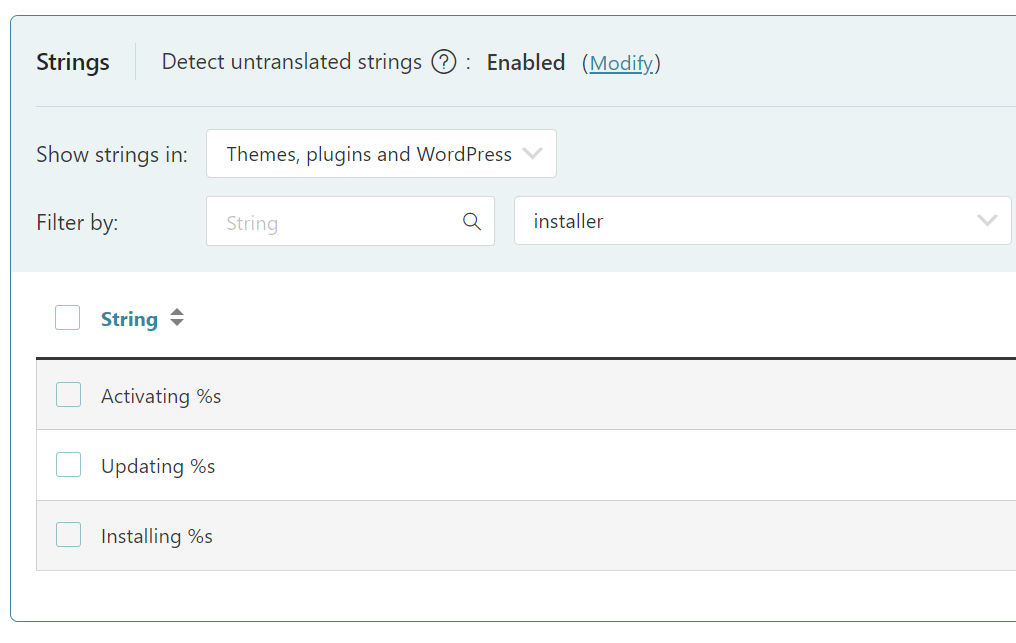
Translate Theme Texts
Translate your header, footer, and any other theme part via the Other texts (Strings) section in the Translation Dashboard, or with WPML’s String Translation.
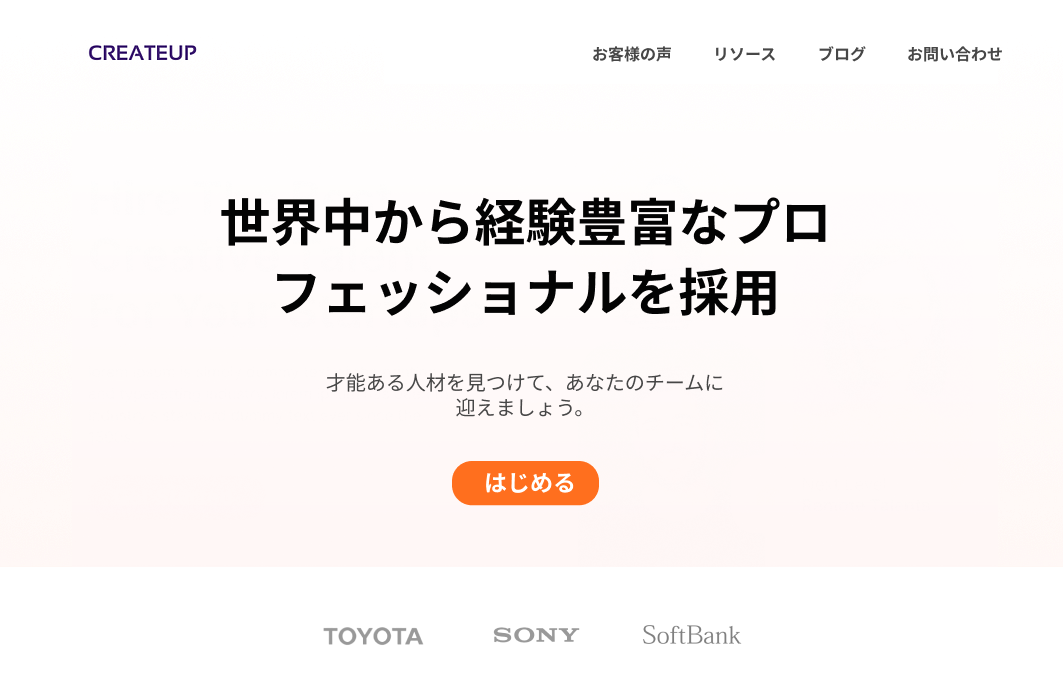
Create Different Designs in Each Language
Offer visitors a unique experience by creating culturally relevant designs in each language.

Frequently Asked Questions
Is WPML compatible with Muffin Builder?
Yes, WPML is compatible with Muffin Builder. To ensure compatibility, make sure your Muffin Builder content is stored as serialized and not encoded:
1. Go to BeTheme → Theme Options → Global → Advanced.
2. Scroll down and set the value of the Muffin Builder data storage to Serialized | Readable format, required by some plugins.
Written by Amir · Last updated October 16, 2024