


- Status
- Resolved
- Related plugin/theme
- The Events Calendar
Overview of the issue
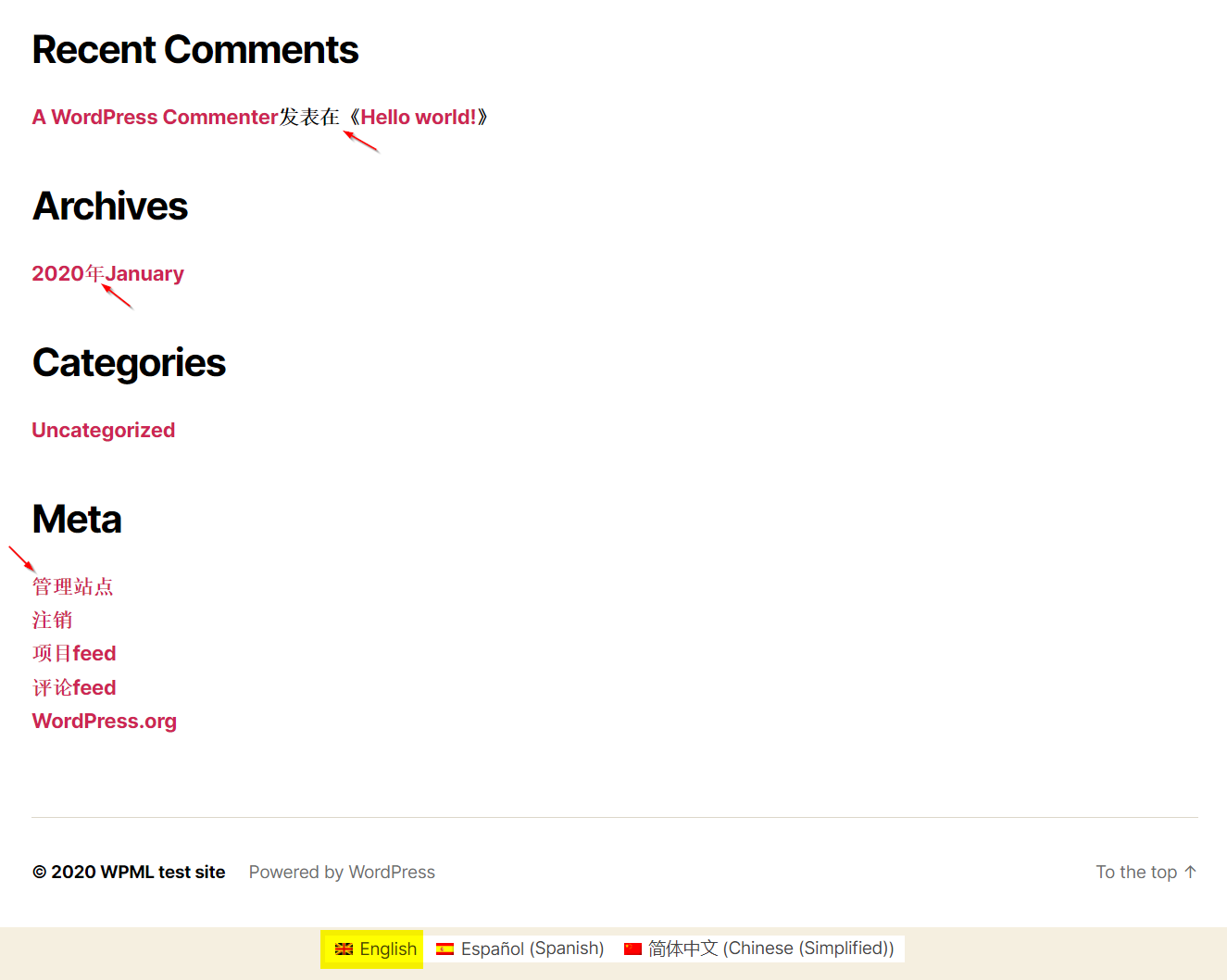
After updating the The Events Calendar plugin, some users may see strings in the wrong language.
Workaround
The issue will be fixed in the next update of The Events Calendar plugin.
In the meantime, you can follow these steps to get the issue resolved:
Please make sure that you have a full backup of your WordPress files and database.
Modify /plugins/the-events-calendar/src/Tribe/I18n.php LINE 189
From
remove_filter( 'locale', $force_locale );
To
remove_filter( 'locale', $force_locale );

		foreach ( (array) $args[1] as $domain => $file ) {
			// Reload it with the correct language.
			unload_textdomain( $domain );

			if ( 'default' === $domain ) {
				load_default_textdomain();
			} else {
				Common::instance()->load_text_domain( $domain, $file );
			}
		}