


- ステータス
- 解決済み
- 関連するプラグイン/テーマ
- The Events Calendar
問題の概要
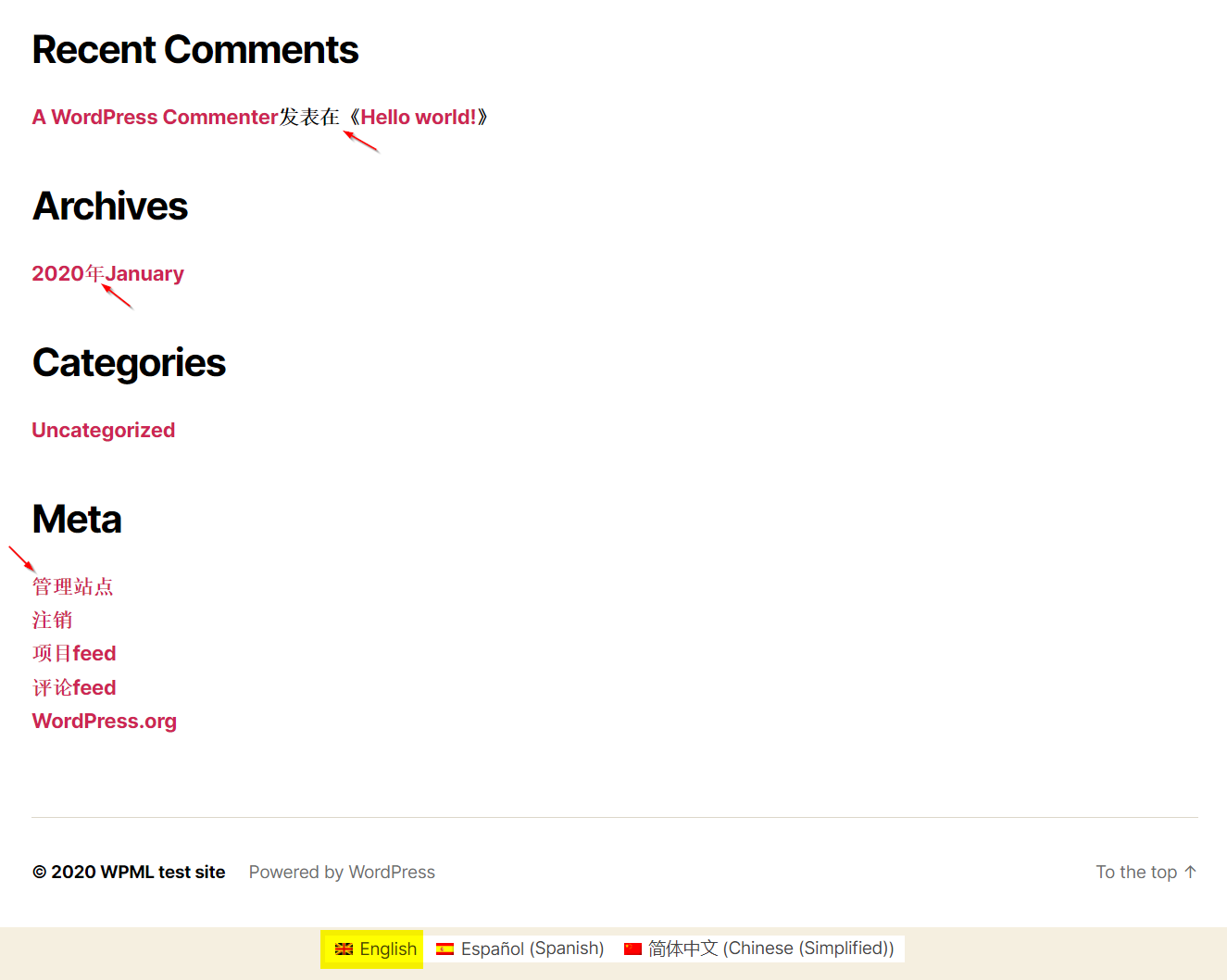
The Events Calendarプラグインを更新した後、一部のユーザーに間違った言語の文字列が表示される場合があります。
回避策
この問題はThe Events Calendarプラグインの次回のアップデートで修正される予定です。
それまでの間、以下の手順に従って問題を解決してください。
WordPressのファイルとデータベースの完全なバックアップを必ず取得してください。
/plugins/the-events-calendar/src/Tribe/I18n.php の189行目を変更します。
変更前
remove_filter( 'locale', $force_locale );
変更後
remove_filter( 'locale', $force_locale );

		foreach ( (array) $args[1] as $domain => $file ) {
			// Reload it with the correct language.
			unload_textdomain( $domain );

			if ( 'default' === $domain ) {
				load_default_textdomain();
			} else {
				Common::instance()->load_text_domain( $domain, $file );
			}
		}