


- Status
- Resolved
- Resolved in
- WPML 4.6.7
Overview of the issue
If you previously installed Toolset on your site with an active subscription, then removed it, you may see the following warning on your Dashboard: Toolset plugin cannot connect to toolset.com
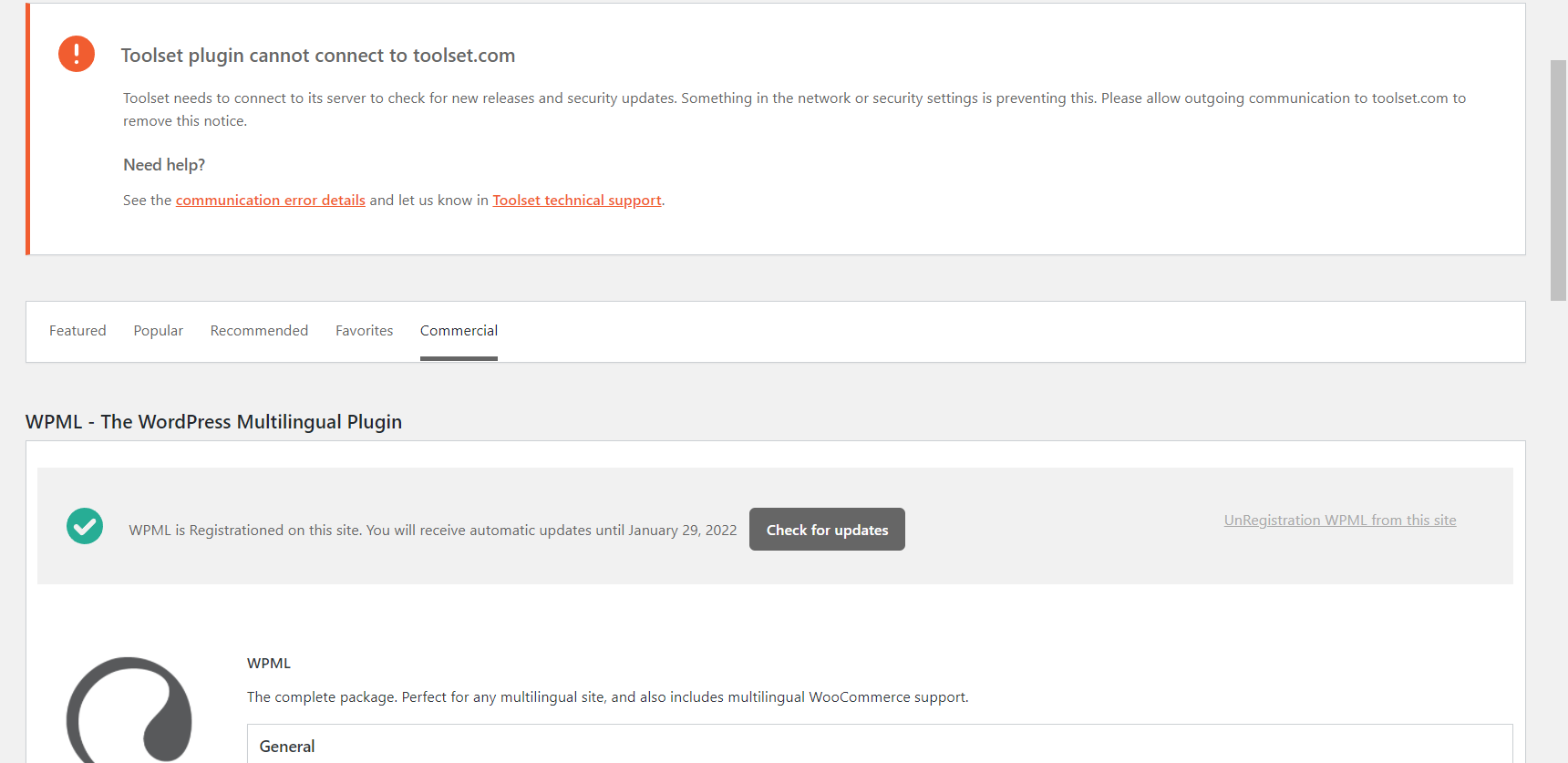
This happens as it can’t fetch an active subscription and there are still existing details in your database.
Workaround
Please follow this workaround:
- Make sure to make a complete backup of your site, files, and database before proceeding.
- Go to PHPMyAdmin, open the wp_options table, and delete the wp_installer_settings key.
- Go to your list of registered sites, and copy your registration key.
- Go to the list of installed plugins on your site and click on the Registered link below WPML.
- Click on Unregister WPML from this site.
- Re-register with the copied registration key.