


WPML 5.0 Beta – A Redesigned Experience and Smarter Automatic Translation
WPML 5.0 is the biggest update we’ve shipped in years.

The vast majority of WordPress sites today are non-English sites. Today, WPML makes it easier to run multilingual sites, which don’t have English as their default language, or don’t have English at all.
Almost everything that comes from GetText will be originally in English. You want to enter texts in the WordPress admin in the site’s default language.
The problem, until now, was that the String Translation had only ONE source language setting. Then, we even removed that because setting it to not English created mountains of problems.
Now, source language for strings is making a big comeback. Each string has its own source language and you can easily set the language of individual strings, or entire contexts.
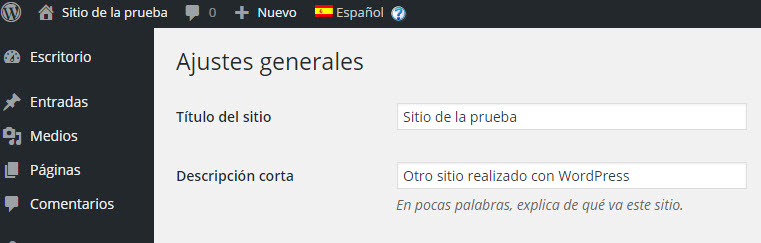
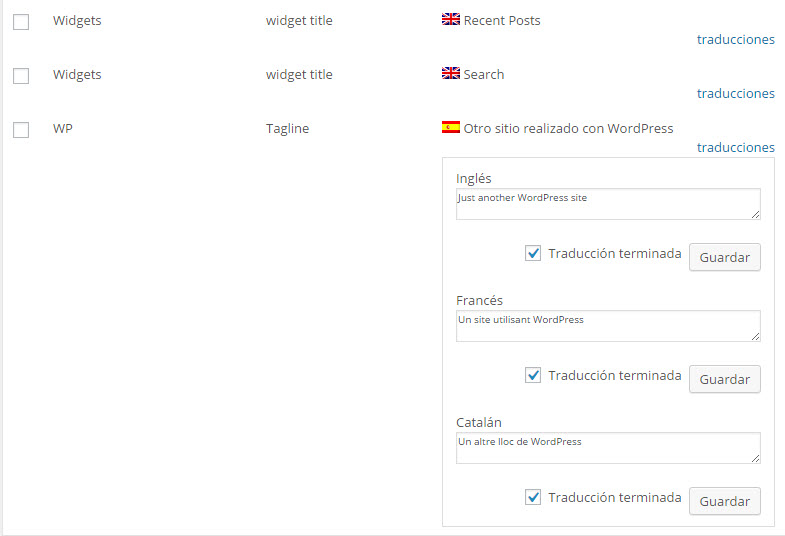
Let’s look at a practical example. Supposing that your site runs in Spanish (default), Catalan and French. No English. Your theme and plugins are coded with English, as their original language.
In this example, you will want to translate the texts in the theme from English to Spanish, Catalan and French. You will want to enter the site’s tagline and widgets in Spanish and translate them to Catalan and French. You certainly don’t want to go through English.
| Enter texts in your normal language | Translate to the site’s other languages in String Translation |
|---|---|
 |
 |
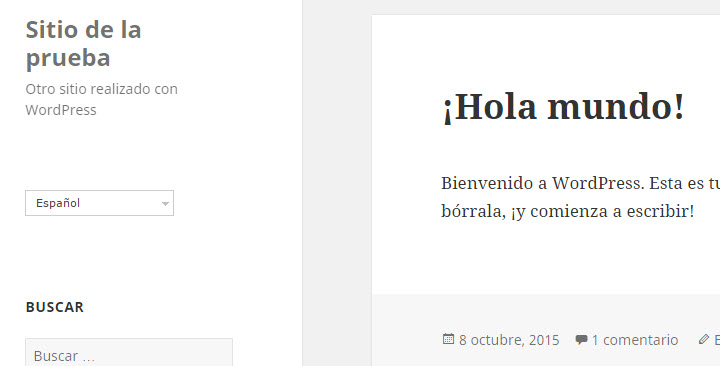
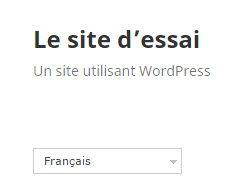
| The Spanish homepage (original language) | The French homepage (translation) |
|---|---|
 |
 |
With this update to WPML, you can do just this. WPML assumes that any texts coming from WordPress, the theme or plugins is in English. Even if your site doesn’t have English, you will still see English as the source language of these strings and you can translate to all of your site’s languages.
WPML will also assume that any texts that you enter in the WordPress admin will be in the site’s default language. You will be able to translate these texts to the other languages in the site, without going through English.
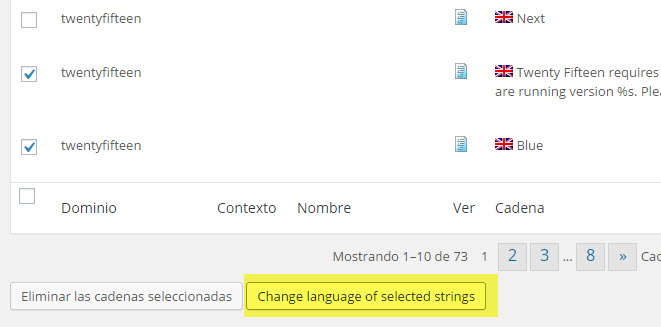
To change the language of specific strings, select them and click on the new Change language of selected strings button. Then, select the new language.
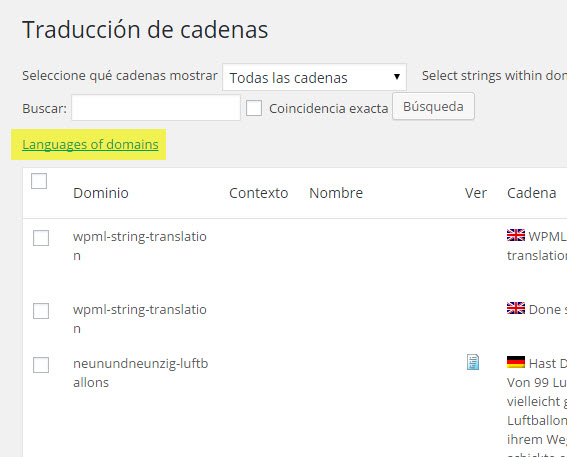
You can also change the language of entire contexts. This is useful when you get a theme or a plugin, that’s coded in a language other than English. Click on the new link, at the top of the String Translation page, Language of domains.
Then, choose the new language.
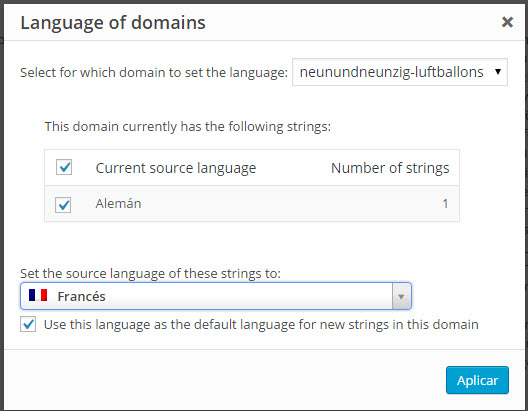
The dialog will show you a table of the strings in that domain. You can choose the new language and also make it the default language for new strings that will be added to that domain.
To update the string languages of existing sites, follow the same as shown before. You can update individual strings or entire contexts.
Every known issue will be resolved by the time this version goes to production. We recommend to skip your testing now with this beta version and Gravity Forms and Toolset plugins, as we are working on known issues.
To download, go to your WPML account. Click on Downloads and scroll all the way to the bottom. Download the CMS Beta Package. This ZIP file includes all of WPML’s components. You need to use the WPML components from this ZIP only and not mix development versions with production versions.
If you are using WPML Multilingual & Multicurrency for WooCommerce, use the beta from that package too. The WPML Multilingual & Multicurrency for WooCommerce beta is updated for this change in string languages.
To report problems, best to create a thread in our support forum. You can follow up with a comment here, so that we can see all related threads (and handle them).
Questions? Suggestions? Ideas? Leave your comments and we’ll get back to you.
WPML 5.0 is the biggest update we’ve shipped in years.
We just released WPML 4.9.4, which brings full compatibility with WordPress 7.0.
WPML 4.9.1 is out today with a focus on Divi 5 compatibility, so your multilingual sites are ready for the official Divi 5 launch on February 26.