


Learn how to translate Elementor into +65 languages using WPML’s Translation Dashboard.
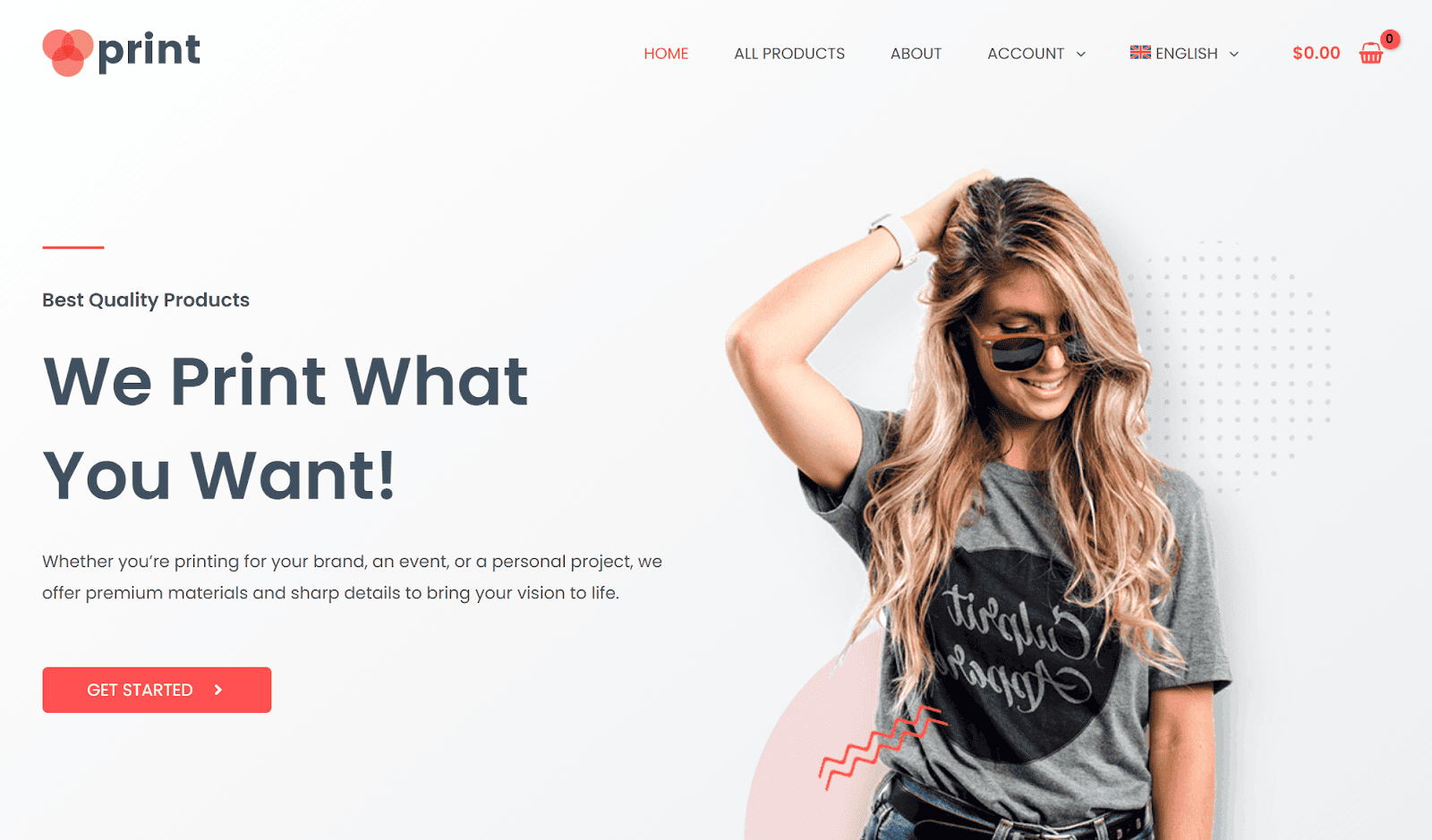

Translating your Elementor website can help you reach international audiences by making your content accessible in multiple languages.
Using WPML, the most popular plugin for translating Elementor websites, you can easily translate your site into as many languages as you want.
How to Translate Elementor with WPML
To get started, install and activate the WPML core plugin and the WPML String Translation addon on your WordPress website. Once set up, you can then proceed to translate any content built with Elementor, including:
- Pages
- Posts
- Header
- Footers
- Custom posts
- Templates
- Products
Simply go to WPML → Translations, open the Dashboard tab, select the content you want to translate, choose a translation method, and click Translate.

If you’re using Elementor templates (like global layouts or any saved templates inserted into your pages) we suggest translating them before the rest of your content.
For the best translation quality, we recommend using automatic translation by WPML’s most accurate translation engine – PTC. While PTC can create perfect translations, you can always edit them using WPML’s Advanced Translation Editor if you want to tweak them.

Add a Language Switcher to Your Website
WPML lets you add a language switcher to any part of your website, including:

Menus

Footers

Widget Areas

Page Content
Simply go to WPML → Settings → Language Switchers and click the button (or checkbox) to add a language switcher.

Create Different Page Designs Per Language
Besides translating texts, WPML also lets you create completely different page designs per language, tailoring your site to specific cultural preferences.


WPML lets you use the Elementor editor to create your designs in each language, so there’s no limit to how unique or complex your pages can be.
Build Multilingual WooCommerce Stores
WPML is fully compatible with WooCommerce, letting you translate your WooCommerce store into more languages.
Just install WPML’s WPML Multilingual & Multicurrency for WooCommerce add-on and you can instantly start translating your store.
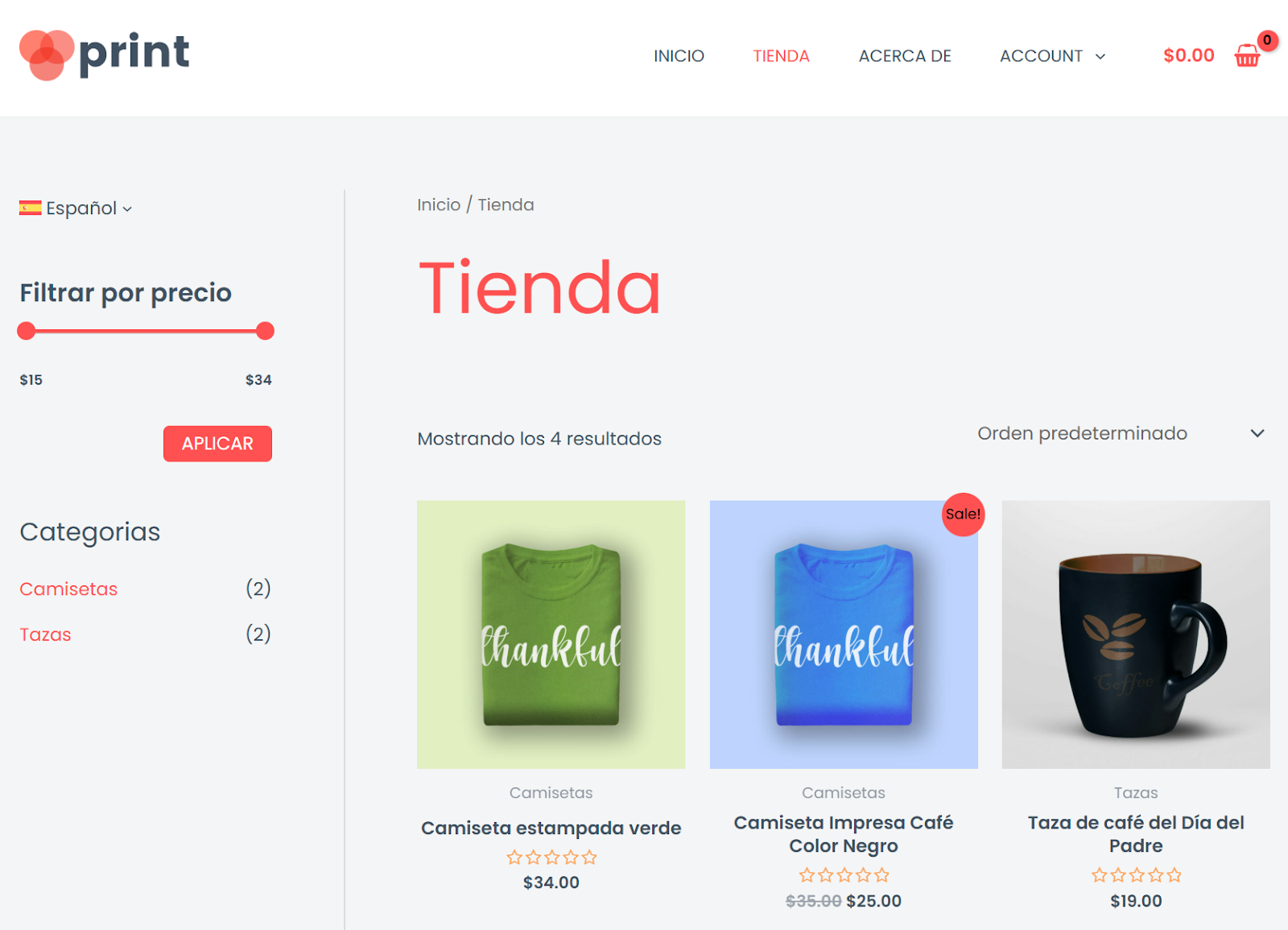
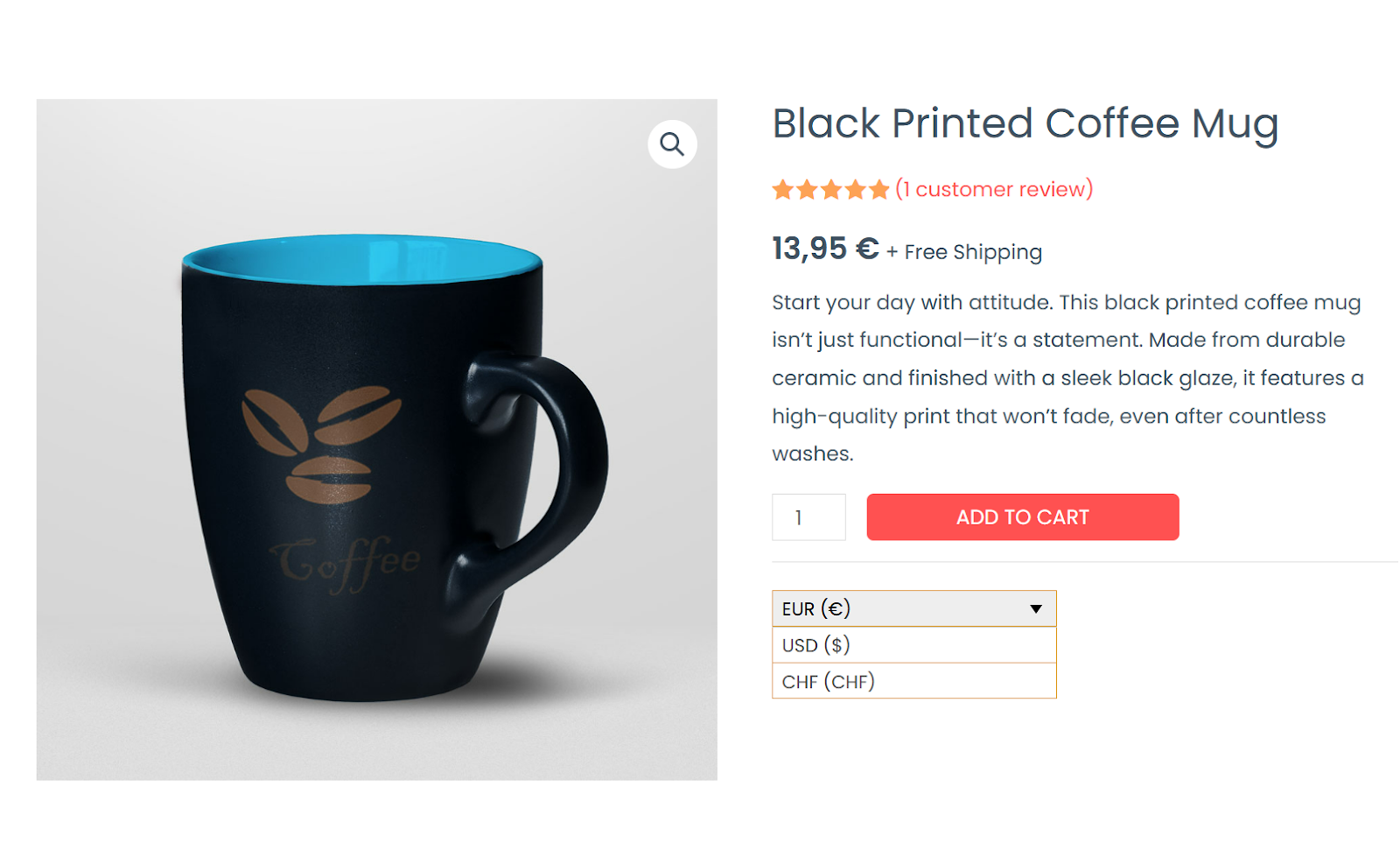
Besides translating products, WPML’s WPML Multilingual & Multicurrency for WooCommerce add-on also lets you add multi-currency features to your site, such as:
- Multi-currency switcher
- Automatic exchange rates
- Display currency based on language or location
For example, here’s what using a currency switcher on a product page looks like.
Why Translate Elementor with WPML?
WPML makes it easy to translate Elementor websites but offers much more than just a convenient translation process:
Unlimited Languages
Translate your website into as many languages as you want – no limits.
Automatic Translation
Create better than human translations with AI automatic translation.
Translation engines
Multilingual SEO
Rank higher in other languages with built-in SEO optimization features
Additional Tutorials
Looking for more ways WPML can help you? Check out our related tutorials:
Translate Menus
Learn how to translate menus and create different menu layouts per language.
Menu translation →
Display Different Templates per Language
Learn how to display personalized Elementor templates in each language.
Creating different templates →
Translate Elementor Addons
Discover which Elementor addons are compatible with WPML to ensure a seamless translation process.
Compatible Elementor add-ons →
Get Started with WPML
Ready to start translating with WPML? Check out our pricing page to find the right plan for your site.