


WCML 6.0 — Your WooCommerce Store Now Speaks to AI Agents in Any Language and Currency
WPML Multilingual & Multicurrency for WooCommerce (WCML) 6.0 lets your store talk to AI agents in every language and currency you sell in.

Flatsome theme and WPML are now compatible, making it easier and quicker than ever to create beautiful, functional, multilingual WordPress websites.
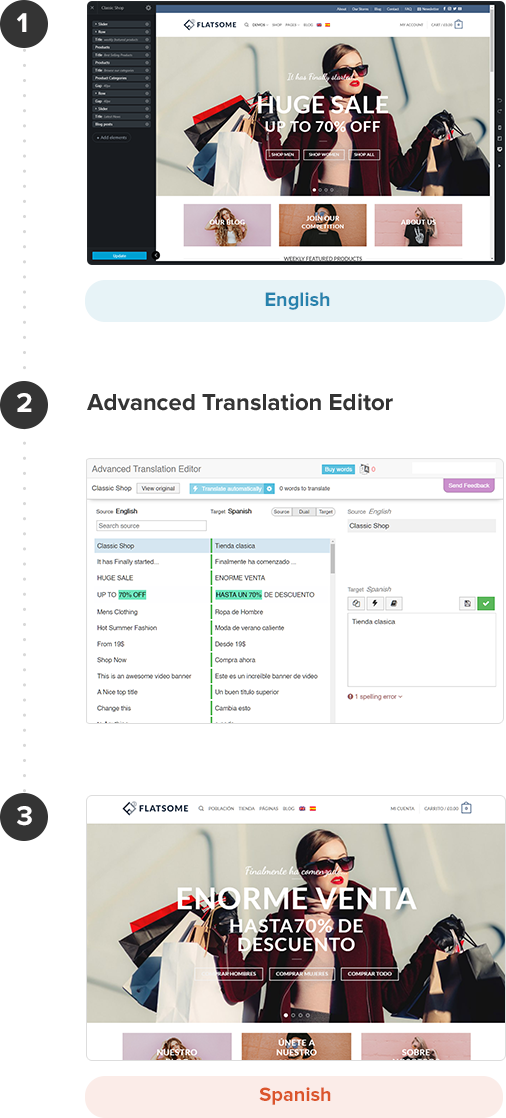
Default language homepage
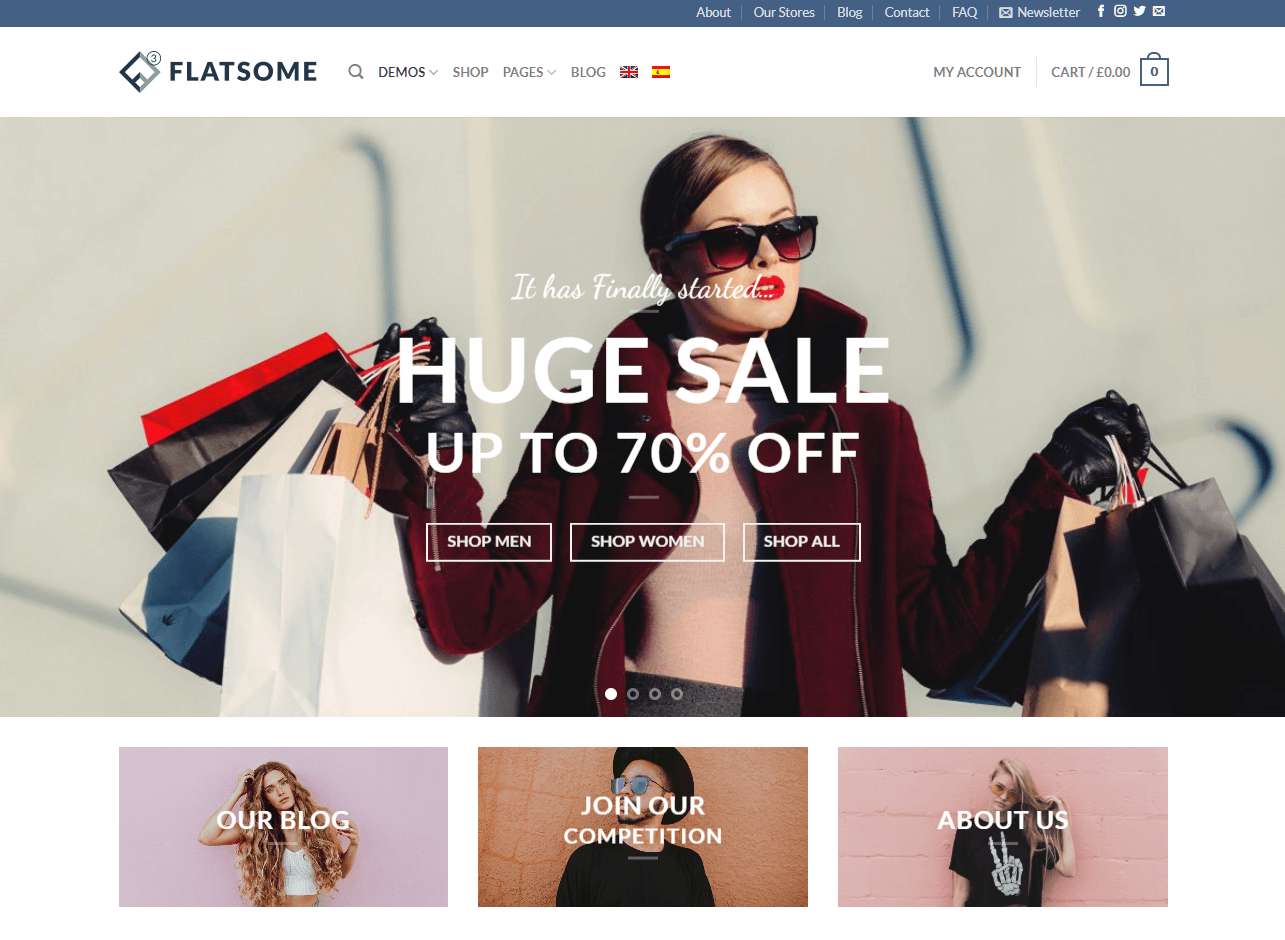
English
Secondary language homepage
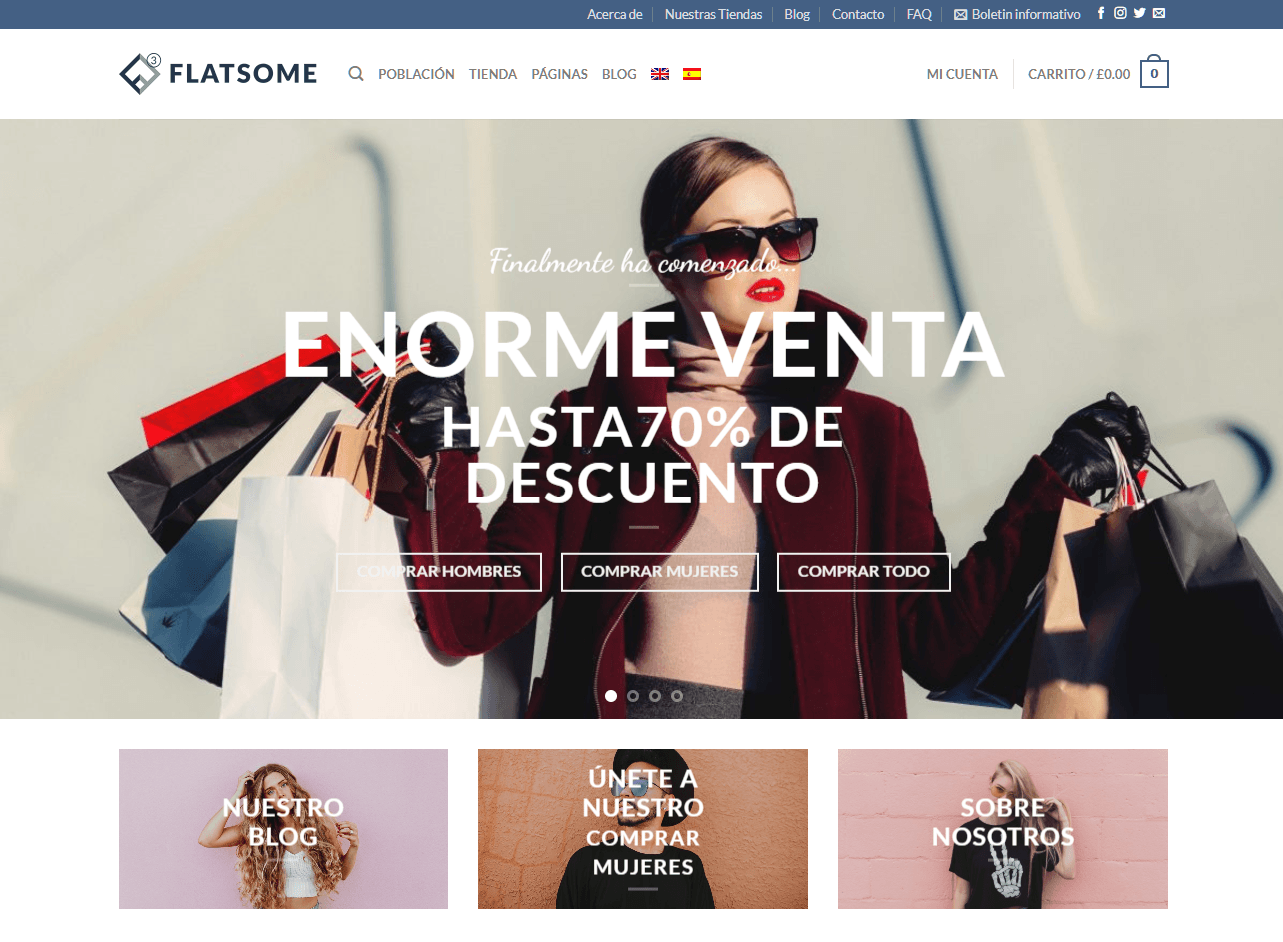
Spanish
You can enable WPML’s Advanced Translation Editor by navigating to WPML → Settings. Under the How to translate posts and pages section choose the Use WPML’s Advanced Translation Editor option.
To translate Flatsome pages built using the UX Builder or using Gutenberg blocks, simply navigate to the page editing screen and click the plus icon corresponding to the language you want to translate your page into. You will be taken to WPML’s Advanced Translation Editor screen. The same applies to translate, posts, portfolio pages, or UX Blocks.
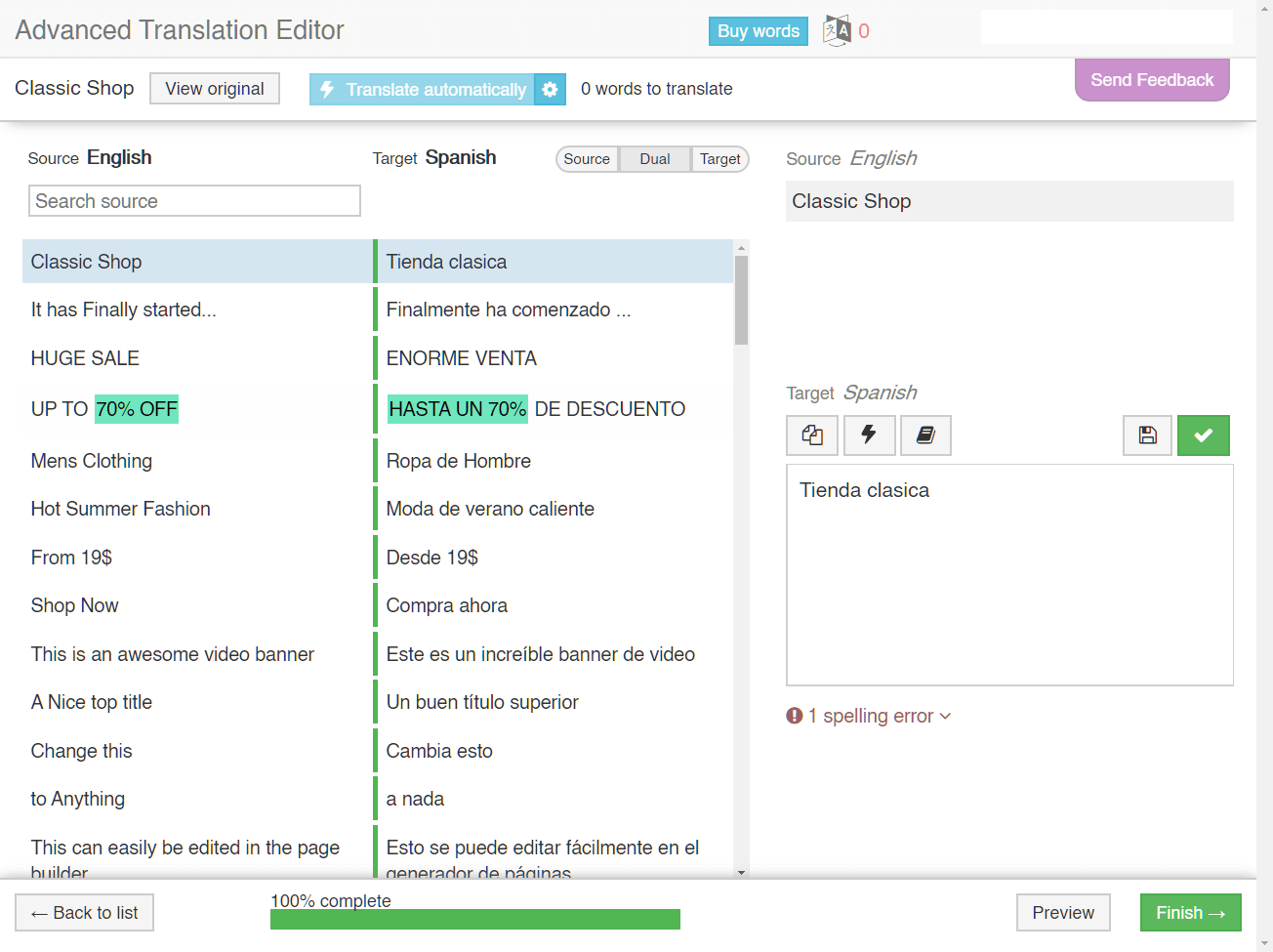
WPML’s Advanced Translation Editor facilitates the process of translating your website content as it offers:
Check out our detailed guide on creating multilingual websites using Flatsome theme and WPML.
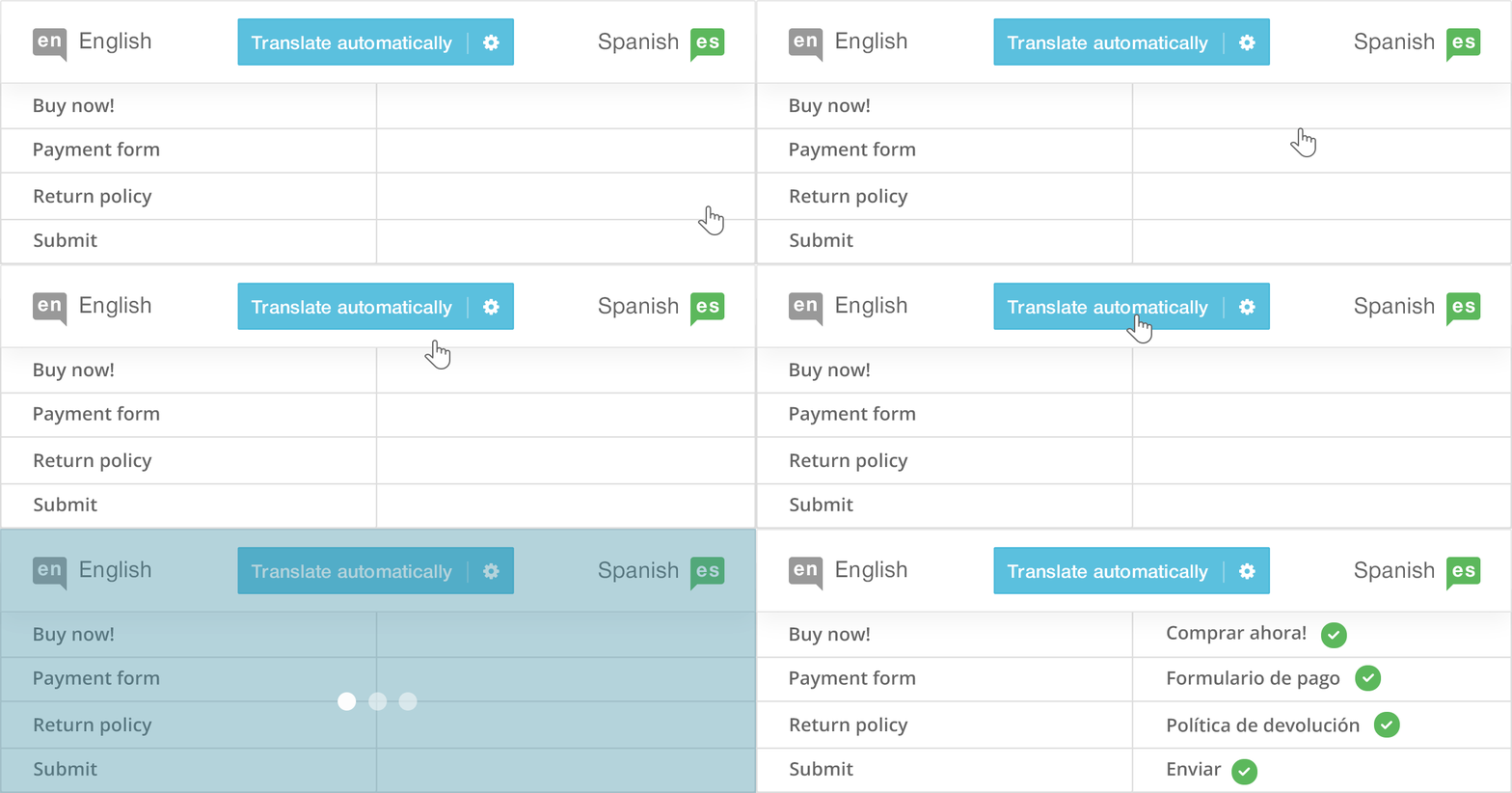
WPML’s Automatic Translation allows you to translate quickly and easily. Instead of starting from a blank translation, you will receive a pretty good “automatic” translation. Quickly review it and make any edits you want to improve the translation quality.
We offer 10,000 words of automatic translation for free every month. In case you need more, you can always get more words at a very affordable cost.
When building your multilingual website using Flatsome’s UX Builder and WPML, you don’t need to recreate all the pages for the other language(s) on your website or duplicate the page and translate the content manually.
Simply, design your website in one language, translate the content using the Advanced Translation Editor, and WPML takes care of copying your design to the secondary language pages.
Flatsome and WPML work great together to create multilingual WooCommerce sites. You can translate all your online store elements, including the WooCommerce store pages, products, and shipping classes.
To learn more about translating WooCommerce websites, check our WPML Multilingual & Multicurrency for WooCommerce documentation.
Have you been using Flatsome and WPML on your multilingual website? Feel free to share your experience with us in the comments section below.
WPML Multilingual & Multicurrency for WooCommerce (WCML) 6.0 lets your store talk to AI agents in every language and currency you sell in.
WPML 5.0 is the biggest update we’ve shipped in years.
WCML 5.5.3 focuses on how links work across languages, from category and account pages to Shop page links.