


WPML lets you translate URL slugs into different languages. This includes slugs for pages, posts, custom post types, and taxonomies.
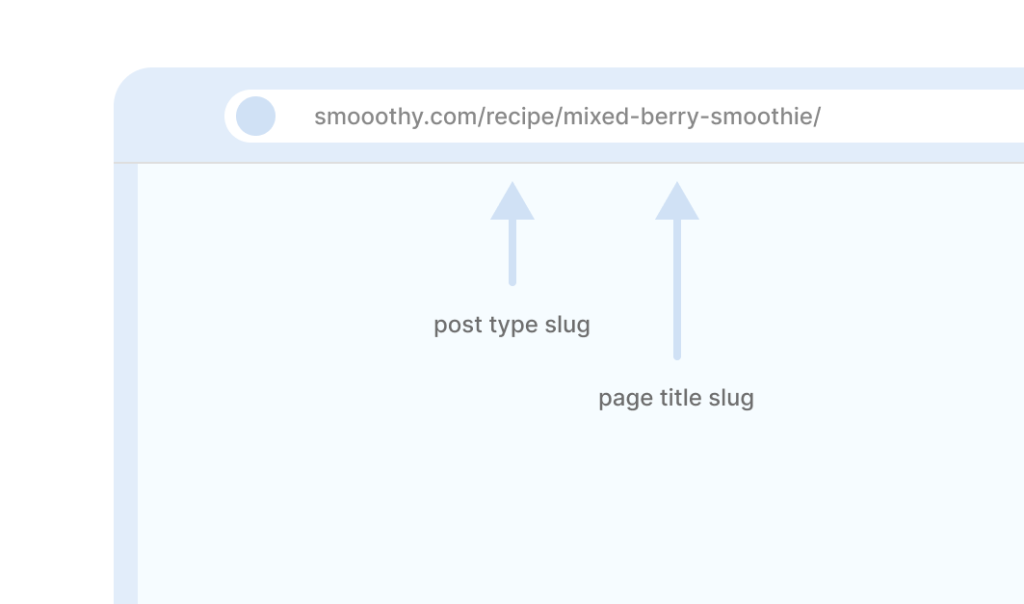
A URL slug is the part of a URL that identifies a specific page on a website. Both search engines and users rely on slugs to understand the topic of a page, so it’s important to make them clear and easy to read.
Getting Started
In order to translate URL slugs with WPML, install and activate:
- WPML
- WPML String Translation
Translate Custom Post Types URL Slugs
To translate custom post type URL slugs:
- Go to WPML → Settings → URLs and SEO.
- In the Slug translations section, tick Translate base slugs of custom post types and taxonomies and click Save.
- Then, go to WPML → Settings → Post Types Translation and set your custom post type to Translatable – only show translated items. Click the Save button under the table.

- After the page reloads, find your post type again and click the Set different slugs in different languages link under its row. Enter the slug for each language and click the Save button under the table.

Your custom post type slugs will now appear translated in the URL.
Translate Page and Post URL Slugs
By default, when you send pages and posts for translation, WPML automatically translates their URL slugs using the title.
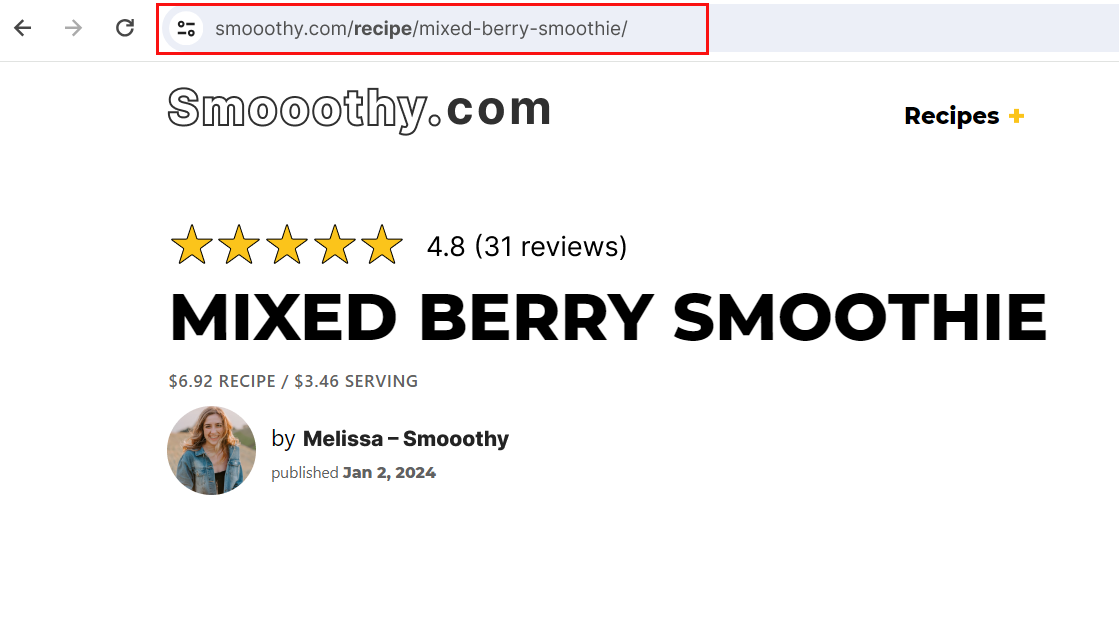
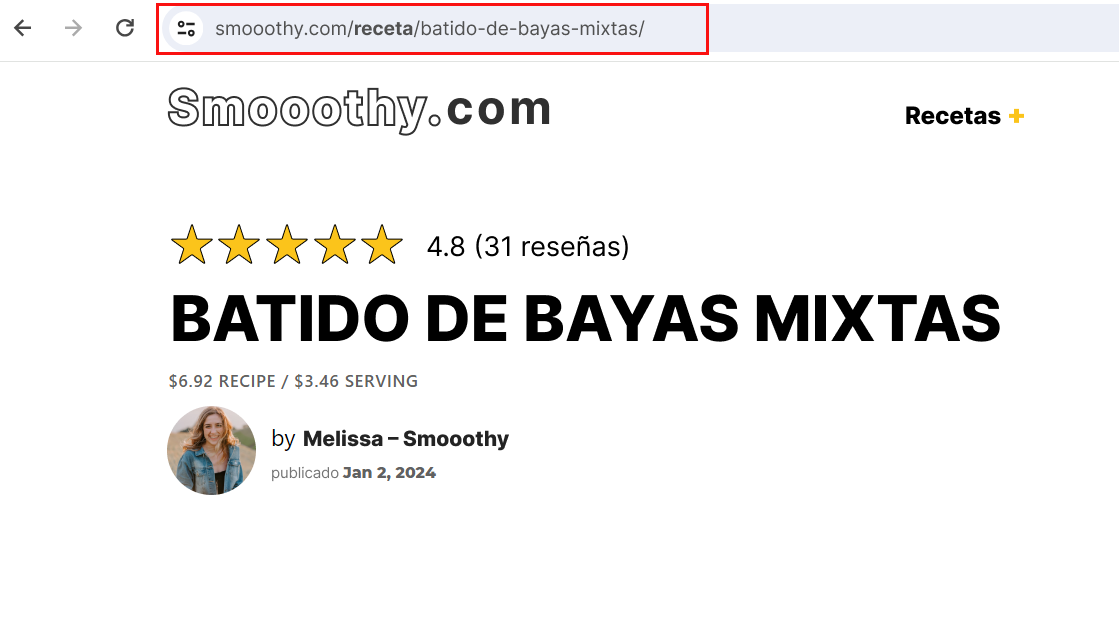
For example, when translating a page titled ‘Mixed Berry Smoothie’ into Spanish, WPML will use the new page title, ‘Batido de Bayas Mixtas’, when creating the URL:
smooothy.com/es/receta/batido-de-bayas-mixtas/
If you want more control, you can also translate the slugs by yourself:
- Go to WPML → Settings → URLs and SEO and scroll down to Page URL.
- Choose the Translate option and click the Save button in that section.

You can now translate the URL slug when editing pages in the Advanced Translation Editor.

Translate Taxonomy URL Slugs
To translate taxonomy URL slugs, follow our taxonomy translation guide.
Copy URL to Secondary Language
In addition to translating URL slugs, WPML also lets you ‘copy’ slugs into secondary languages.
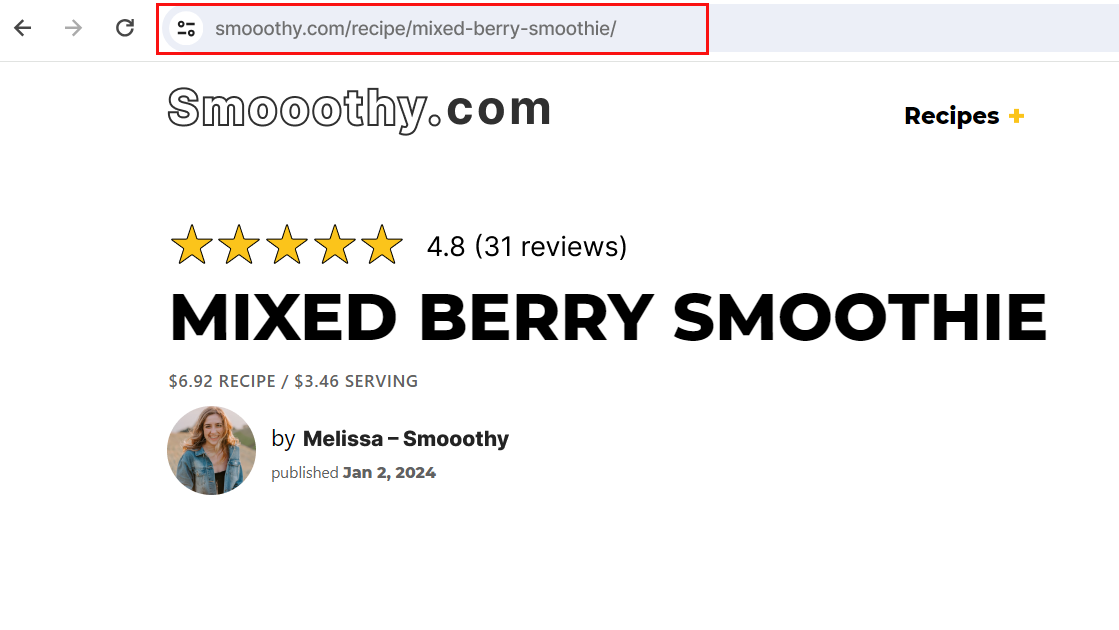
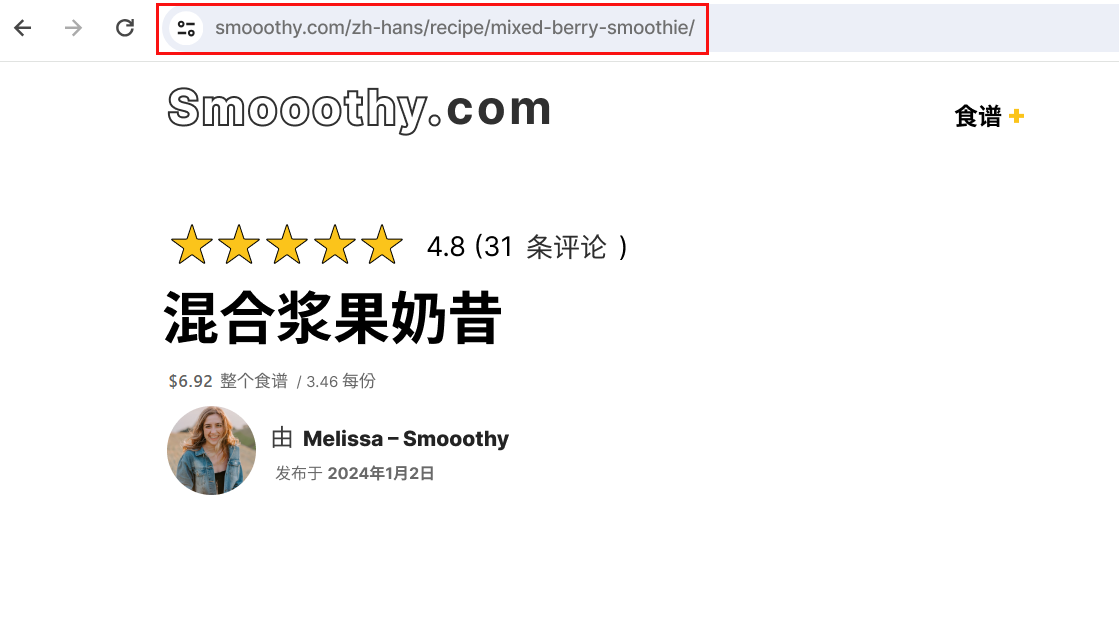
This is useful when your website has non-ASCII languages (Chinese, Japanese, Arabic, e.g.) and you want to avoid making your URLs look spammy when shared across the web. For example, the following Chinese URL will look like this when copy-pasted:
example.com/煮饭/ → example.com/%E7%85%AE%E9%A5%AD/
To make your URLs look better, you can copy your original URL slugs into other languages:
- Go to WPML → Settings → Languages.
- In the Manage and Hide Site Languages section, click Edit on the row of the language you want slugs copied to.
- In the row’s edit panel, tick Encode non-Latin characters under Encode URL, then click Save.

- Next, go to WPML → Settings → URLs and SEO.
- Under Page URL, choose Copy from original language if translation language uses encoded URLs and save.
Your URL slugs will now copy to your (encoded) secondary language when you translate content.
Get Started with WPML
To translate URL slugs with WPML, you need the Multilingual CMS or Multilingual Agency account type.
Visit our pricing page to learn more about our plans.