


NextGEN Gallery is one of the most popular gallery plugins for WordPress. WPML makes it possible to translate text generated by the plugin.
| Page with a gallery in the default language | Page with a gallery in the secondary language |
|---|---|
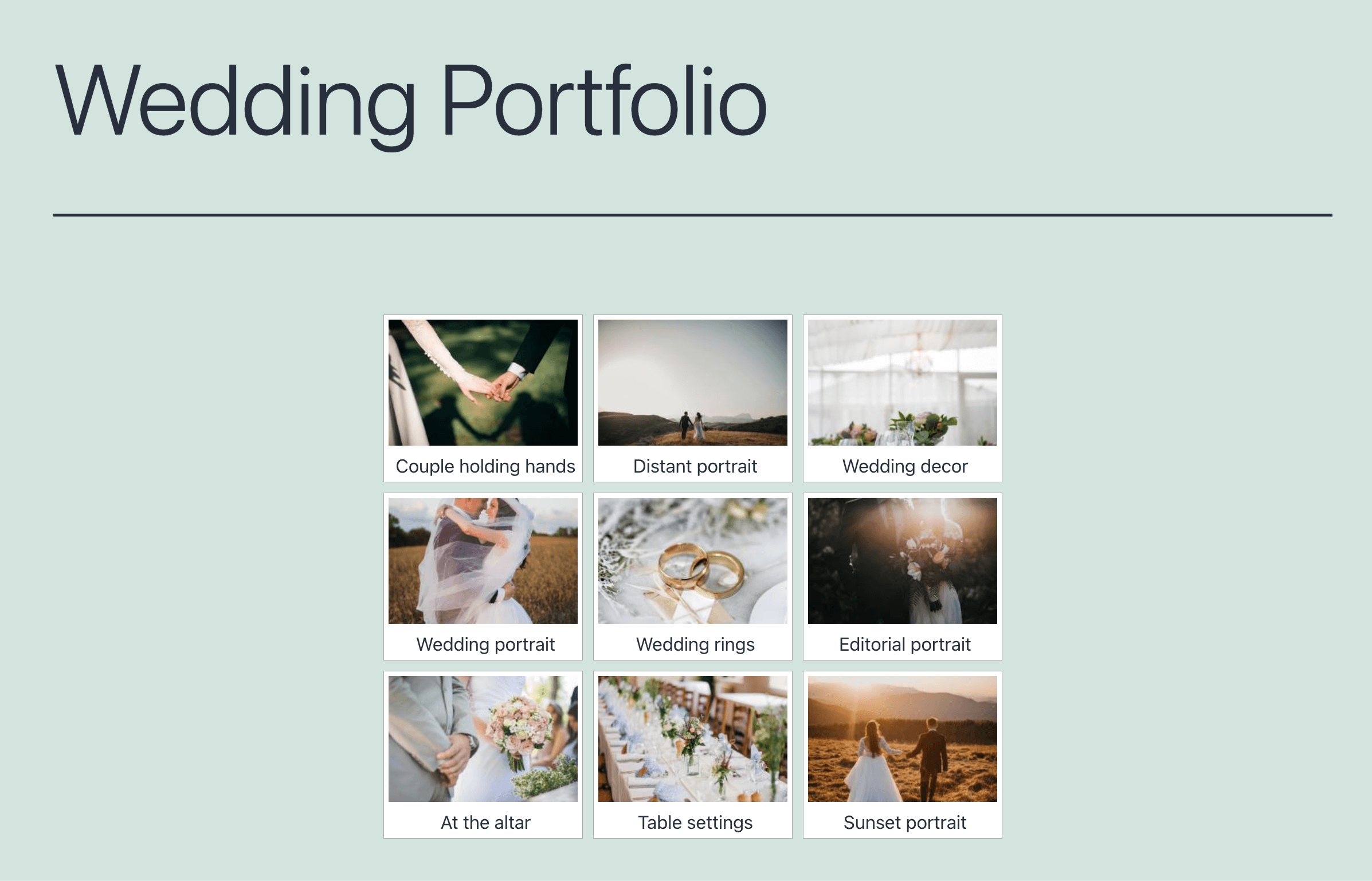 | 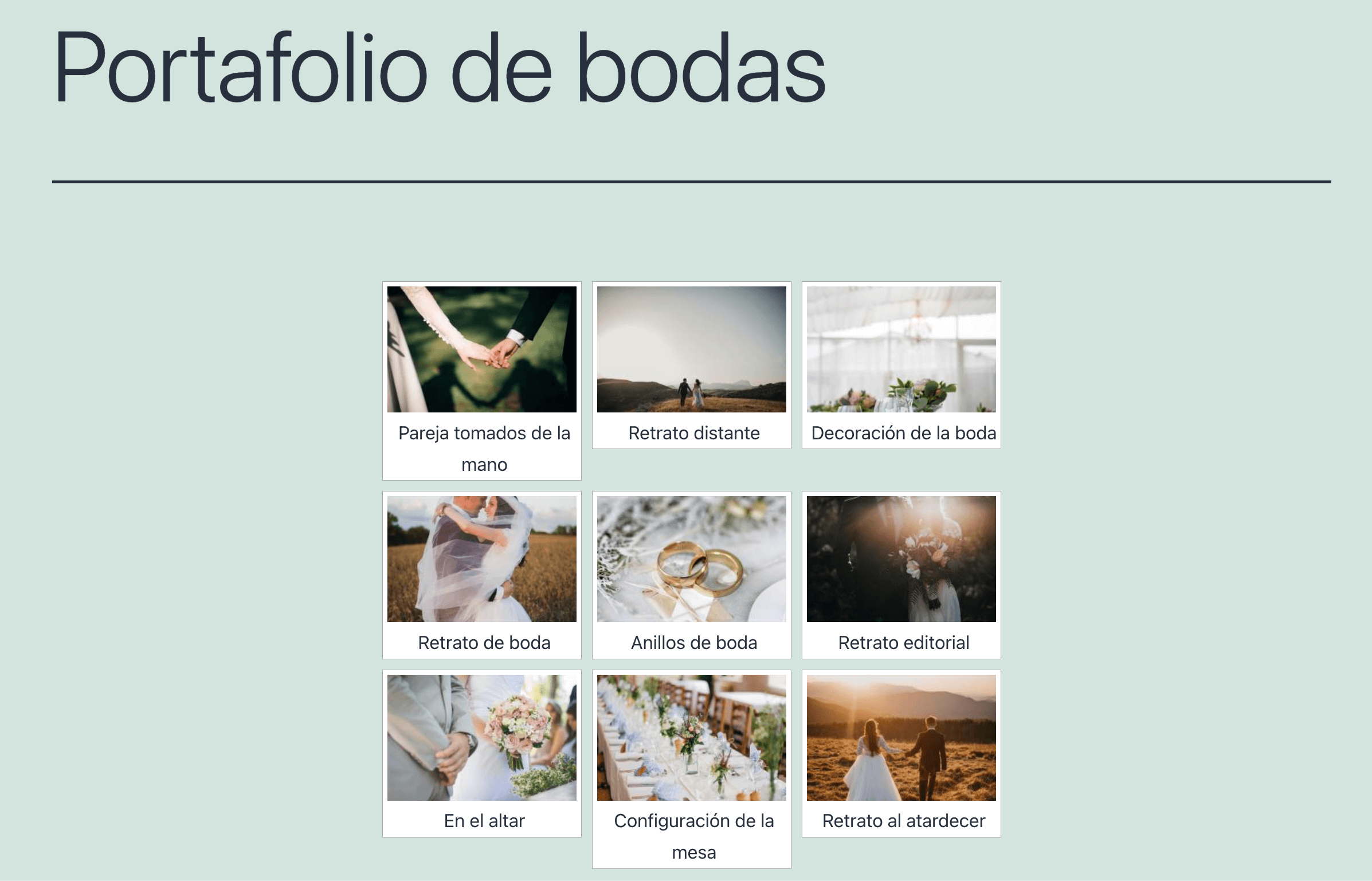 |
Getting Started
Start by installing and activating the following plugins:
- NextGEN gallery plugin
- WPML core plugin and WPML String Translation add-on
If you’re new to WPML, check out our Getting Started Guide. It quickly walks you through all the translation options you can use.
Displaying a Gallery on a Translated Page
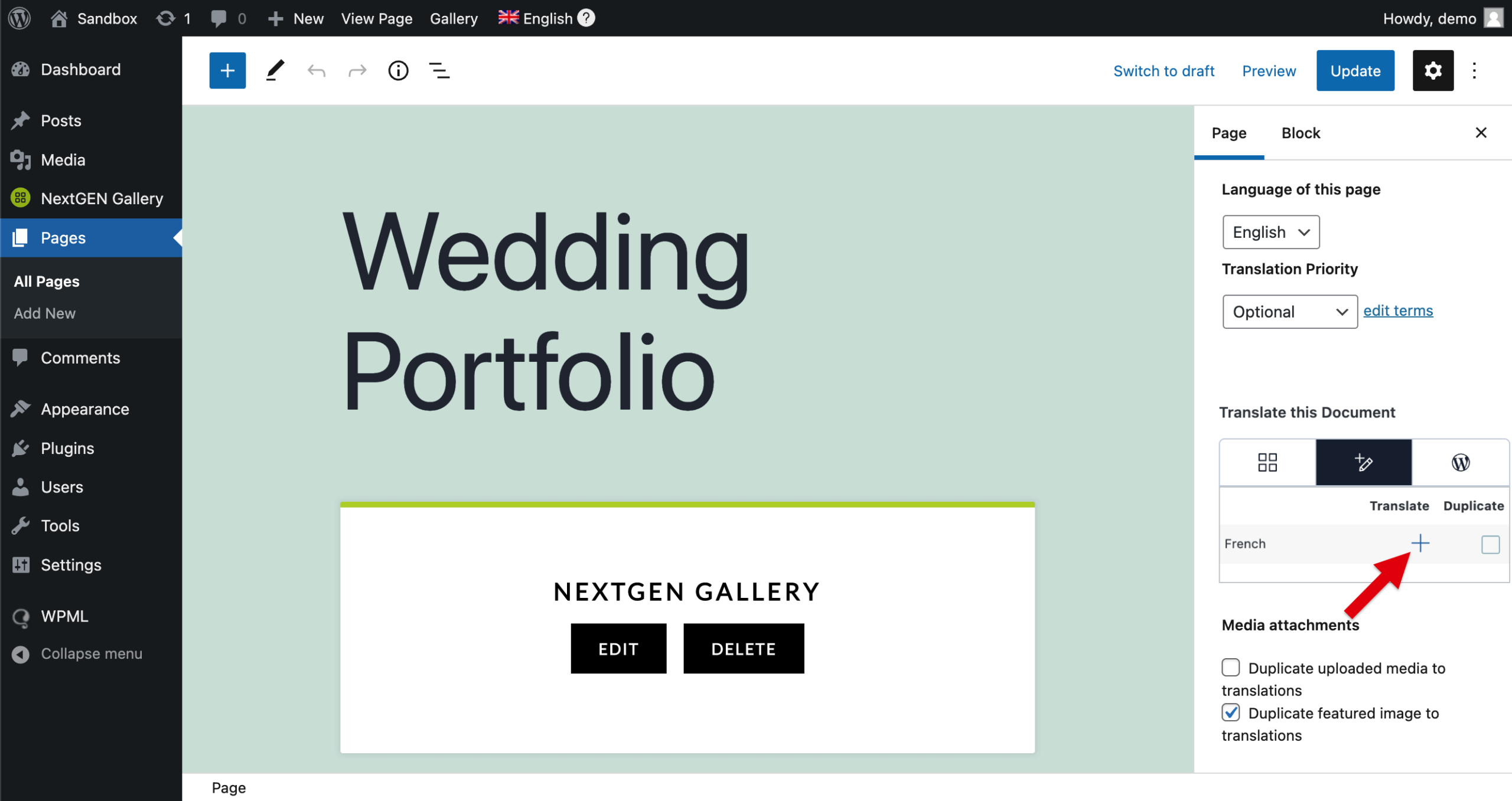
- Create a page in your default language and add a NextGEN Gallery block to your page.
- Click on the plus icon in the Language section to translate the content of the page.
After translating, the page content will display in the secondary language, but the gallery text will still be in English. Next, you will need to translate the descriptions, captions, and other gallery strings.
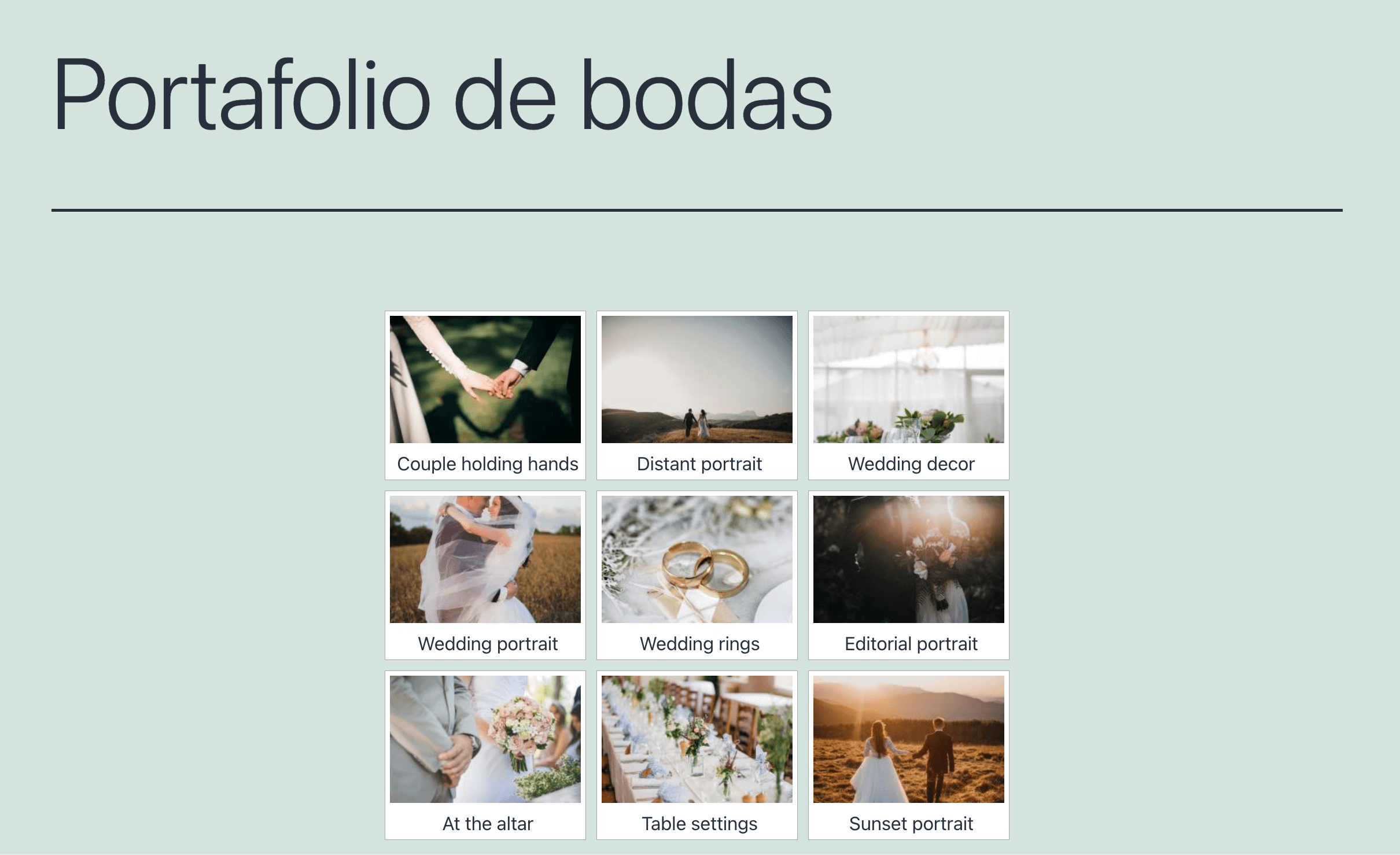
Translating NextGEN Gallery Text: Titles, Captions, Alt Text, Descriptions, and Tags
Before you can translate your gallery text, you need to make your gallery translatable. To do this:
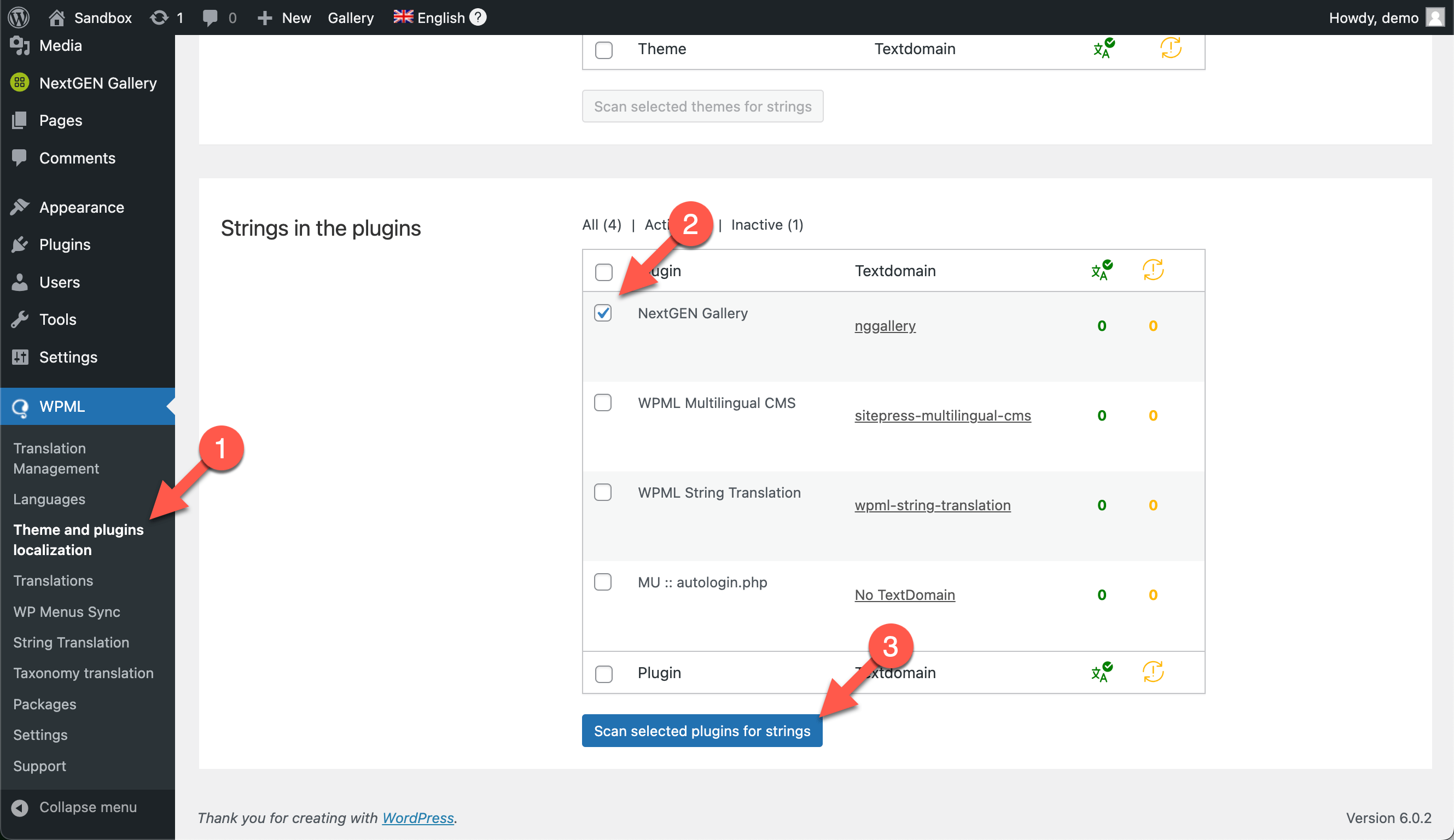
- Go to WPML → Theme and plugins localization
- Scroll down to the Strings in the plugins section and select NextGEN Gallery
- Click the Scan selected plugins for strings button
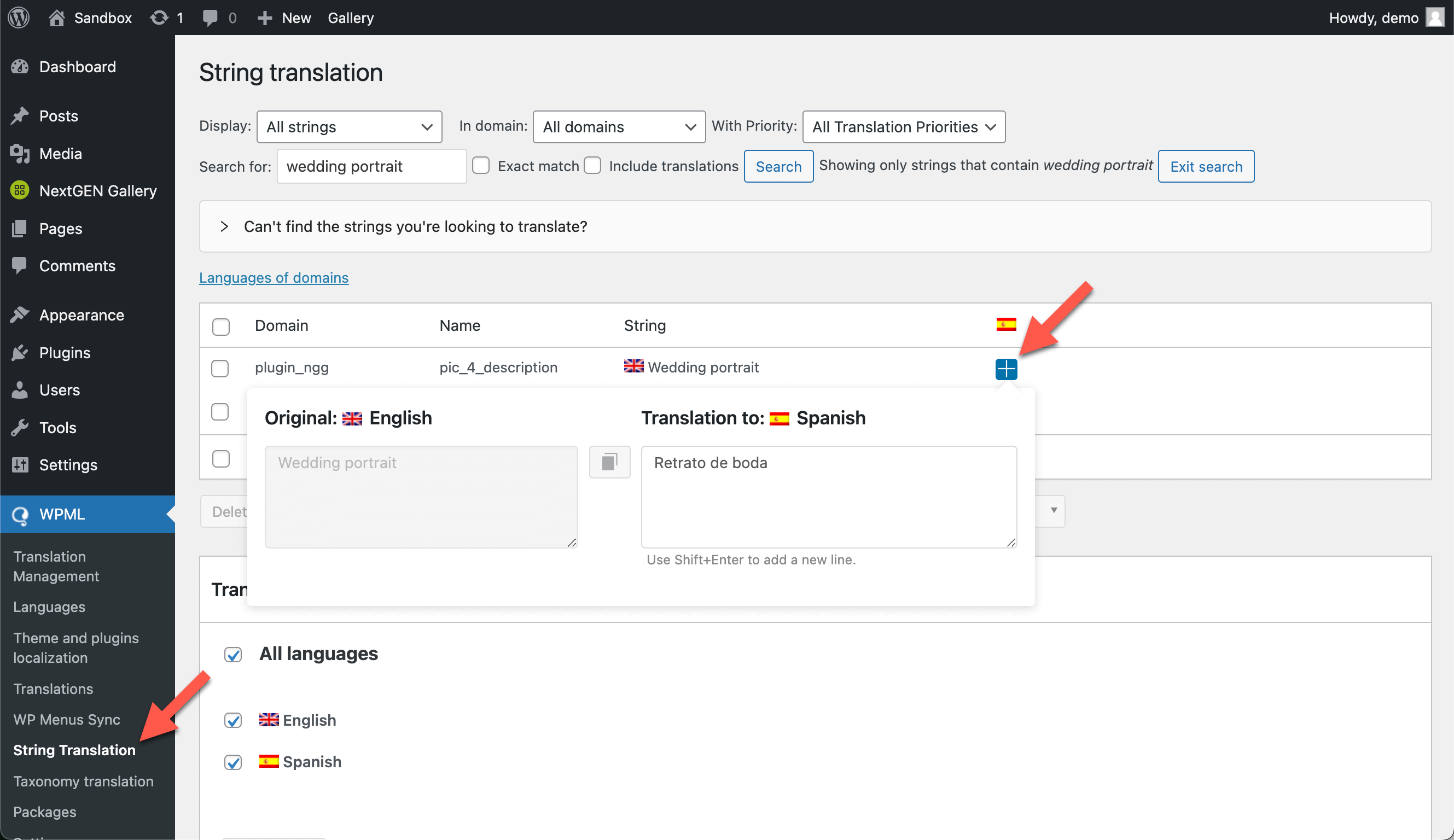
Now, go to WPML → String Translation, and click on the plus icon to translate.
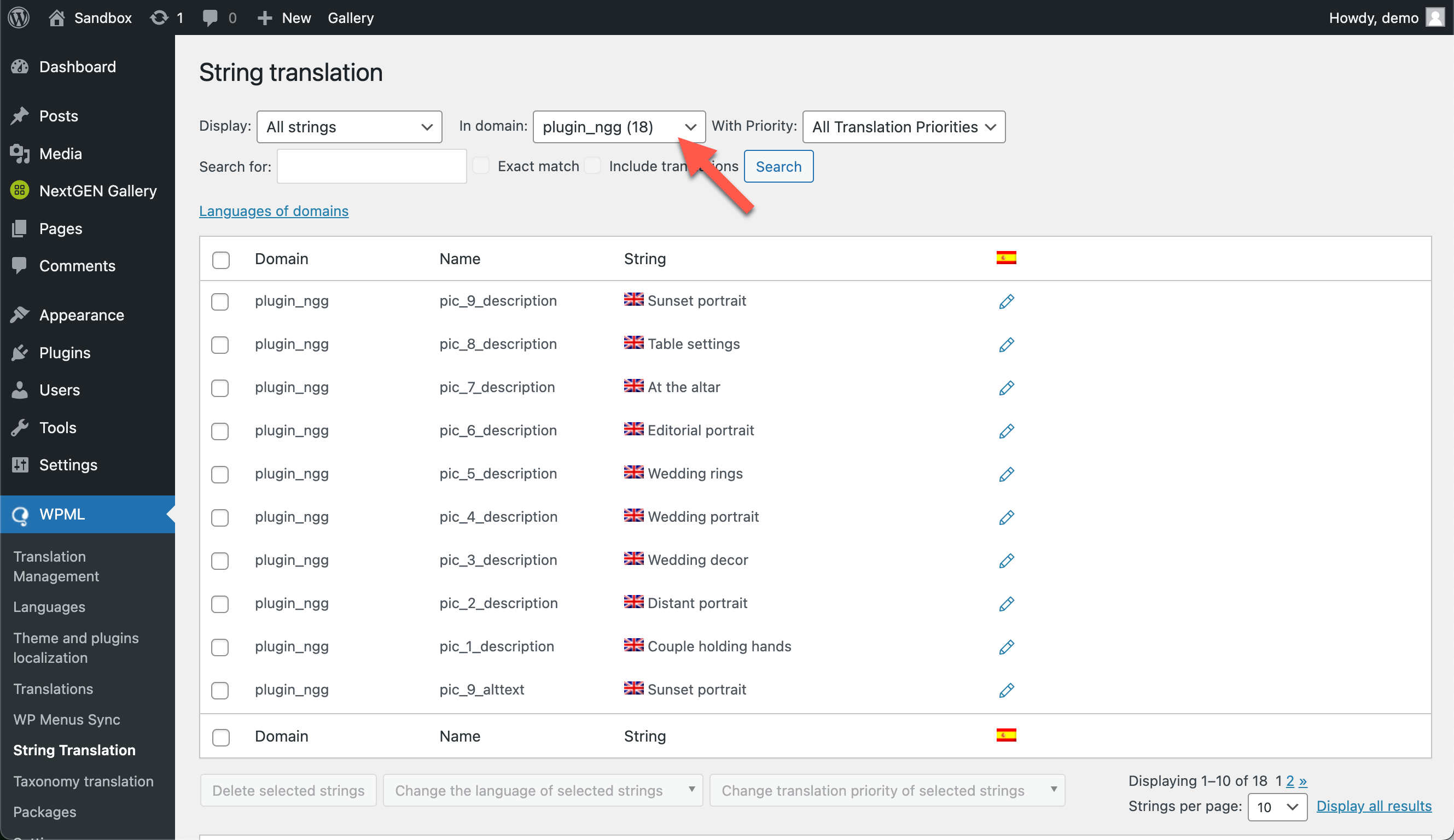
You can also display the entire list of strings to translate by selecting the plugin_ngg domain.
Getting Help From Our Support
If you need help translating your site built using NextGEN Gallery and WPML, visit WPML support.