


Slider Revolution 7 Now Translates Automatically With WPML
WPML now translates every Slider Revolution 7 module automatically into every language on your site.

In this tutorial we teach how to build multilingual real estate sites. We’ll use Toolset plugins and start from a fully functional reference site.
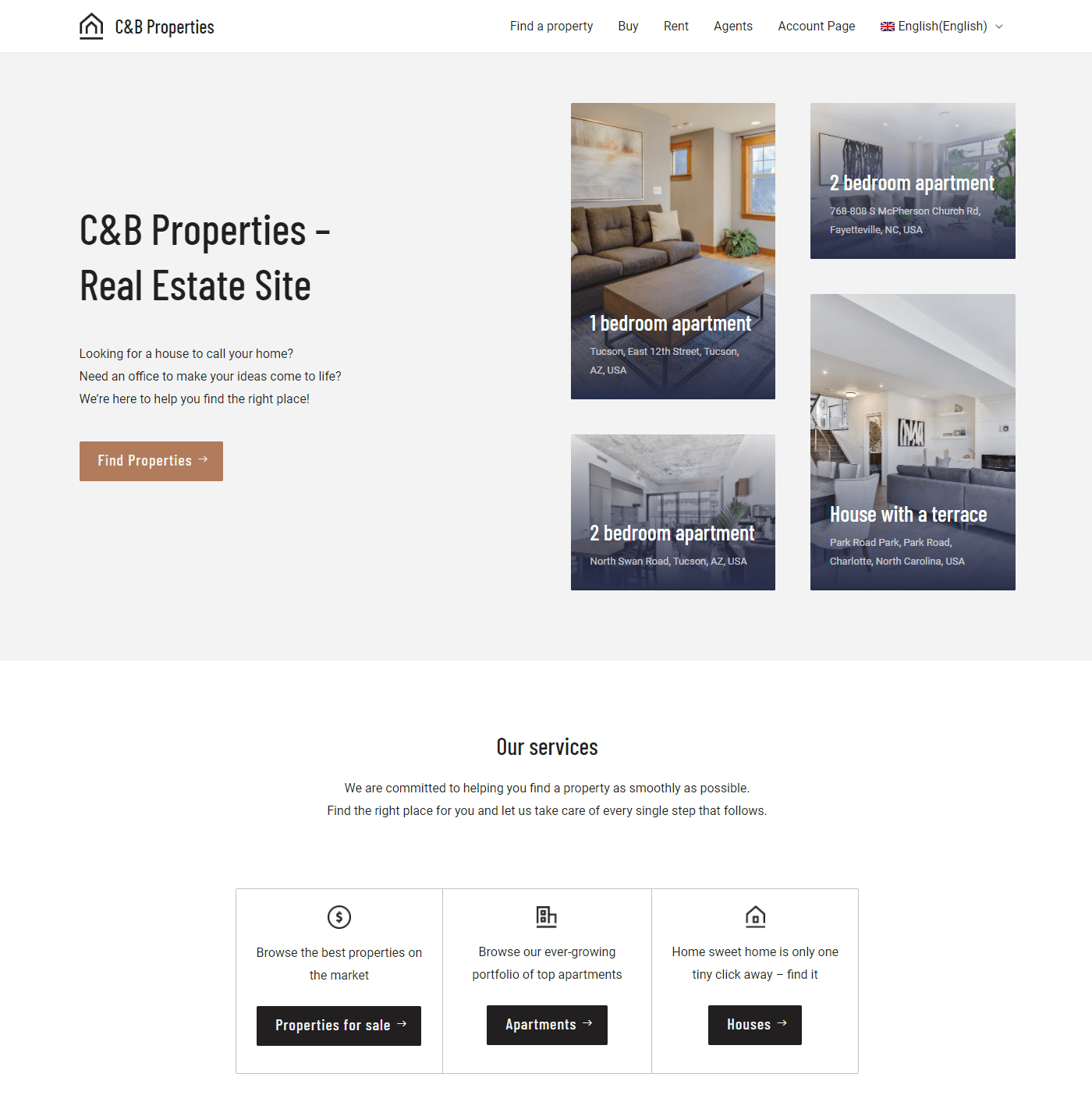
Homepage of the Real Estate website
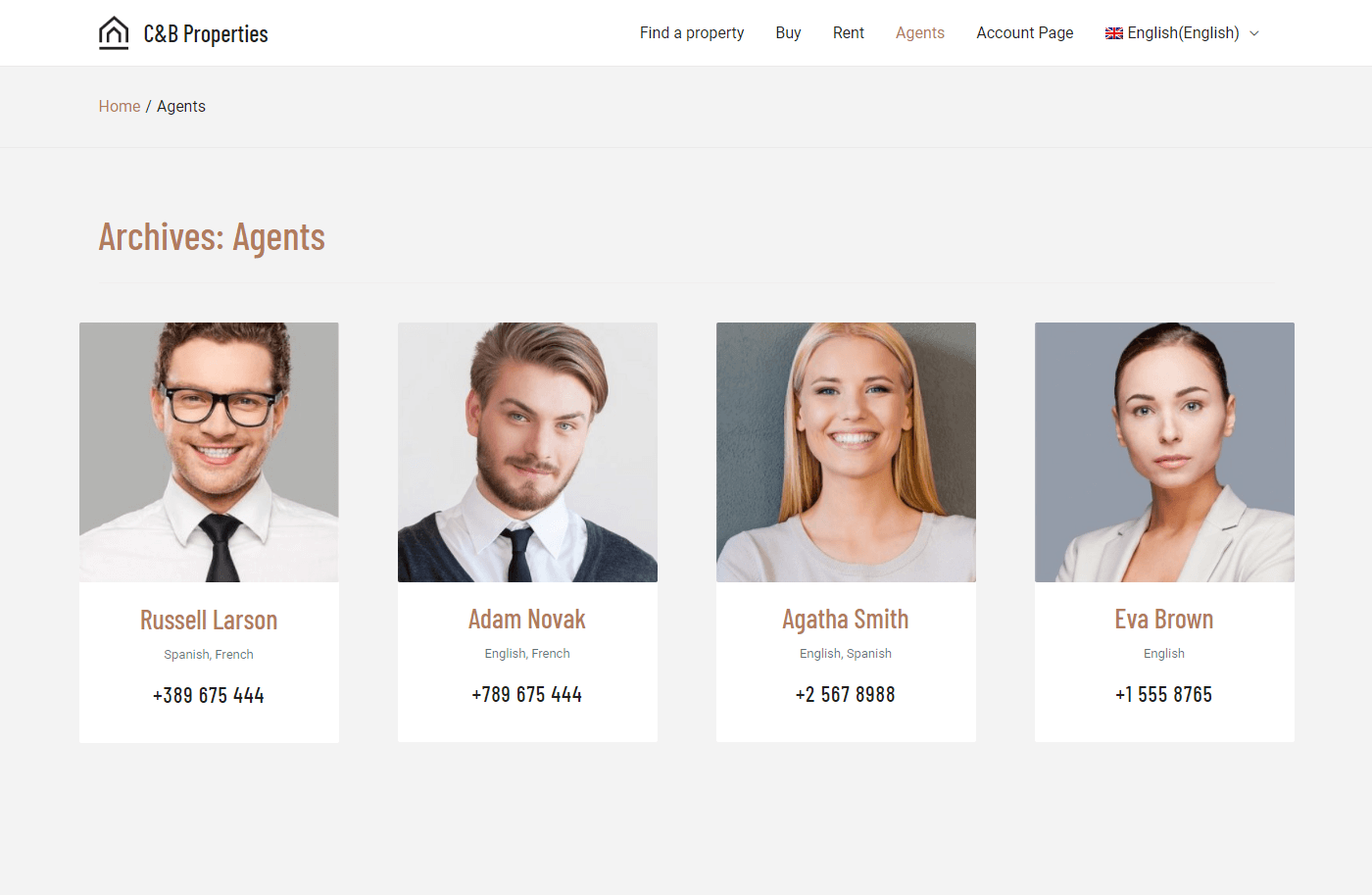
List of agents
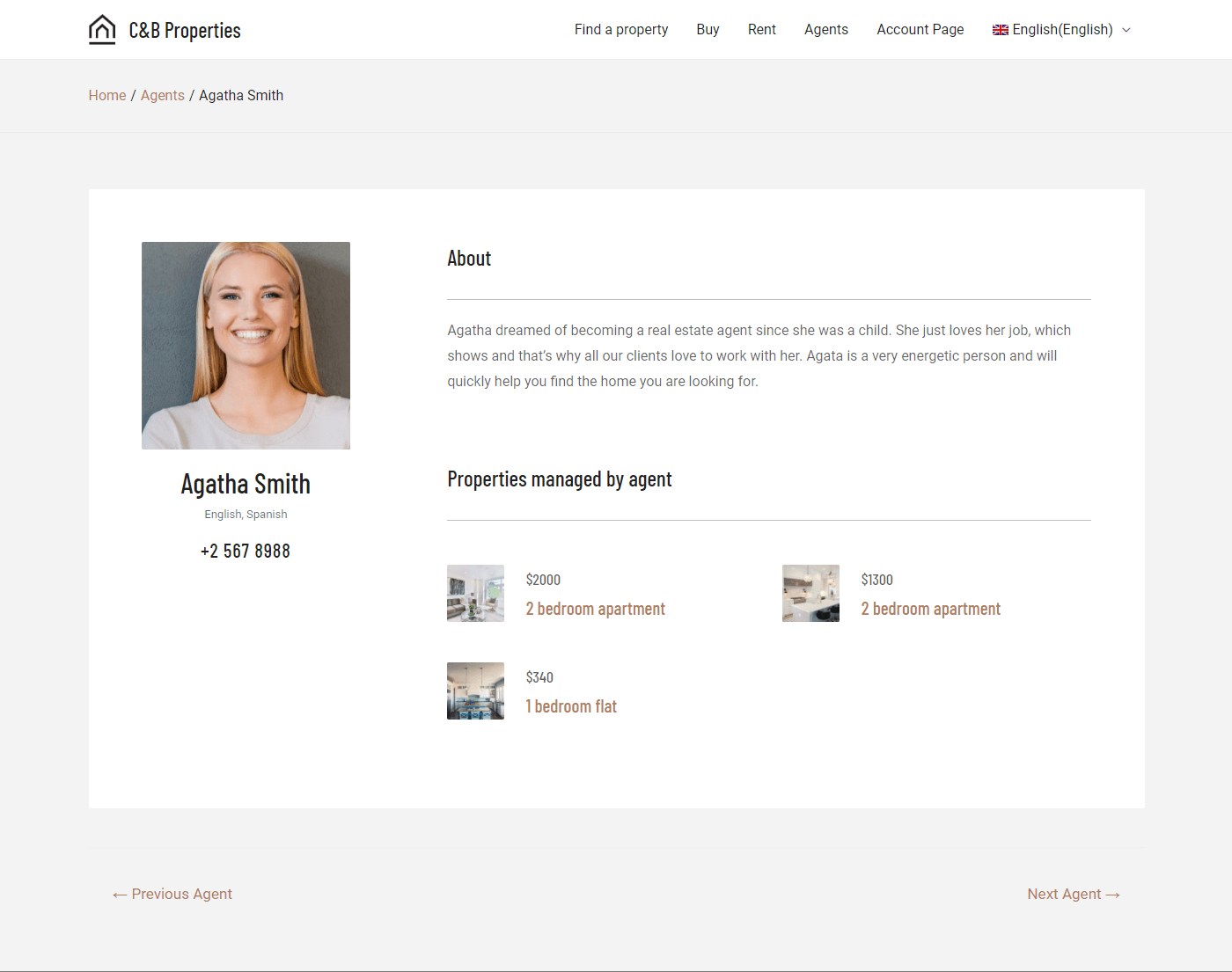
Page for the individual agent
Page for the indvidual property
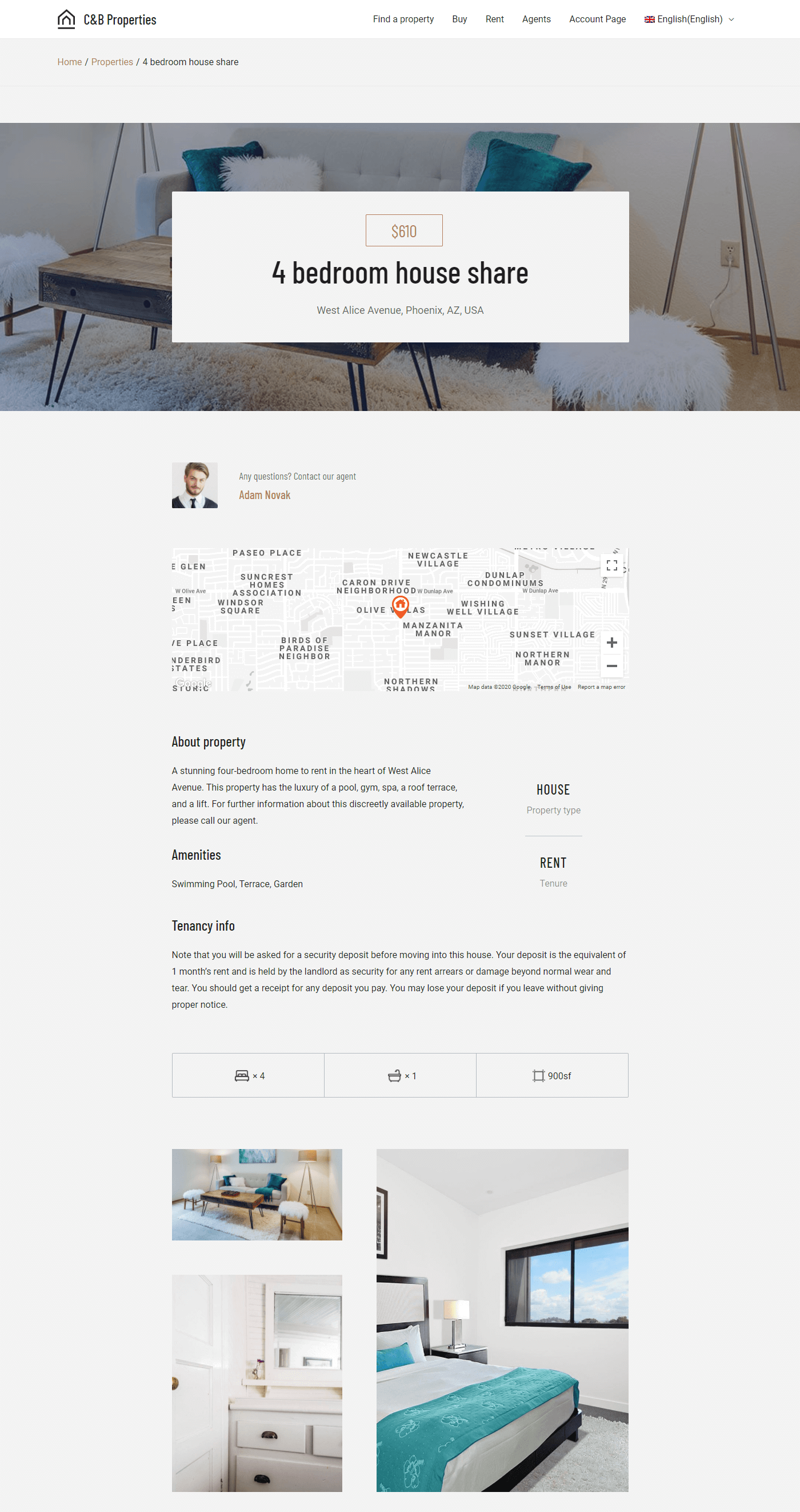
Toolset offers a complete real estate reference site, which has everything set-up and ready to use. Instead of using it, we’ll follow the course on building real estate sites and build our from scratch.
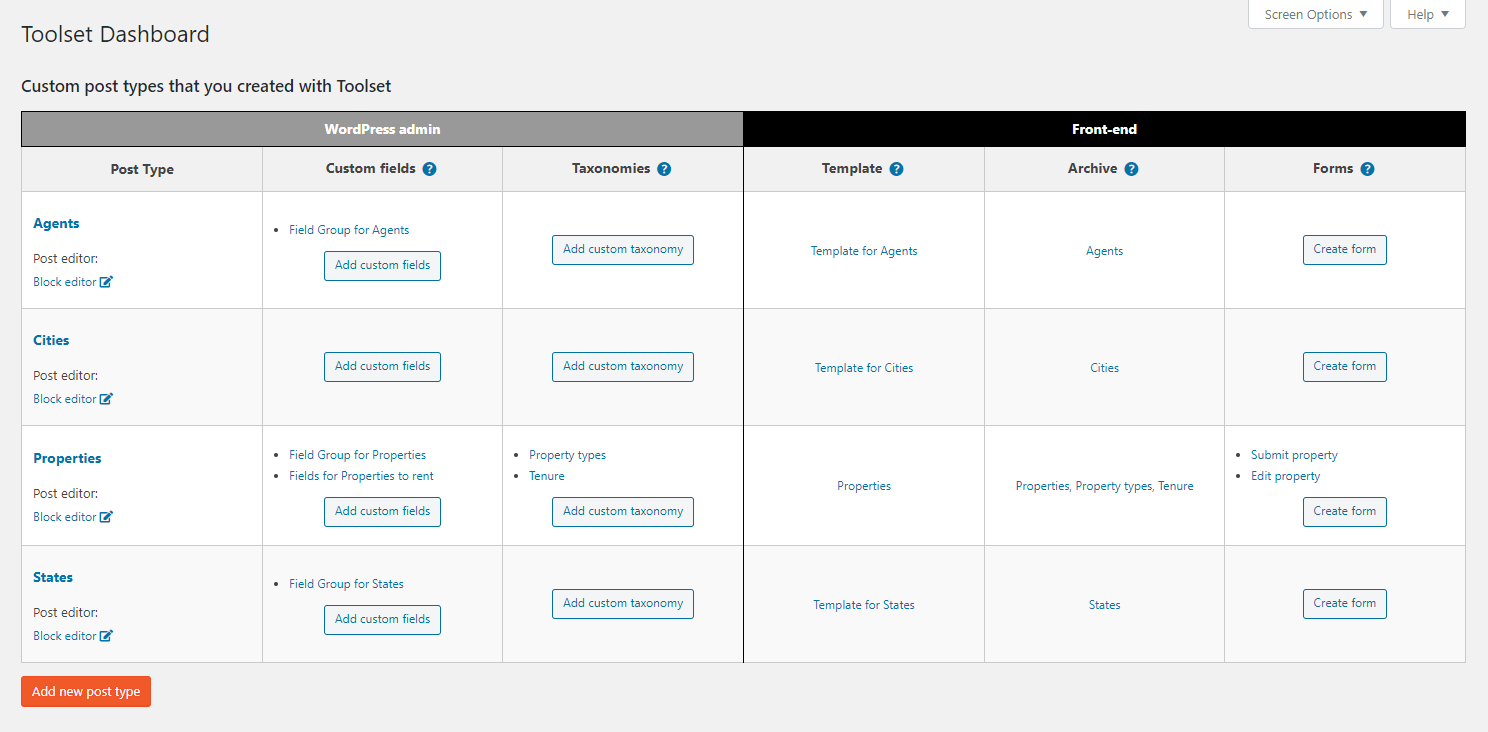
We’ll start by creating the custom post types, custom fields and taxonomy for properties and agents.
Go to Toolset → Dashboard to create the custom post types for Properties and Agents.
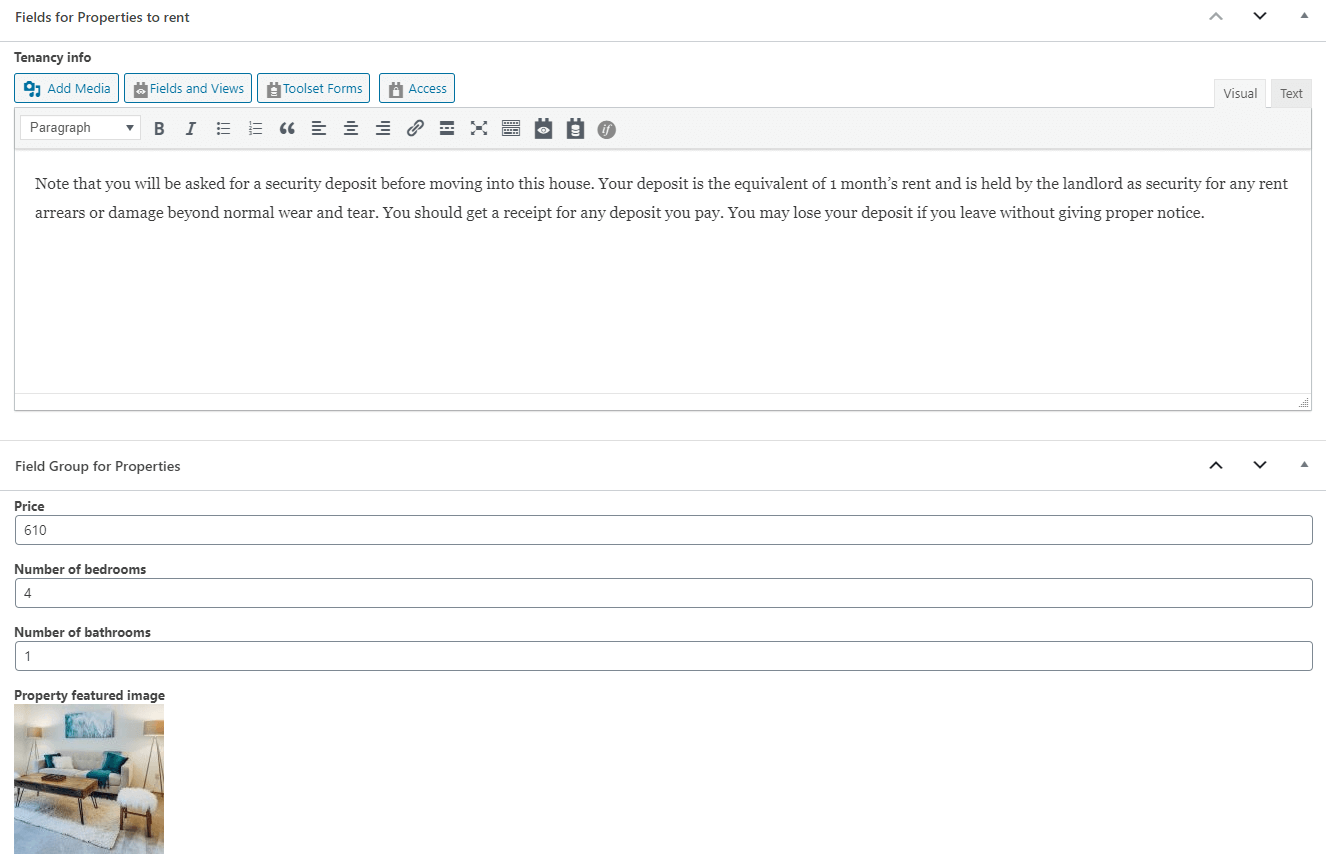
We’ll add custom fields to both properties and agents, to hold the information that each requires.
With Toolset, your design tool is the WordPress Block Editor (Gutenberg). Today, the Block Editor offers rich design and there are dozens of great block libraries to use, besides the built-in blocks that come with WordPress.
For this real estate site, we’ll create a rich homepage, which shows dynamic content from properties and agents.
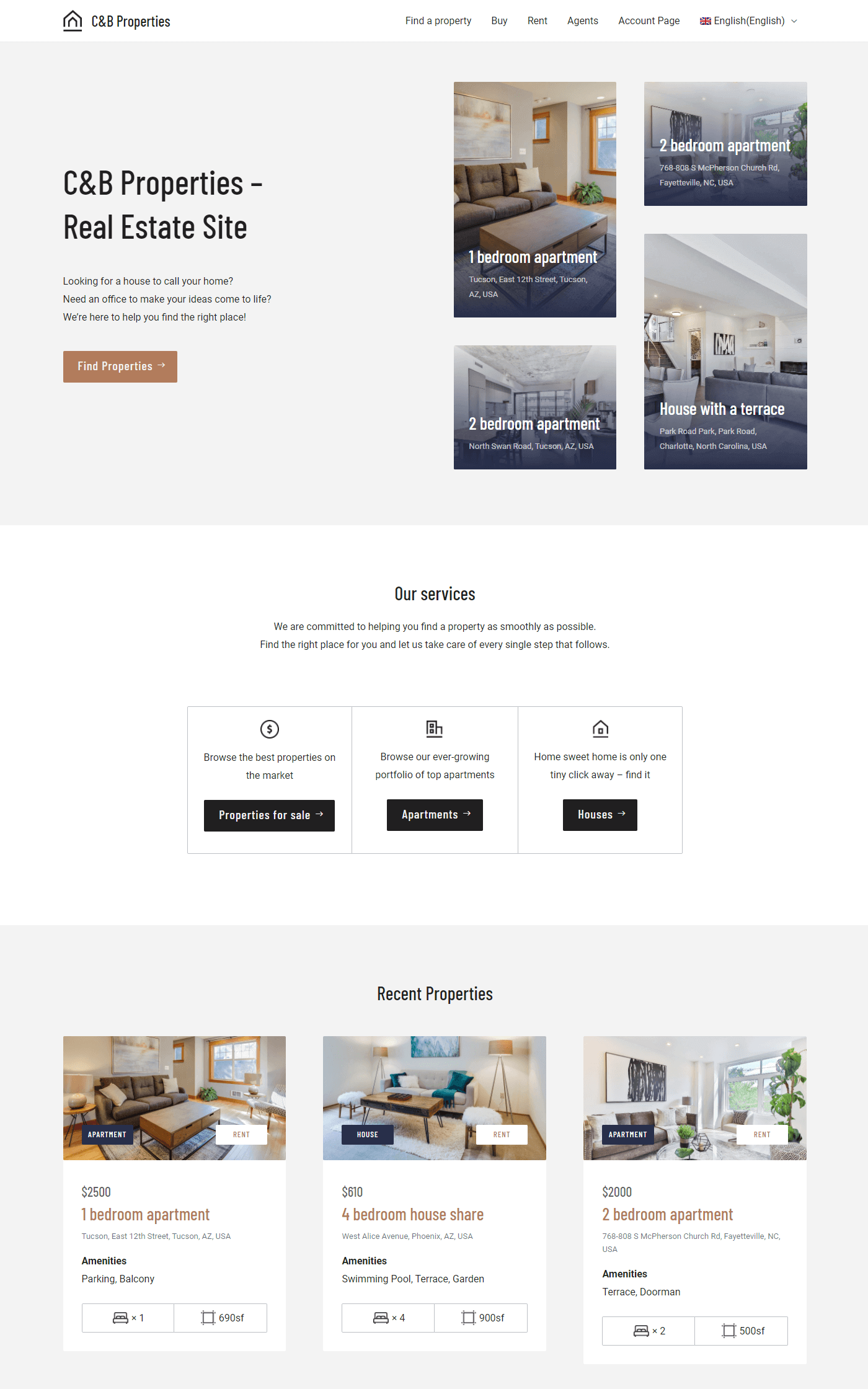
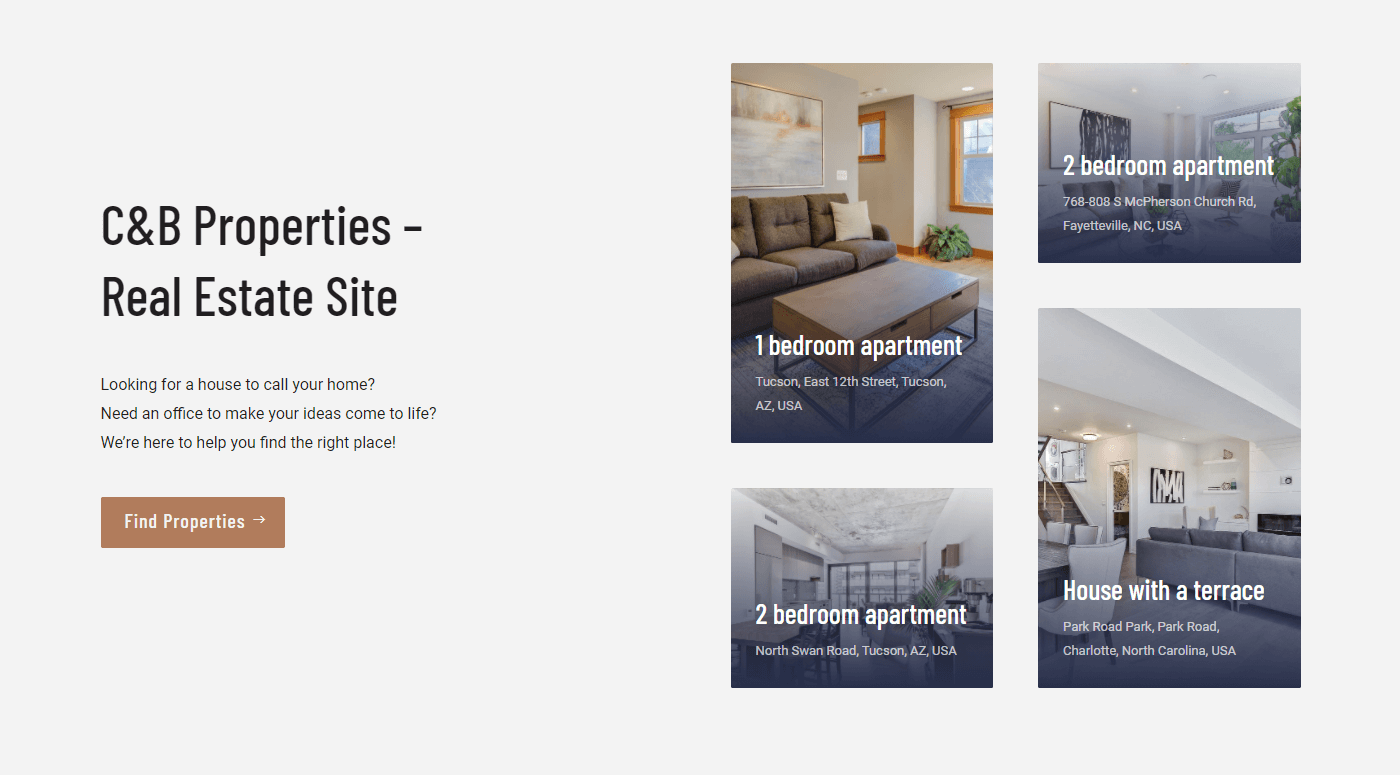
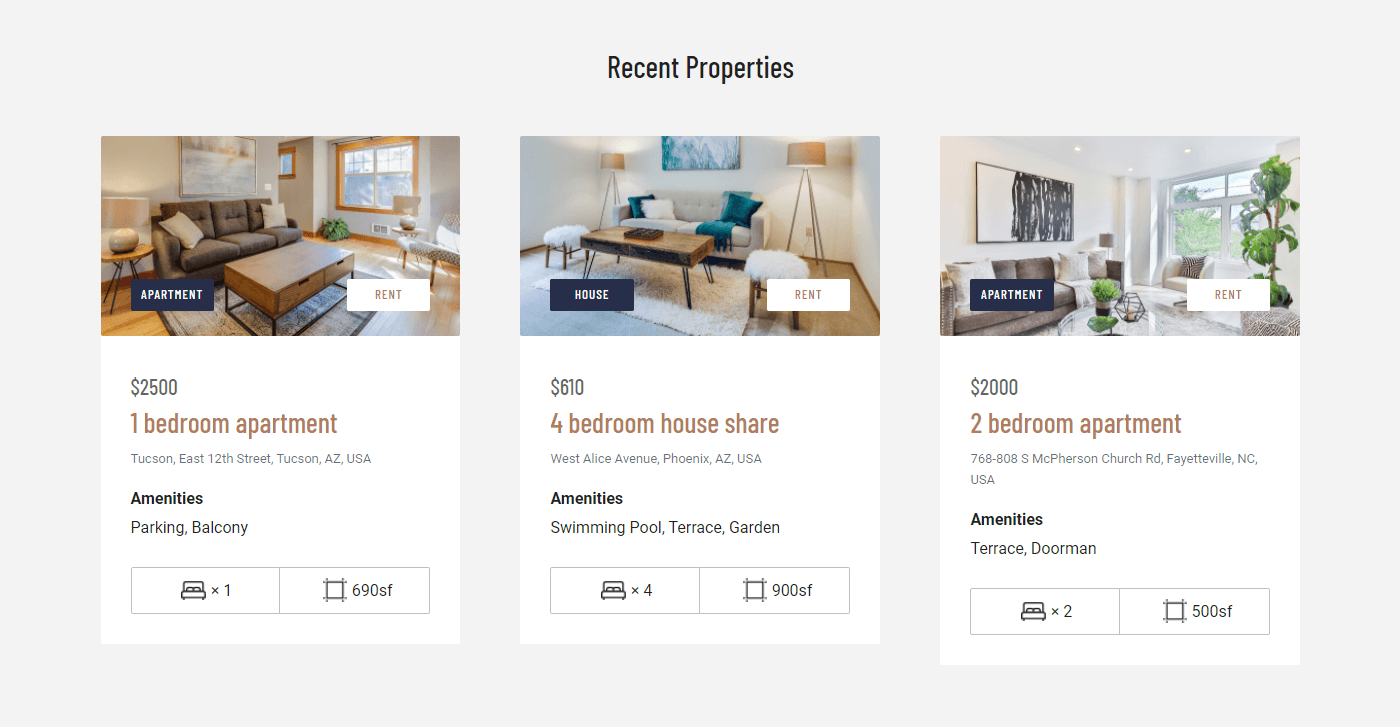
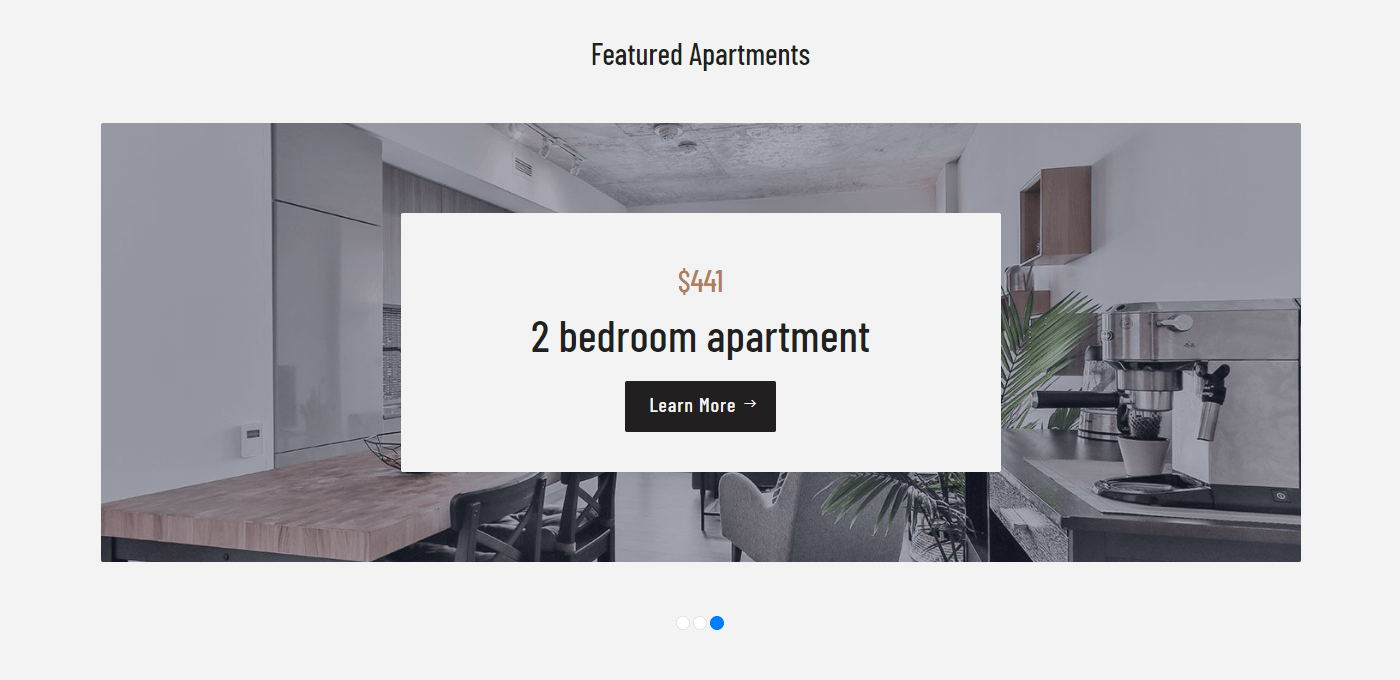
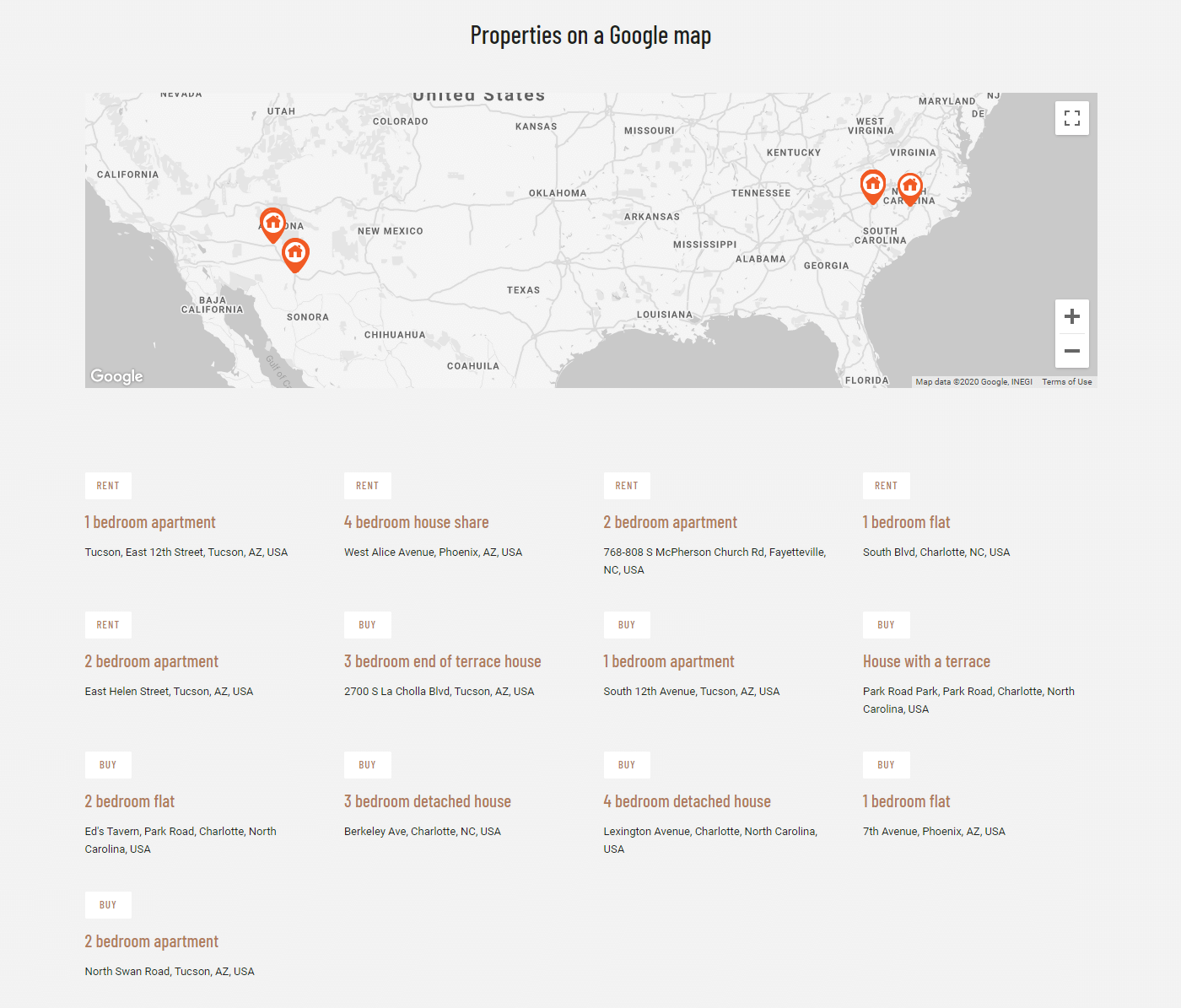
This homepage includes several lists of properties. There’s a collage of “showcase properties” at the top, a grid of recently added properties and a slider with featured properties. All these are actually Views, which you can create yourself. Views can even display items as markers on maps.
Featured properties View
Recent properties View
Featured apartments View
List of agents

Properties on a Google map
Building a View takes four steps:
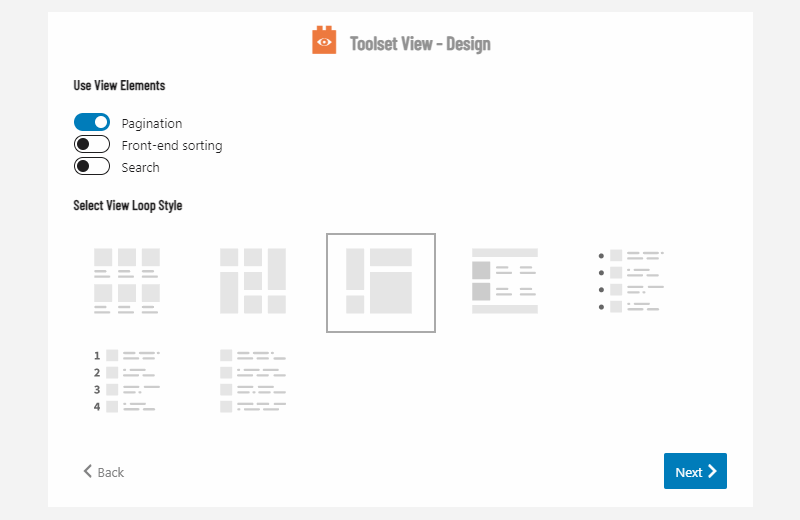
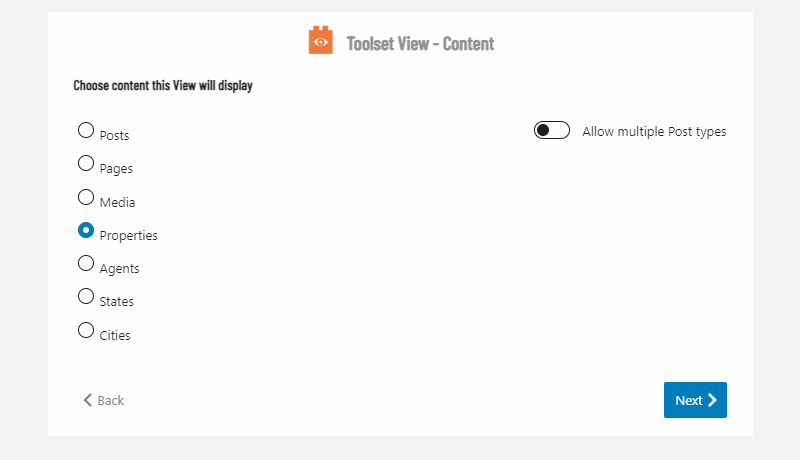
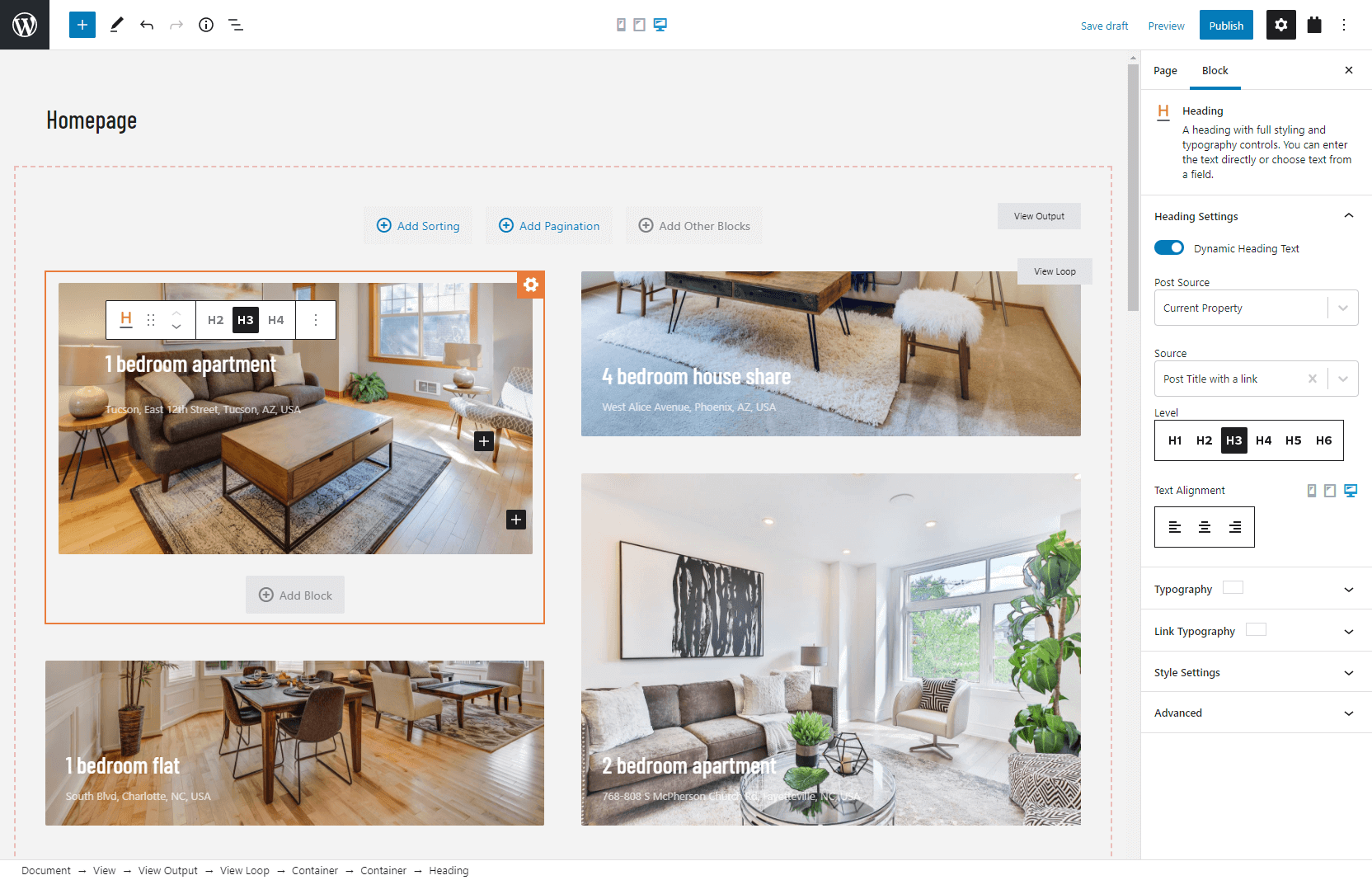
Anything that you create with Toolset, you can easily translate with WPML.
Use WPML’s Translation Management to send all your pages, templates, and other Toolset elements for translation. You can then translate them yourself, use your own translators or one of the integrated translation services.
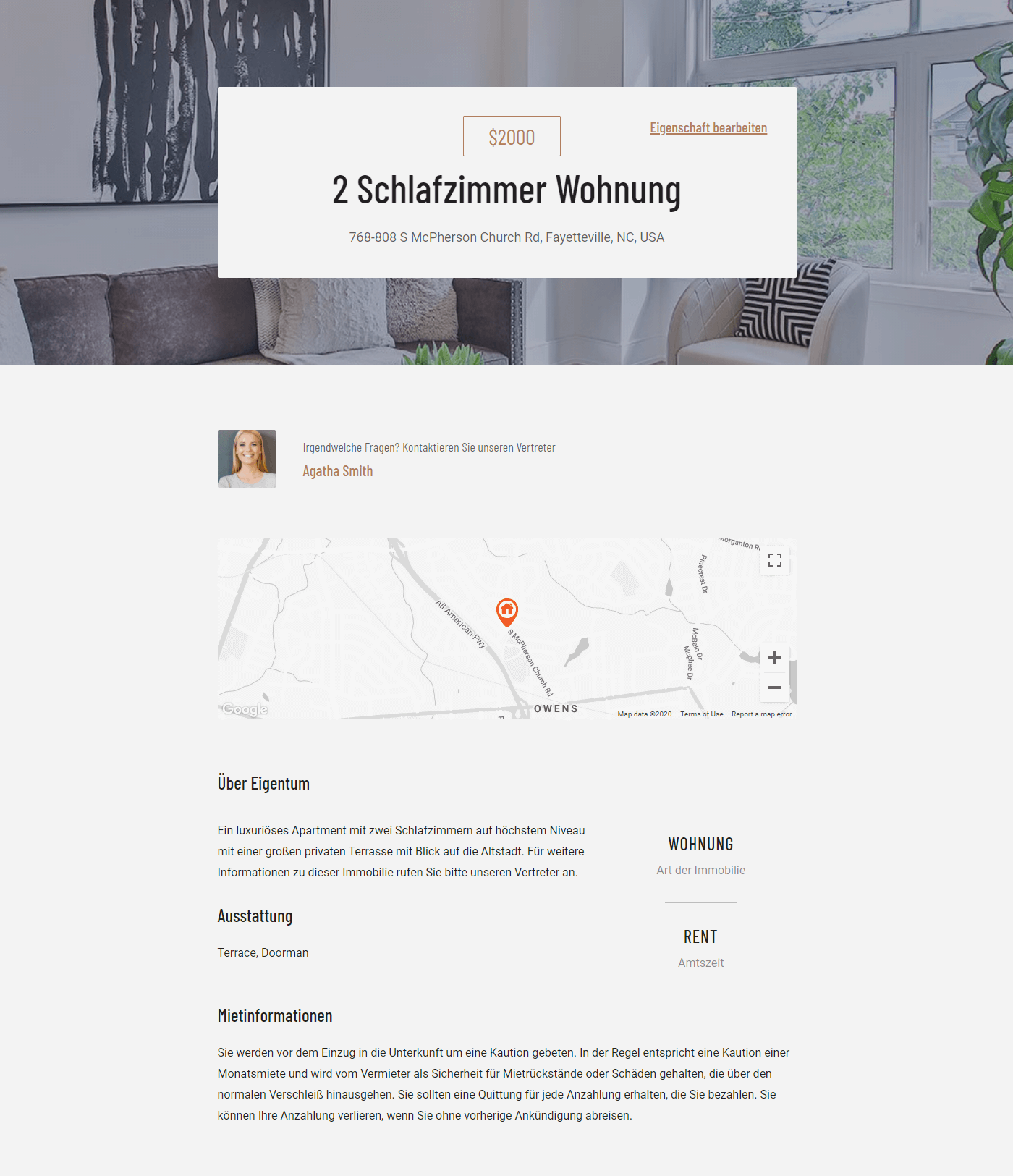
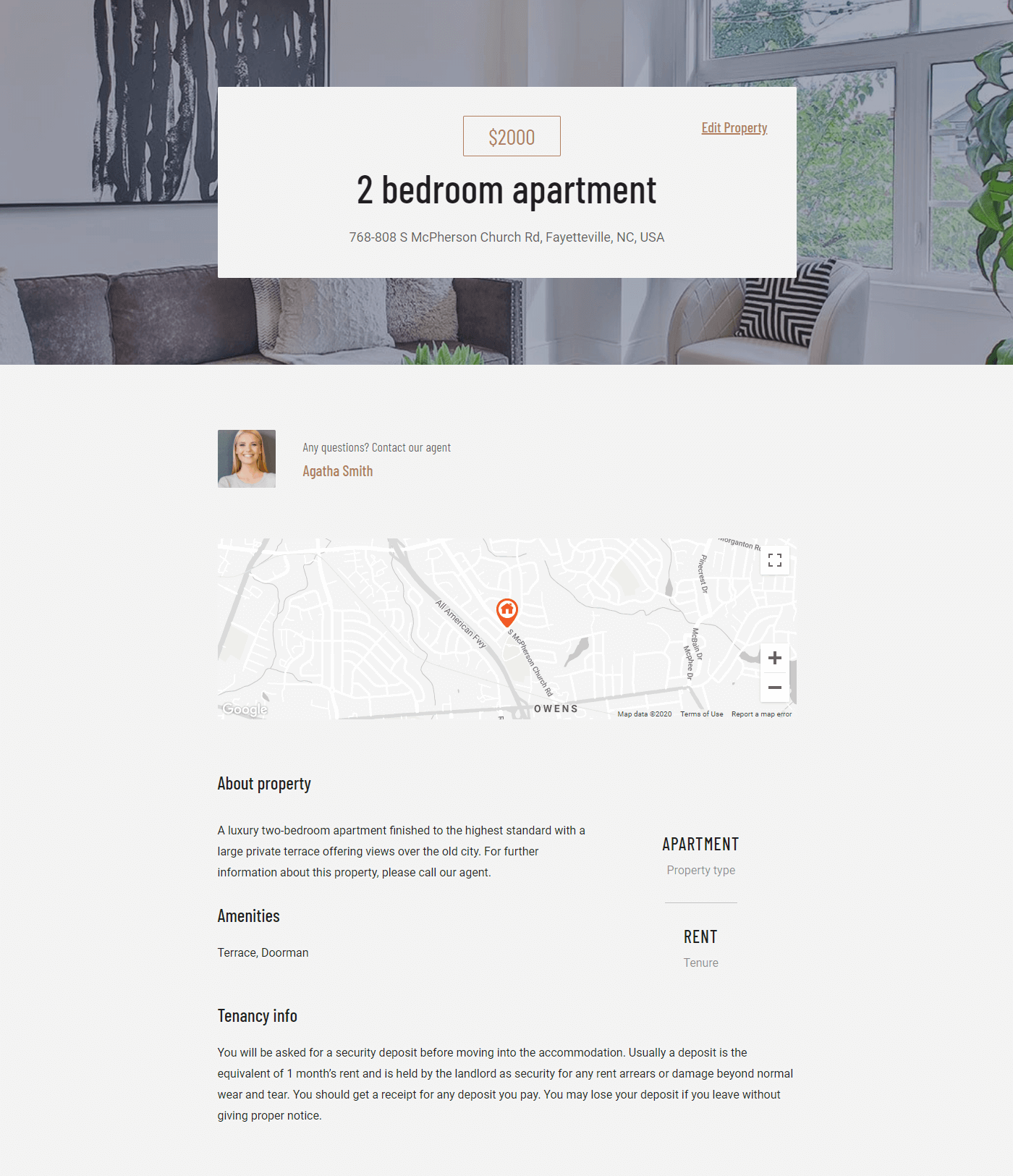
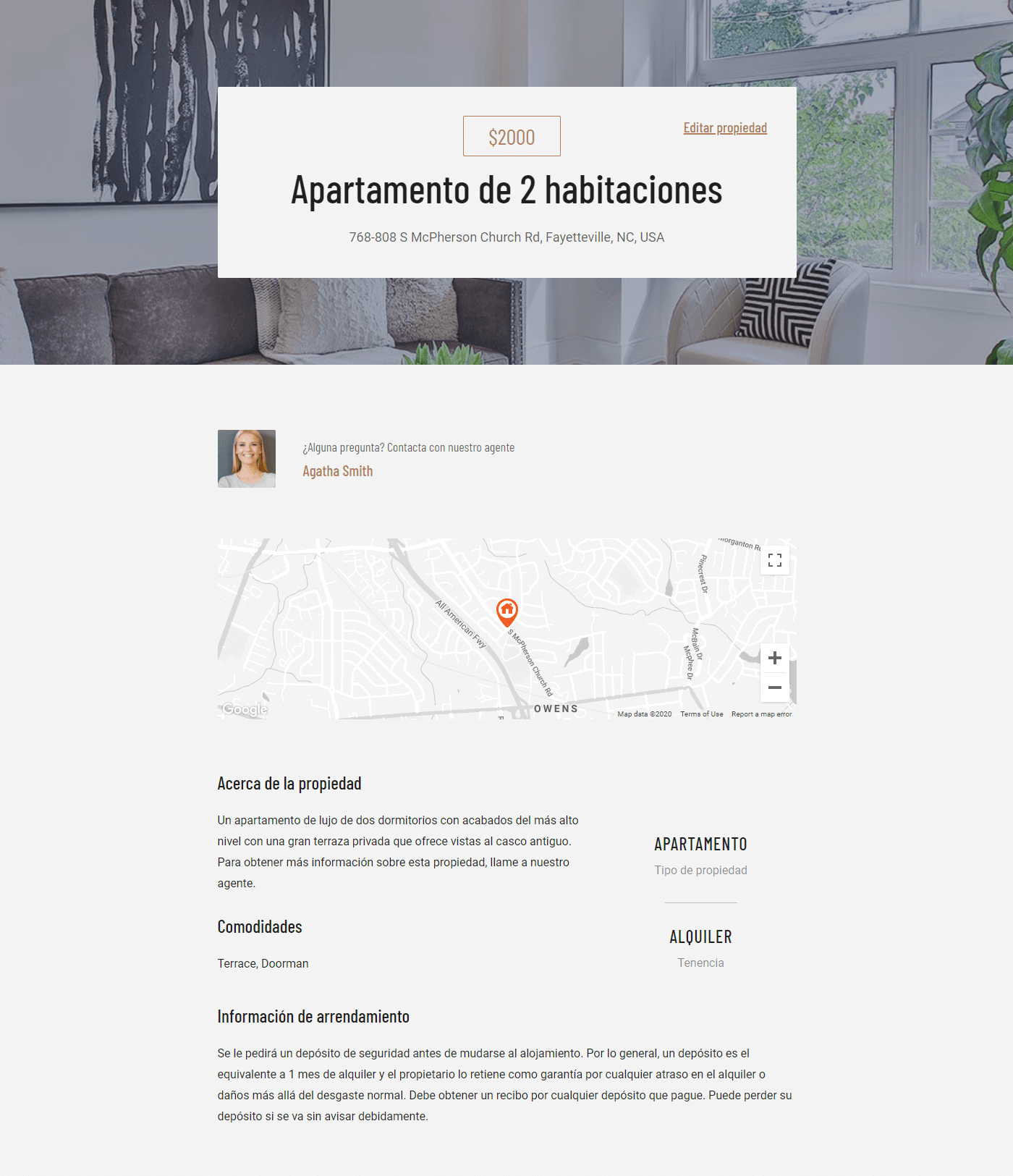
Translating Toolset templates is the same as translating posts. You will get a list of texts which appear in the templates and translate just them. You don’t need to recreate templates separately per language.
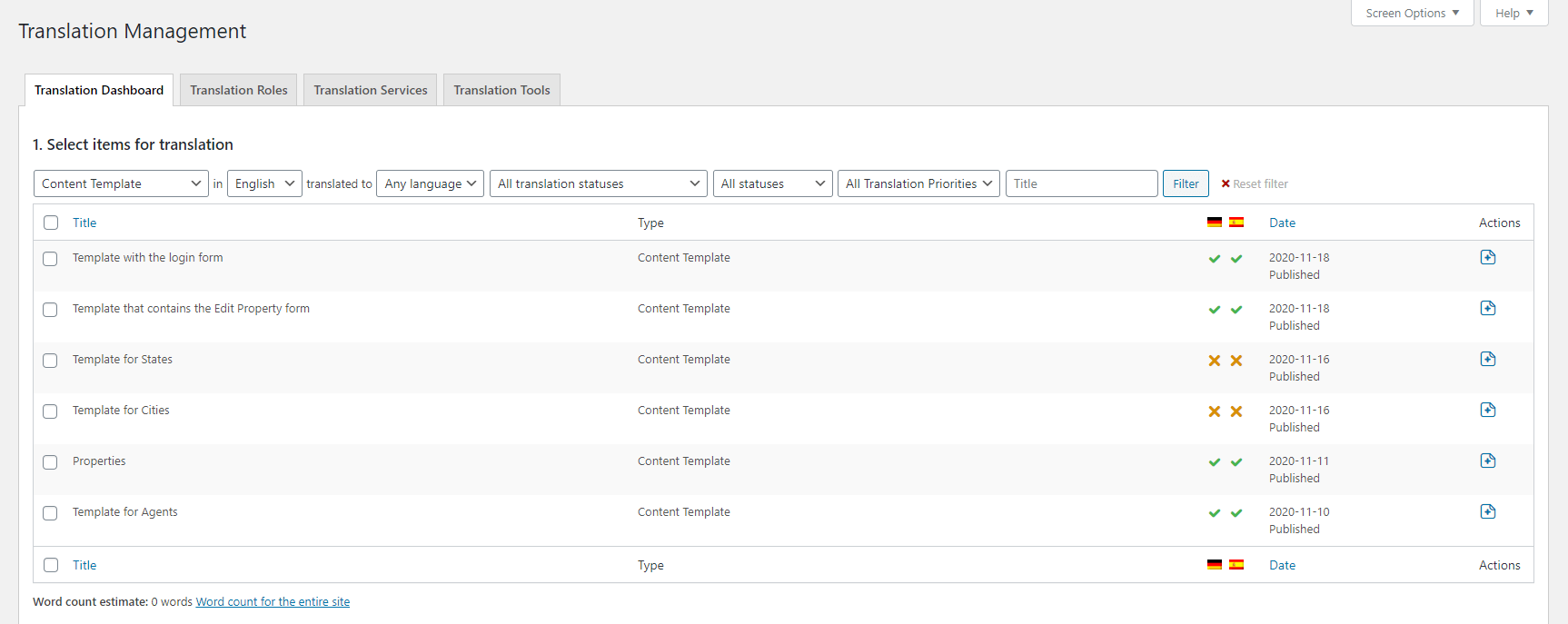
After you translate the template, visitors can view properties in their languages.
Template in German
Template in English
Template in Spanish
For full details, read about translating real estate sites built with Toolset.
This tutorial scratches the surface of what you can build with Toolset. Toolset comes with complete tutorials on creating directory sites, custom WooCommerce sites, membership sites, and more. You might also be interested in our training course on designing professional-looking sites in WordPress.
Toolset starts at only $69 for a complete package for one site. If you’re interested in Toolset, there’s a 30% discount waiting for you in our coupons page.
WPML now translates every Slider Revolution 7 module automatically into every language on your site.
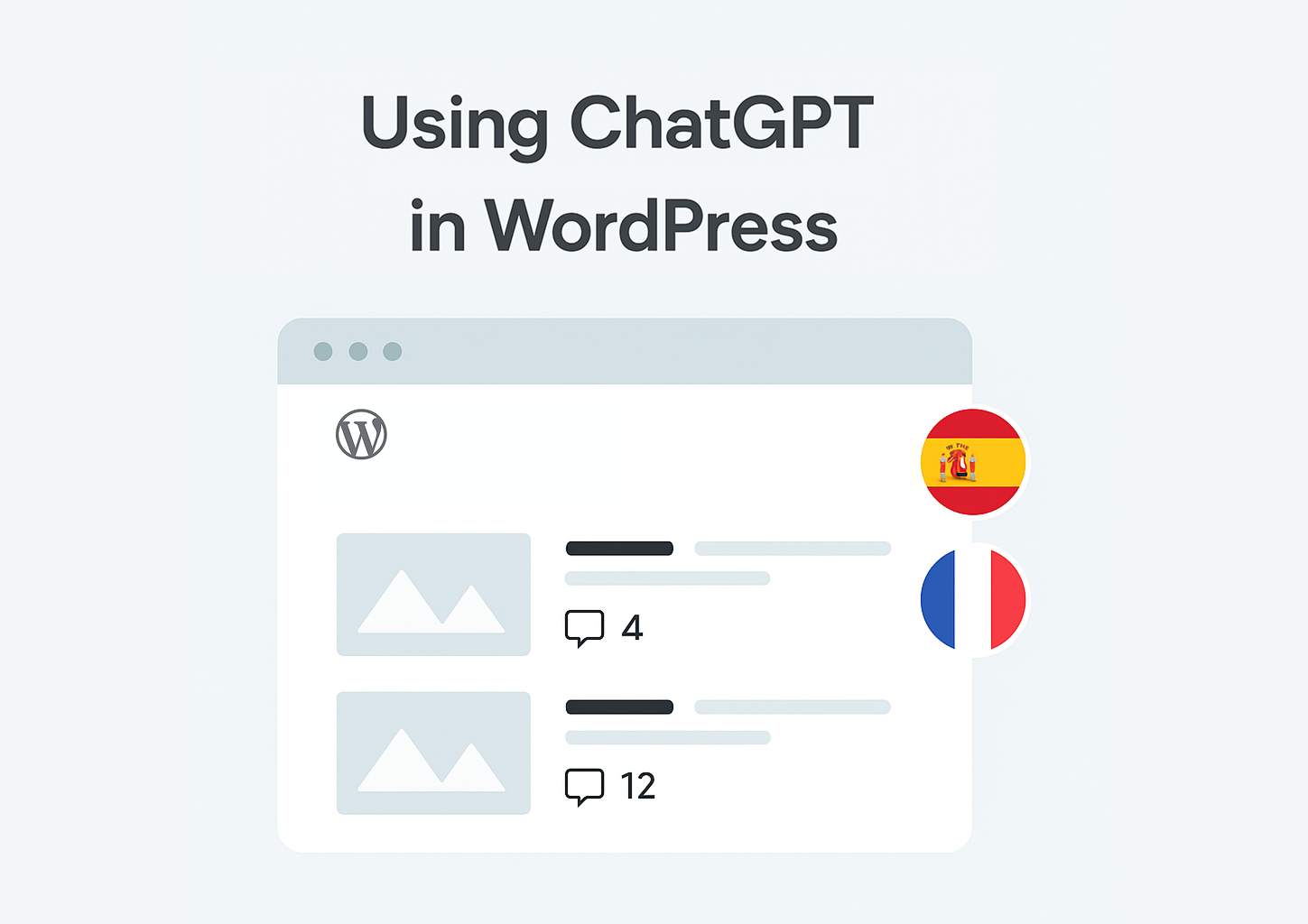
Many WordPress users are exploring ways to combine ChatGPT and WPML to translate their websites.
BuddyPress Multilingual 1.8.0 makes it possible to translate new content in BuddyBoss and BuddyPress user profiles.