


ACF Multilingual 2.2.0 – Easier Options Page Translation and Better Local Fields Support
Translate Options Pages directly in Translation Dashboard, manage local fields more easily, and enjoy faster performance with ACFML 2.2.0.

 3 minutes
BuddyPress Multilingual 1.9.0 lets you translate groups in BuddyBoss and lays the groundwork for translating activity topics, albums, and folders. These additional features will become available with an upcoming BuddyBoss release.
To comply with plugin trademarks, we’ve renamed BuddyPress Multilingual to WPML Multilingual for BuddyPress and BuddyBoss.
Our goal is for members of BuddyBoss-powered websites to experience them in their native language. Members should join, create, and manage groups in their own language right from the frontend.
Some of the new features work out of the box, while others will require an upcoming BuddyBoss update. We’re working closely with their team to make sure their update happens as soon as possible.
This feature works just by updating your site to BuddyPress Multilingual 1.9.0.
When creating or editing groups in BuddyBoss, administrators can now translate group names and descriptions directly from the frontend:
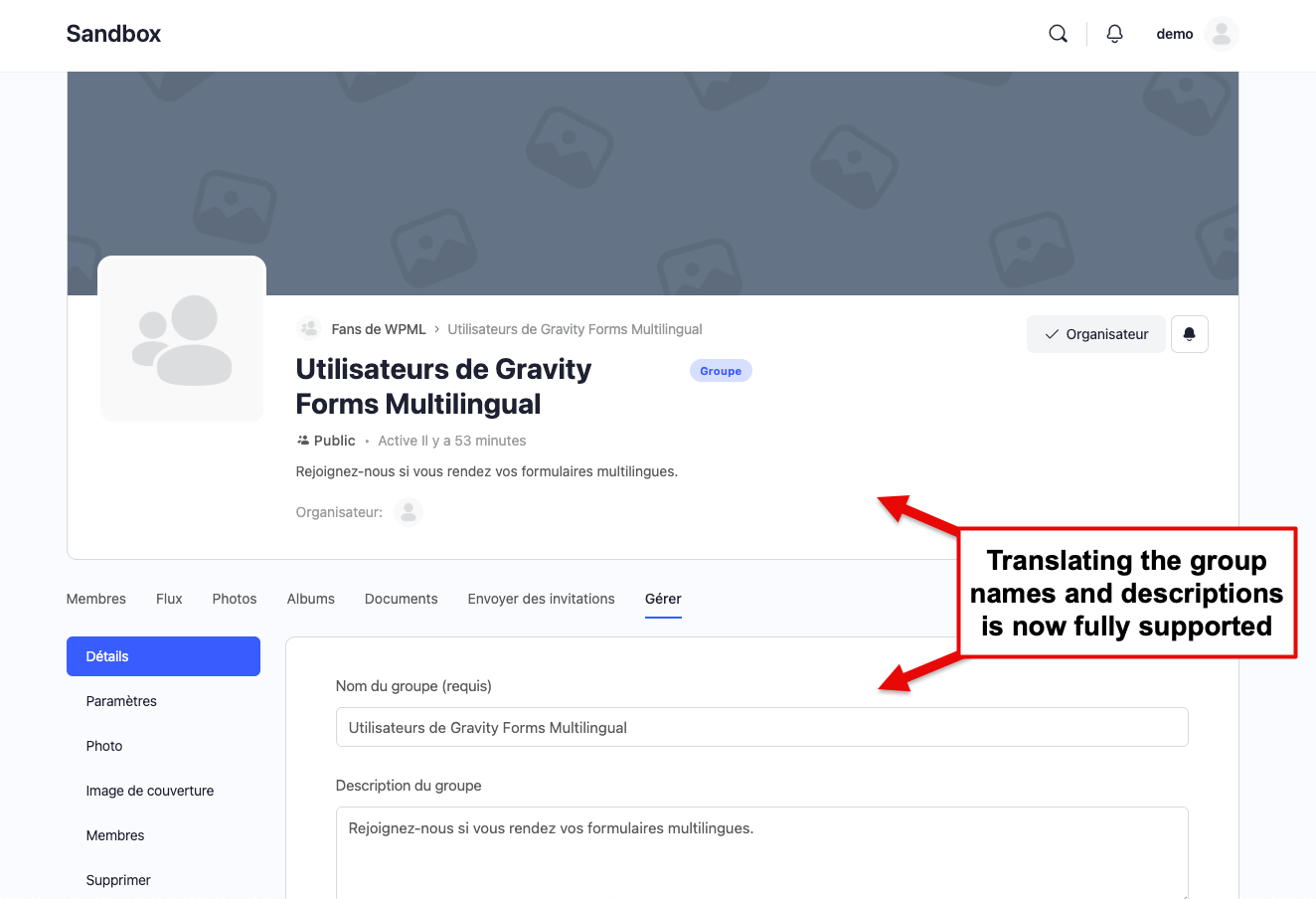
The easiest way to translate groups is from the WPML → Translation Dashboard page. Scroll down to the Other texts (Strings) section, search for your groups, select them, and send for translation.
Alternatively, any user with the correct role can create and edit groups from the frontend. Switching to a secondary language and editing a group will effectively translate it in that language.
This feature requires an upcoming update to the BuddyBoss plugin.
In BuddyBoss, Activity Topics allow admins to organize and structure the community feed by creating custom topics.
Now, site owners can also translate the names of the Activity Topics and they will display in the correct language on the News Feed.
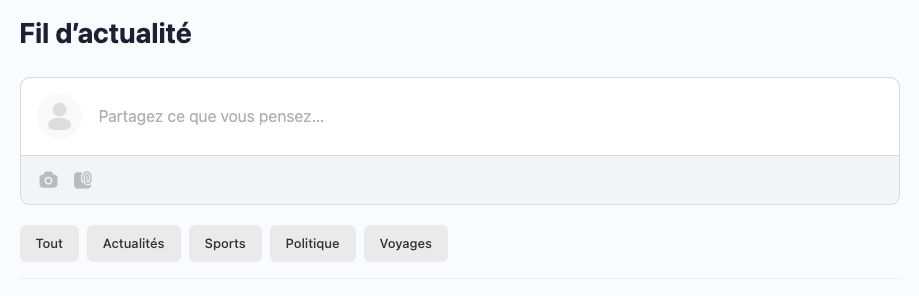
To translate Activity Topics, go to WPML → Translation Dashboard, scroll down to the Other texts (Strings) section, search for your topics, select them, and send for translation.
This feature requires an upcoming update to the BuddyBoss plugin.
The Media Uploading component in BuddyBoss allows site members to upload documents and images into folders and albums.
Now, site owners can translate the names for those folders and albums.
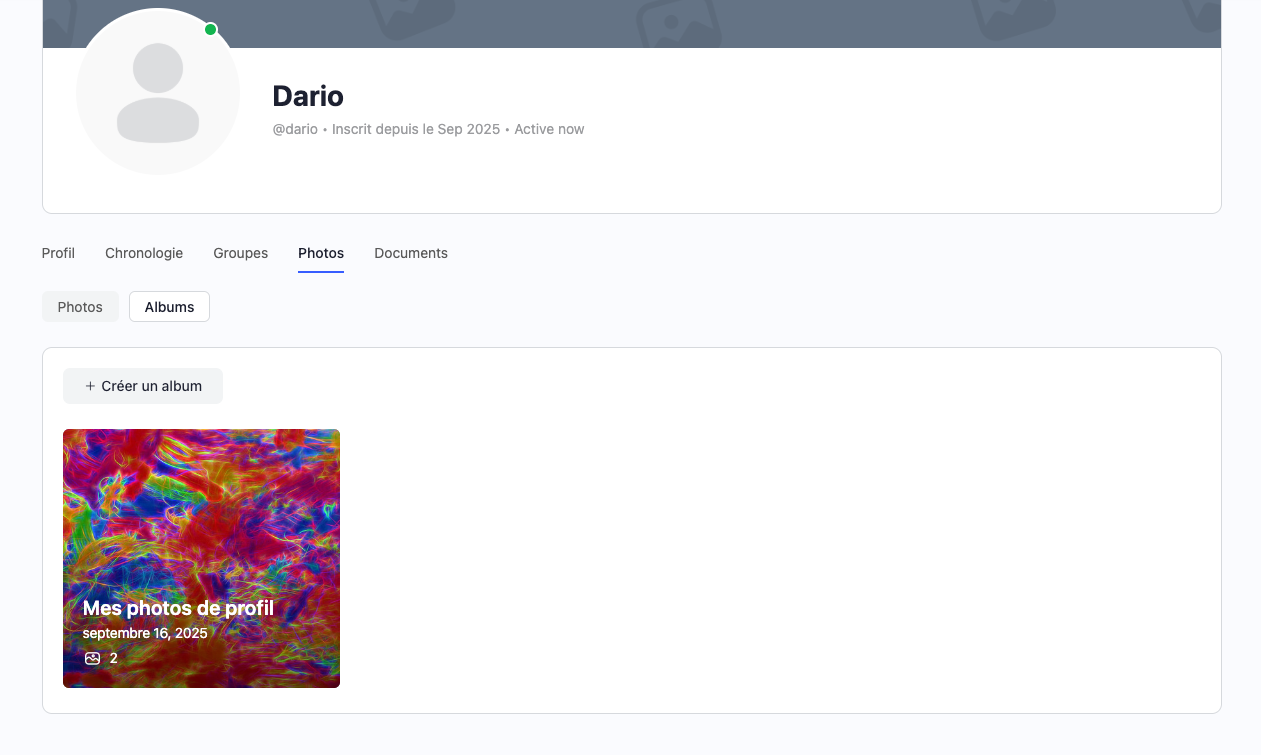
The best way to translate albums and folders is from the WPML → Translation Dashboard page. Scroll down to the Other texts (Strings) section, search for your albums or folders, select them, and send for translation.
Additionally, any user with the correct role can create and edit albums and folders from the frontend. Switching to a secondary language and editing a folder or album will effectively translate it in that language.
We’d love to hear your thoughts on this release. Did we miss any feature?
Let us know in the comments below. Your feedback helps us prioritize future improvements.
Translate Options Pages directly in Translation Dashboard, manage local fields more easily, and enjoy faster performance with ACFML 2.2.0.
Our BuddyPress Multilingual plugin is now called WPML Multilingual for BuddyPress and BuddyBoss .
BuddyPress Multilingual 1.8.0 makes it possible to translate new content in BuddyBoss and BuddyPress user profiles.