


WPML 5.0 Beta – A Redesigned Experience and Smarter Automatic Translation
WPML 5.0 is the biggest update we’ve shipped in years.

WPML 4.8 brings next-level AI translations with our Private Translation Cloud (PTC) engine, a simpler glossary, clearer translation costs, and more.
Here’s what’s new in WPML 4.8:
Since publishing this post, we’ve released WPML 4.8.4, which includes various fixes and solves a performance issue with batch processing of media.
As previously mentioned in the WPML 4.8 (Beta) announcement, WPML AI is now called PTC (Private Translation Cloud).
PTC is powered by the same translation technology as WPML AI, and remains the recommended method for translating your website.
PTC can now deliver translations matching those of top human translators. Here’s how it works:
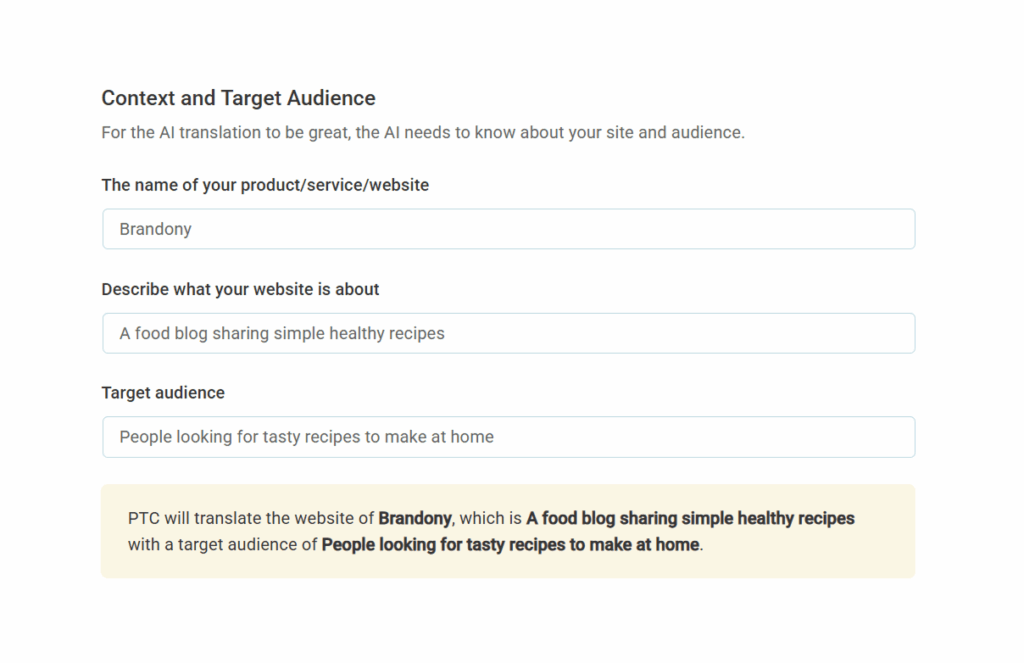
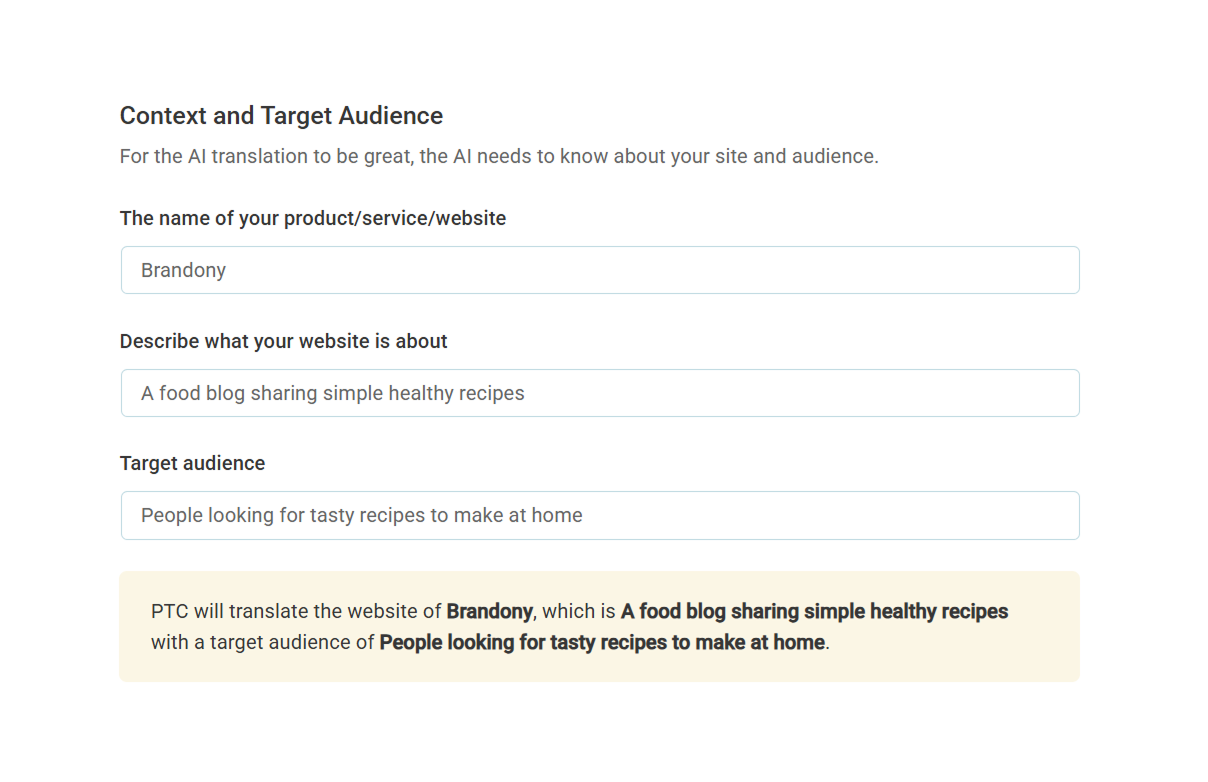
Tell PTC what your website is about and who’s it for to get translations tailored to your specific niche and industry. You can add translation context for PTC at WPML → Settings, under the AI Translation section.
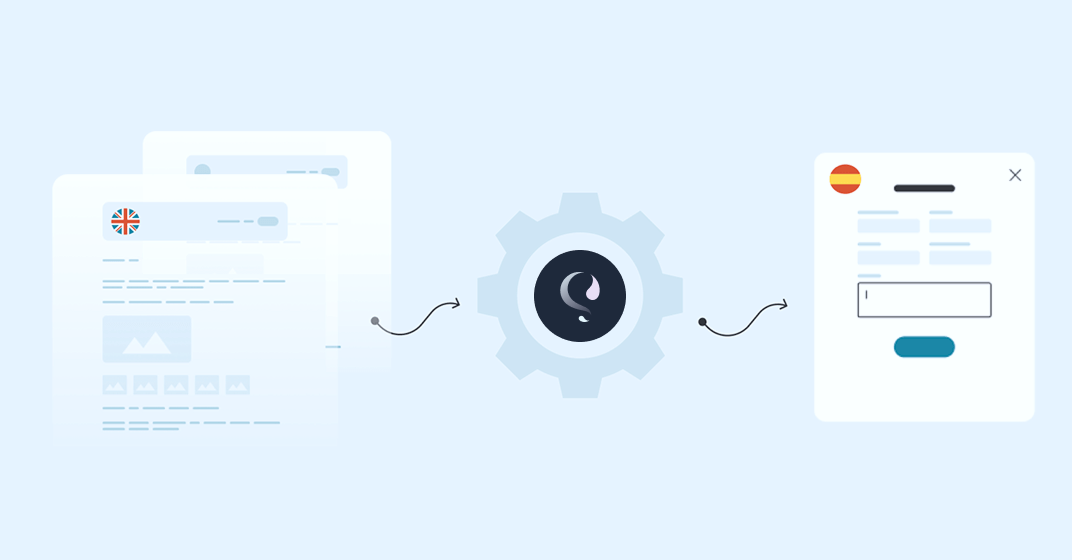
Unlike Google Translate or DeepL, which translate each sentence in isolation, PTC uses your entire website as context when creating translations.
This ensures your terminology, brand tone, and overall meaning remain consistent across pages.
We’re so confident in PTC’s quality that we’ll refund your credits if translations don’t meet your expectations.
No other plugin (or translation service) offers this guarantee, making PTC the only option for getting high quality translations, risk-free.
The WPML Glossary ensures translations use your preferred terminology. Starting today, adding terms is both easier, and faster:
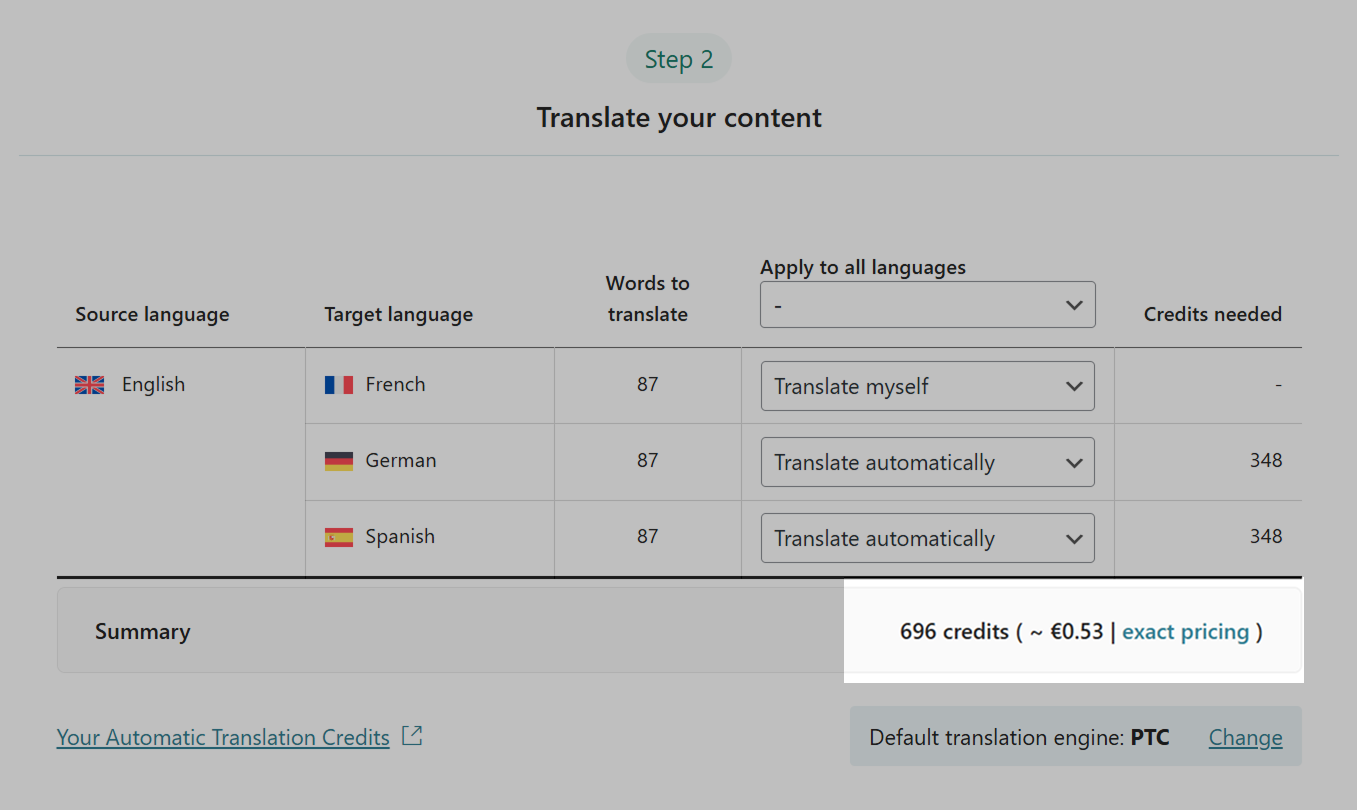
WPML now shows you the exact number of credits, and price in euros, for automatically translating your content.
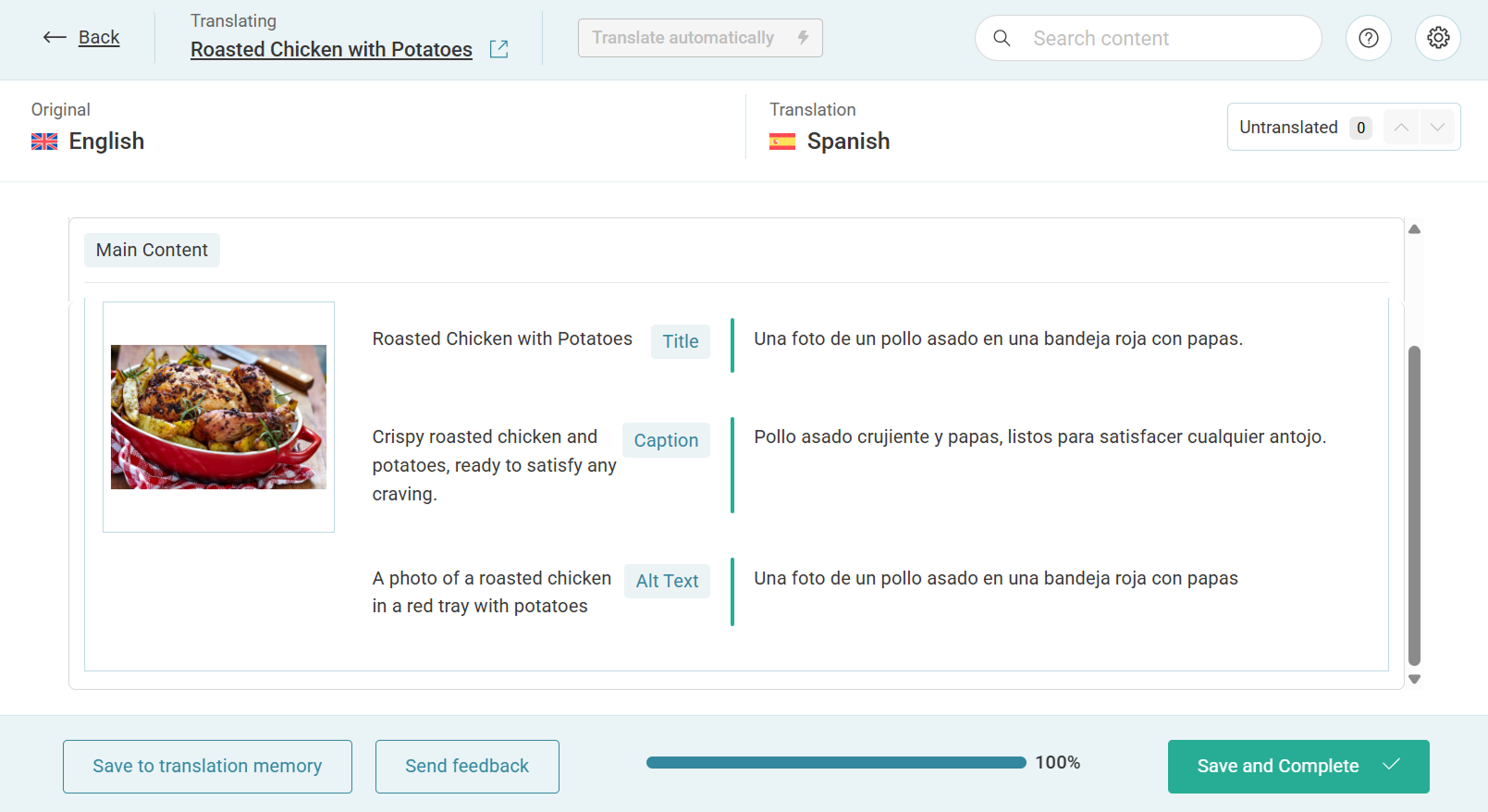
Regardless of how you insert media on your site, WPML now lets you translate all media metadata (alt text, captions, descriptions, etc.) directly in the Advanced Translation Editor.
WPML also makes smart decisions about how to store these media text translations, so your site and database stay clean.
To enable this feature on your site, go to WPML → Settings, scroll down to the Media Translation section, and click on the toggle.
We are currently releasing WPML 4.8 gradually, and recommend waiting until the version is available on your website. If you want to install WPML 4.8 right away:
Go to Plugins → Add New Plugin and click the Commercial tab.
Click the Check for updates button.
Select WPML 4.8 from the list and click Install.
Your feedback helps us continue improving WPML and offer a better experience. We’d love to hear your thoughts, so feel free to leave a comment below :)
WPML 5.0 is the biggest update we’ve shipped in years.
We just released WPML 4.9.4, which brings full compatibility with WordPress 7.0.
WPML 4.9.1 is out today with a focus on Divi 5 compatibility, so your multilingual sites are ready for the official Divi 5 launch on February 26.