


Best WooCommerce Checkout Plugins (6 Tested)
We tested six WooCommerce checkout plugins on field customization, editor usability, and Classic and Block checkout compatibility to help you find the right fit.

Creating a WordPress website or managing a project is rarely a one-person show. You need to work with developers, designers, content creators, and other team members to meet your goals and objectives. The right collaboration and user management tools let you significantly improve your workflow.
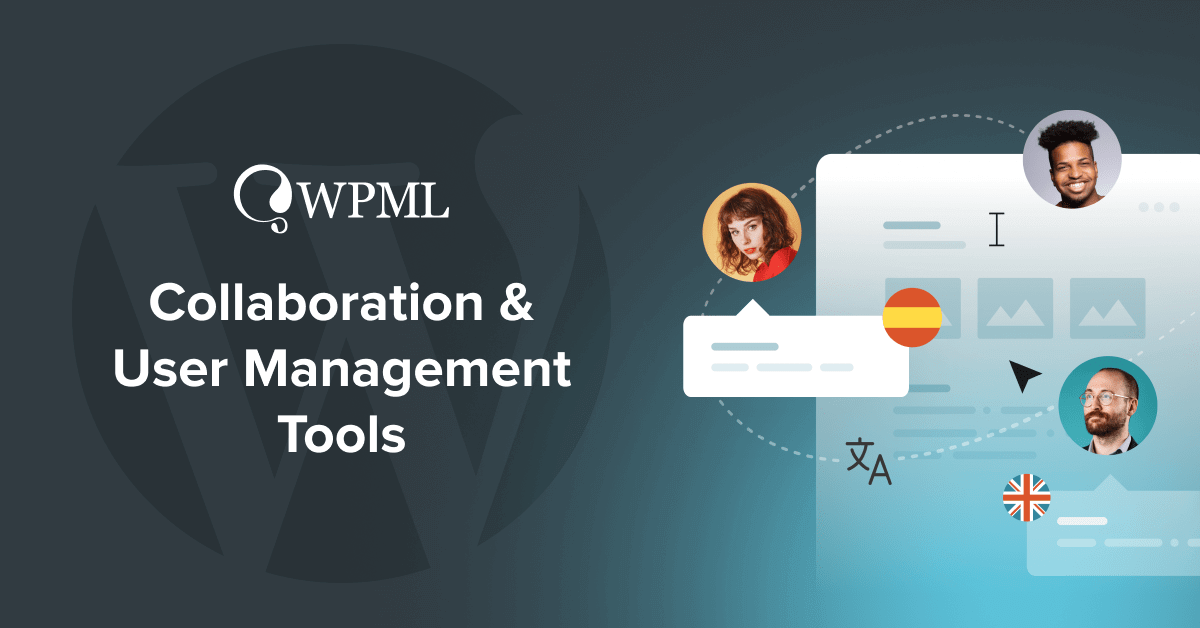
With collaboration plugins, you and your team can work smoothly on different tasks, from debugging to content creation and translation. For instance, these plugins offer features like real-time notifications for team members handling translations, and the ability to organize translation tasks into projects. This helps keep your team on track and enables you to deliver better results for your site visitors.
Additionally, user management plugins assist in clearly defining roles and responsibilities within your team. By setting distinct roles, you ensure everyone knows their tasks and prevent issues on the site. This also makes it possible for guest users, such as your clients, to view the translated content and provide feedback without accessing the backend of your website or disrupting any existing content.
WordPress offers a variety of tools and plugins designed to improve how you and your team work together. These tools integrate directly within your WordPress site. Here’s why this is a game-changer:
Having a centralized workspace right within WordPress eliminates the need to jump between different project management tools, messaging platforms, or document-sharing systems. Everything you need is nestled within your WordPress dashboard.
Keeping an eye on tasks, content changes, and media updates gives you clear visibility into the project’s progression. This ensures everyone is on the same page and reduces the scope for errors and misunderstandings.
With fewer platforms to hop around, you save a chunk of time which you can channel into other creative or critical tasks.
Here’s where we step in with our handpicked recommendations to empower you and your team to work side by side on your multilingual WordPress websites.
These plugins all boast free versions and premium versions with different features catering to your needs.
Alternatively, you can view a side-by-side comparison of all the collaboration plugins listed below.
The Visual Website Collaboration, Feedback & Project Management plugin from Atarim lets you collect feedback and manage projects on your live, staging, and development WordPress sites. It’s easy to use on both the backend and front-end of your site and you can use it to collaborate on different aspects of your site. This includes working with your clients and team on content and media, but also on technical issues like bug tracking and debugging.
It’s worth noting that you can also use Atarim’s Agency Dashboard, a cloud-based application to visually collaborate on any website and manage all of your sites in one place.
This tool currently works out-of-the-box with WPML. While it may not offer exclusive multi-language features just yet, we’re dedicated to working with our partners to enhance your multilingual collaborative experience.
The Free Forever option lets you discover how Atarim works and comes with basic features and a limited number of users and projects. You can upgrade to higher plans, including an Enterprise Custom option that comes with unlimited projects and custom integrations and features.
Built and managed by Multidots, Multicollab sets out to streamline your editorial projects and feedback management right within WordPress. Without the need to switch between apps and copy-paste content, Multicollab makes publishing on WordPress 42% faster. Experience a Google Docs-style workflow and engage in real-time editing and discussions, all under one roof.
Multicollab offers a special WPML feature that allows Guest users to easily access and edit translations without accessing the WordPress dashboard.
The free version of Multicollab offers basic functionalities and a free demo allows you to explore the different premium features of the PRO plan. It’s worth noting that Multicollab’s PRO plan lets you use the Multicollab plugin in German, Chinese, Hindi, Spanish, French, and Bengali.
Try a 30-day Free Trial of the Multicollab PRO plan.
WP Project Manager is a WordPress plugin from the weDevs team, designed to simplify project, task, and team management right from your WordPress dashboard. With features like Kanban boards and Gantt charts, it provides a familiar yet powerful project management and collaboration solution.
This plugin currently works out-of-the-box with WPML. While it may not offer exclusive multi-language features just yet, we’re dedicated to working with our partners to enhance your multilingual collaborative experience.
A free version of WP Project Manager is available in the WordPress directory. If you’re looking for more advanced features, you can check out the different paid plans.
SureFeedback is a comprehensive WordPress plugin that transforms how you collaborate on web design and development projects. The user-friendly tool introduces a sticky-note style for feedback, allowing you to highlight and discuss specific project areas. This makes communication more efficient and boosts satisfaction for both clients and your team.
Beyond feedback, SureFeedback is also an all-in-one solution for project management, bringing together your projects, websites, and user administration in one dashboard.
This plugin currently works out-of-the-box with WPML. While it may not offer exclusive multi-language features just yet, we’re dedicated to working with our partners to enhance your multilingual collaborative experience.
SureFeedback offers various pricing plans to suit teams of different sizes and offers a 14-day free trial to see if it fits your needs. You can also install the SureFeedback Client Site child plugin from the WordPress repository to connect client sites with your main SureFeedback site.
The plugins mentioned above enhance your teamwork with extensive sets of features, but what if your projects don’t require all of them? At times, you might only need a particular feature, like assigning unique user roles to team members or making simple content modifications.
The plugins below offer more specific functionality and are a great addition if you’re needing a simpler answer to collaboration.

PublishPress Capabilities lets you fine-tune permissions, defining what users can and cannot access on your WordPress site. Key features include customizing user roles, creating or copying roles, WordPress multisite support, navigation, and admin menu restrictions.
You can download PublishPress Capabilities for free from the WordPress repository. If you need more advanced features, various pro versions are also available.
This plugin is your go-to for managing content revisions. Users can update posts but changes are stored as “pending revisions” for approval, rejection, or scheduling.
PublishPress has a free version but only the Pro version is compatible with WPML and comes with more advanced features. These include controlling revision permissions, managing, and moderating revisions, email notifications for revisions, and integration with Divi & Beaver Builder.
Control both front-end and admin access with Toolset Access. This plugin is a part of the premium Toolset suite, making it easy to build membership and paid-content sites without diving into programming. It offers automatic permission settings, defining custom roles, in-depth access control, and the ability to show or hide different elements to different people based on their access levels.
Elementor Notes, a feature of Elementor Pro, enhances collaboration by allowing you to pin notes to specific elements either in the editor or on the front-end. This feature is great for leaving comments and instructions for clients, teammates, or even reminders for yourself. To ensure each collaborator receives Notes, you’ll need to set up a user profile for them on your WordPress site.
The WordPress collaboration plugins highlighted here are geared towards refining your workflow with team members and clients on WordPress projects.
For multilingual websites, WPML takes your shared efforts a step further, not just by enabling you to add and manage translations, but also by allowing you to bring your team into the translation process efficiently.
Here’s how WPML can make your workflow better:
By combining WPML’s features with the unique features of collaboration and user management plugins, you can unify your multilingual workflow and drive your projects to success.
Do you use any of the mentioned plugins on your multilingual website? Or maybe you use a different tool or plugin for collaboration and user management on your multilingual WordPress site that hasn’t been mentioned in this article?
We’re all ears! Share your experiences, recommendations, and any useful tips in the comments section below.
We tested six WooCommerce checkout plugins on field customization, editor usability, and Classic and Block checkout compatibility to help you find the right fit.
BuddyPress Multilingual 1.9.0 lets you translate groups in BuddyBoss and lays the groundwork for translating activity topics, albums, and folders.
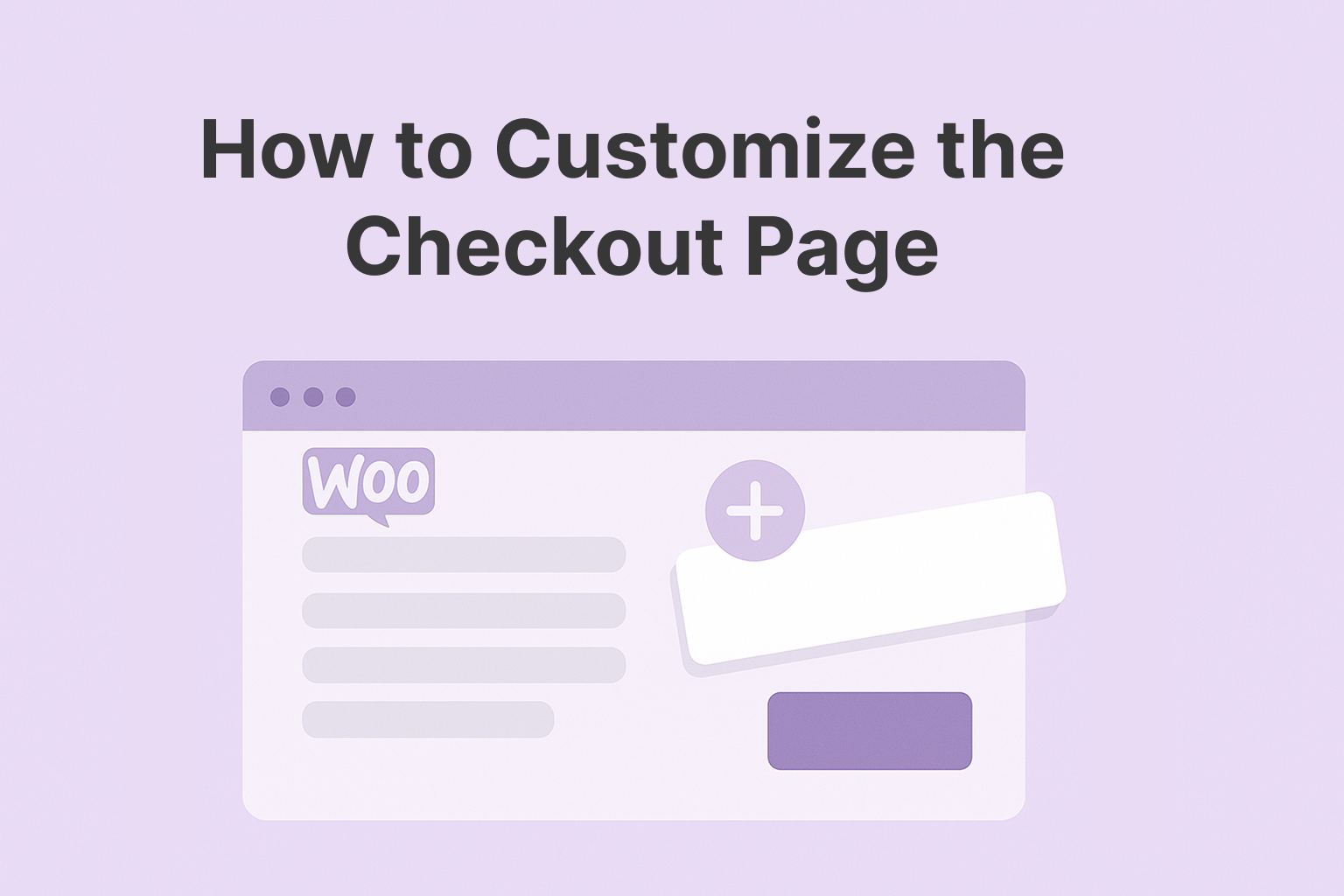
Learn how to customize your WooCommerce checkout page to improve the user experience for international customers, and sell more.