


WPML 5.0 Beta – A Redesigned Experience and Smarter Automatic Translation
WPML 5.0 is the biggest update we’ve shipped in years.

{Updated Post on 6/12/16} WPML 3.6.1 is now released and it applies the configuration to Divi and Visual Composer automatically. No need anymore to install any XML configuration files manually.
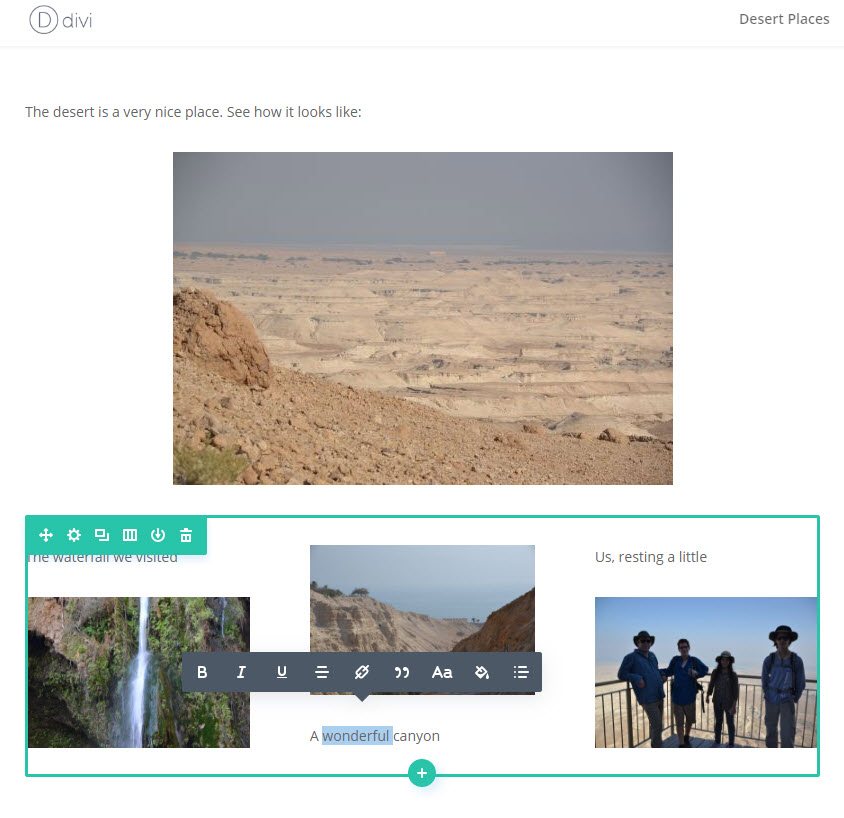
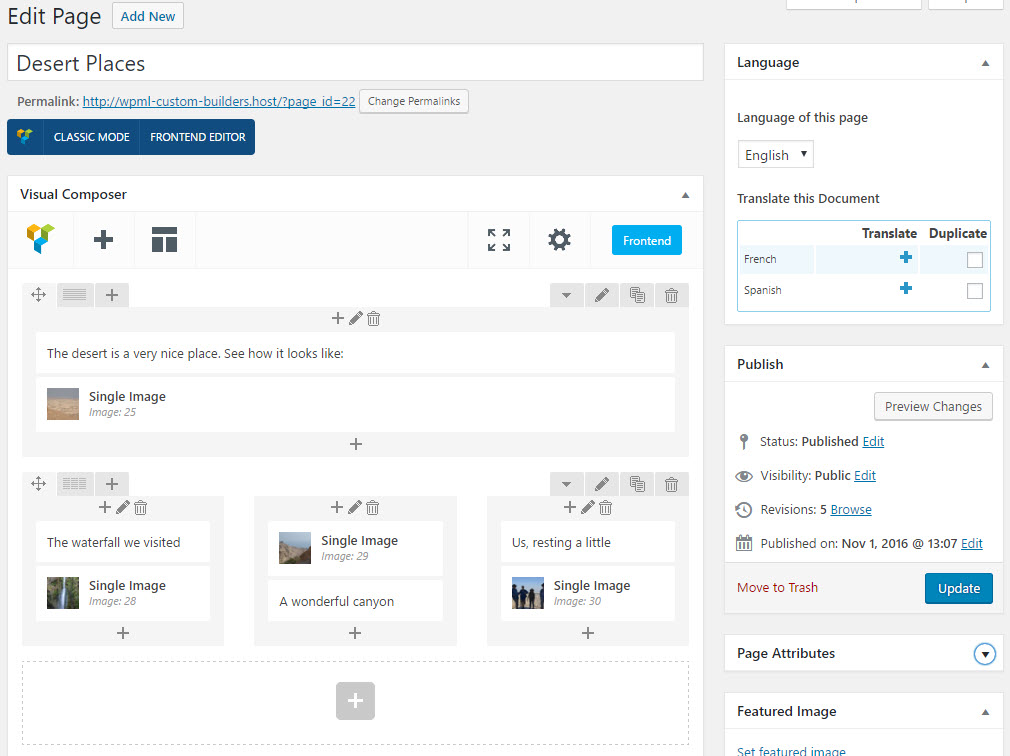
WPML 3.6.0 is now available in first beta. The major new feature of this release is convenient translation for sites built with page builders. In this beta you can experiment with Divi and Visual Composer.
Until today, in order to translate sites that are built with page builders, you had to rebuild each page, with the page builder, in each language. This works fine for small sites that have few languages. It’s more challenging for busy sites that have a lot of content and many languages. And, it was a showstopper for anyone wanting to work with translators.
WPML 3.6.0 changes all this. Now, when you design content with a page builder, you will have the option to conveniently translate only the texts, without going into the builder to translate (it’s a new option. You can still translate “the old way”, by designing with the page builder each language separately). The same workflow will work if you’re translating yourself, sending content to your own translators or using a translation service.
Let’s see how it works.
Next, go to WPML->Translation Management-&Multilingual Content Setup and select to Use the translation editor.
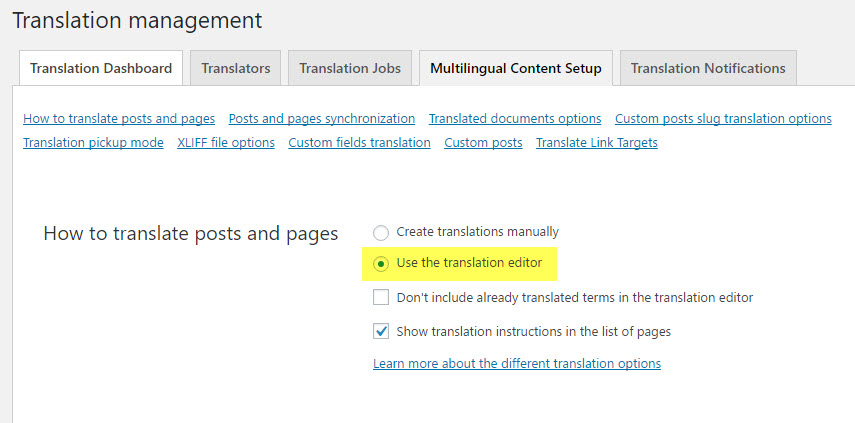
* The production version of WPML 3.6.0 will help you with this step. It will detect when WPML components are missing, suggest to install them for you and set the translation method correctly.
|
|
|
You can see the + icons for adding translations to the page.
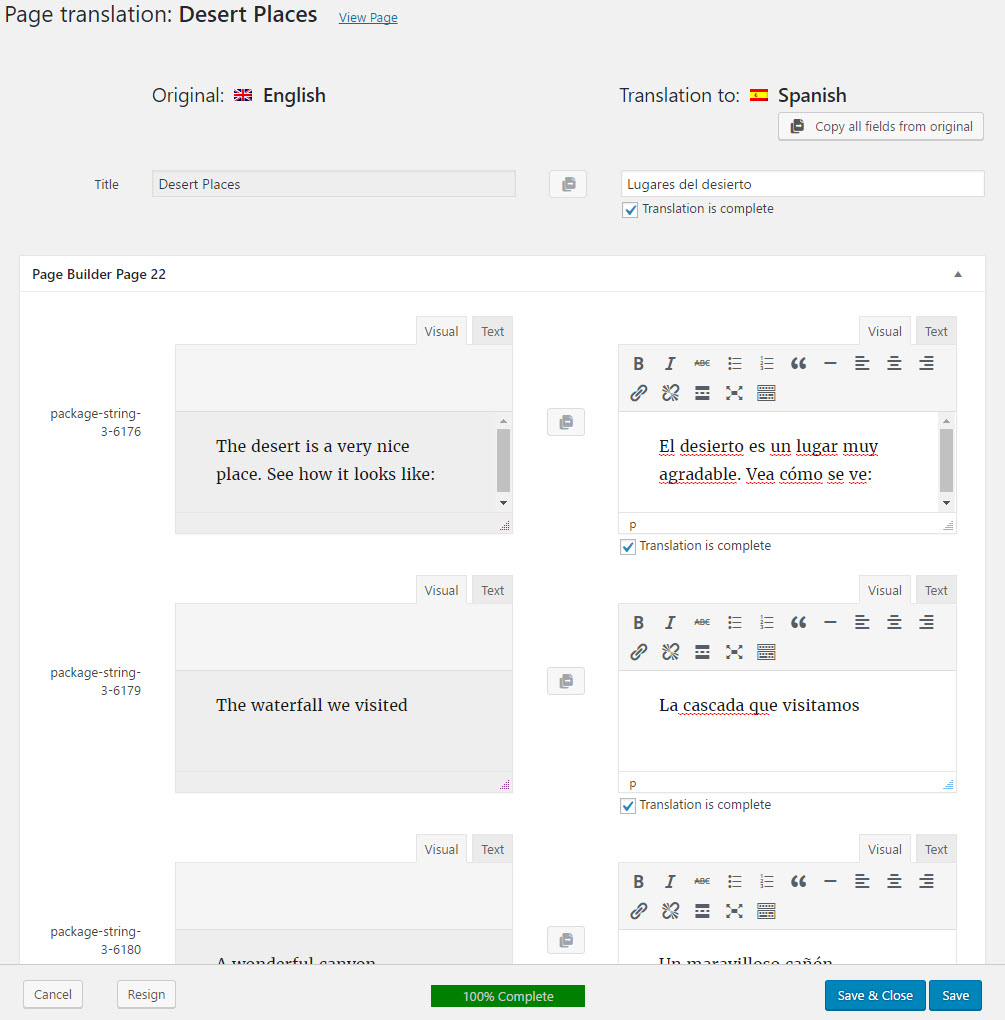
You can see that the translation editor includes fields for translation. There’s a field for the page title and then fields for each of the cells in the page builder. Only cells that have text will appear. This means that the translator working on the page doesn’t need to worry about the design. Translators now only need to translate and only need to translate texts. There are no shortcodes in the text and nothing else to make the translator’s work difficult.
I’m translating all the fields, click on “translation complete” next to each and then “save and close” the translation editor.
When I get back to the translated page, the + icon will change to a pencil. This tells us that it’s translated already and now I can edit it.
| English (original) | Spanish (translated) |
|---|---|
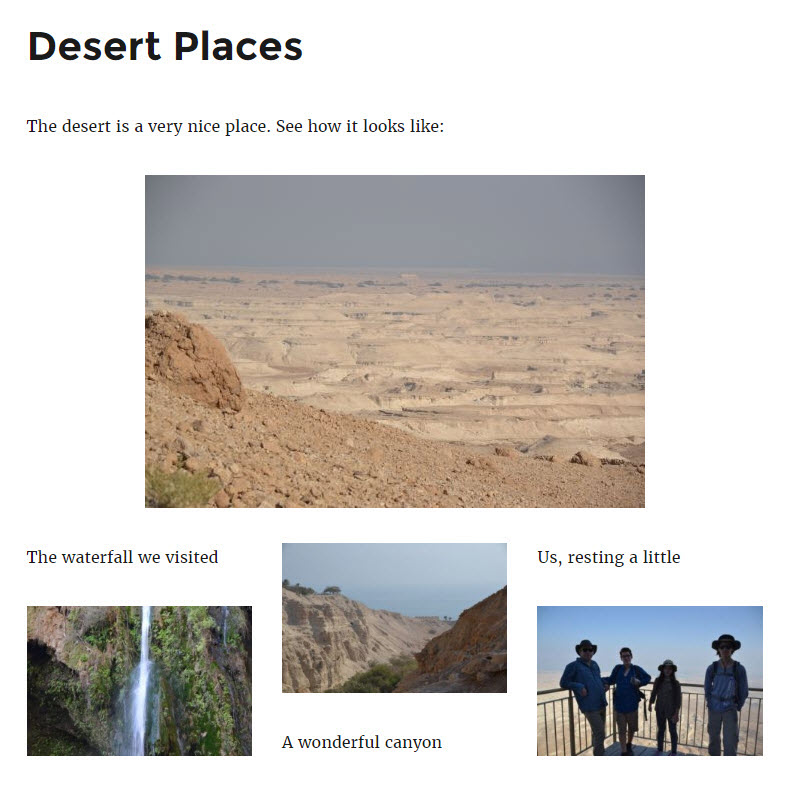 |
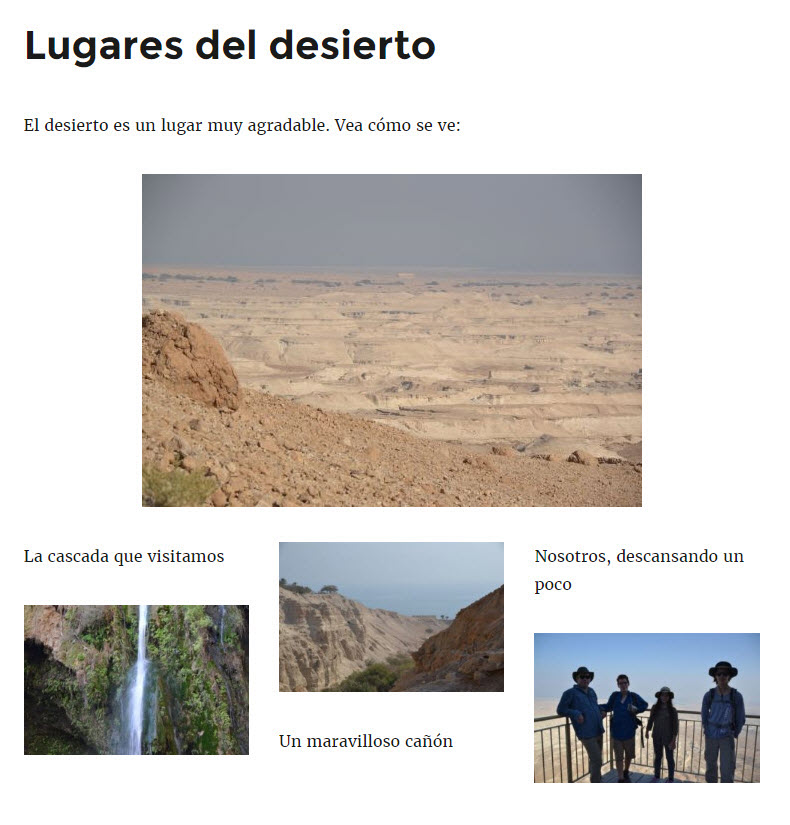 |
This is a beta, so you should only use it on development sites.
WPML 3.6.0 is going into QA next week. We will probably release more betas and we’re planning to have the production version in about a month. The production version of WPML will also include the new language switcher, more improvements, some fixes and full compatibility with WordPress 4.7.
WPML 5.0 is the biggest update we’ve shipped in years.
We just released WPML 4.9.4, which brings full compatibility with WordPress 7.0.
WPML 4.9.1 is out today with a focus on Divi 5 compatibility, so your multilingual sites are ready for the official Divi 5 launch on February 26.