


WPML 5.0 Beta – A Redesigned Experience and Smarter Automatic Translation
WPML 5.0 is the biggest update we’ve shipped in years.

This release of WPML makes it much easier to run listing, directory, e-commerce and classifieds. It also improves stability and compatibility with a number of themes and plugins.
Here is a video that I prepared for the beta announcement blog post, which shows how it works:
After you update to WPML 3.9, go to WPML->Translation Management–>Multilingual Content Setup. Besides a cosmetic update to the page, you will see new options for translating posts (Posts, Pages and Custom Post Types).
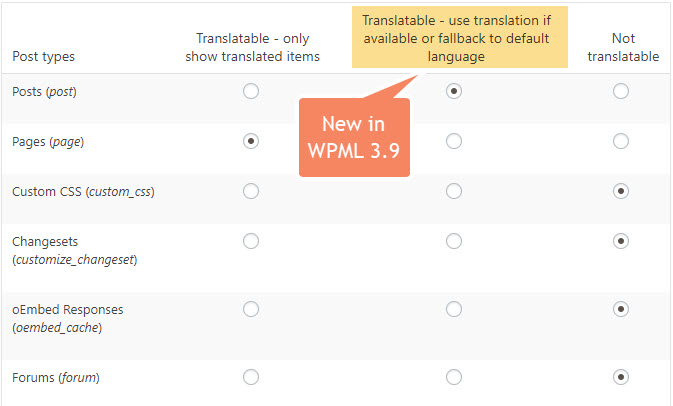
Use the new translation mode (Translatable – use translation if available or fallback to default language) to display posts even if they are not translated. For example, you can see this running on our own blog in languages other than English.
Please note that this new translation mode works only from the site’s default language to its other languages. You can create content in the site’s default language and it will automatically appear on other languages even if not translated. It doesn’t work the other way around. If you create content in another language (not the site’s default language) this content will not appear on other languages.
BTW, this new translation mode makes WPML and our Toolset plugins a lot nicer to use together. The most popular kind of sites that developers build with Toolset are classifieds and directory sites. You can see some of these sites in Toolset showcase section for classifieds and directories.
Now that you can display untranslated content without duplication, it makes a lot more sense to build such sites with WPML and Toolset. I’ll write more about this separately, to give you some creative ideas.
To you, it means that you can get very high quality translation work, from the best services available, without wasting time passing content back and forth.
To make it easier to find the best translation service, which is ideal for your projects, we moved the translation services to their own admin screen under WPML->Translation Management->Translation Services.
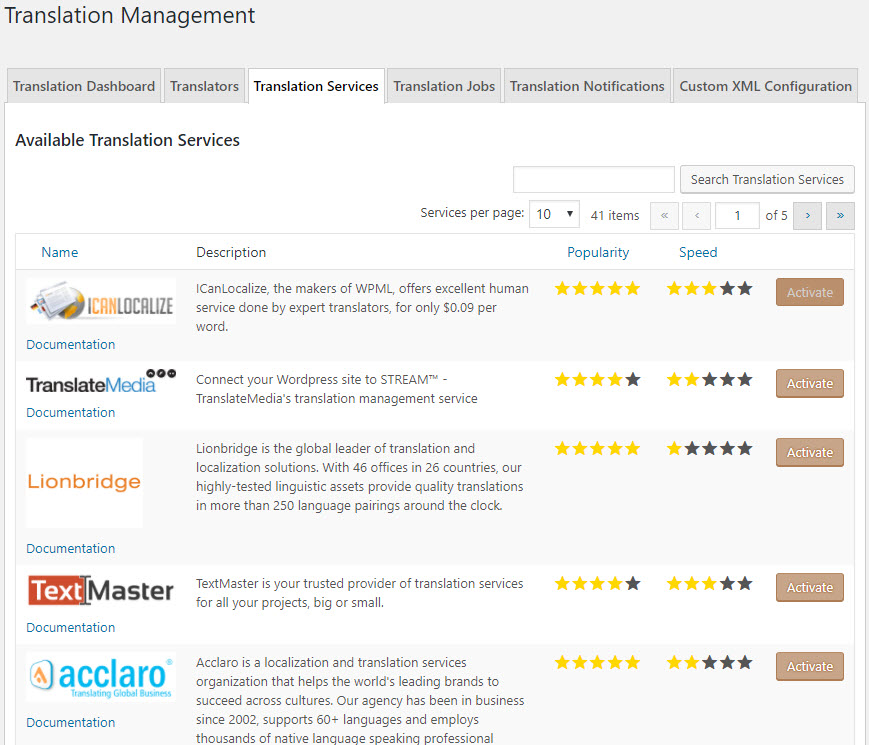
The listing page includes a search, so you can look for translation services by keywords (like, if you’re looking for a service that specializes in Medical, or Industrial). And, you’ll probably notice the ‘stars’ rating in our table. Since WPML acts as the gateway to sending and receiving jobs, we can gather statistical information about the speed in which translations get back and the popularity of translation services. We hope that this information will help you pick a translation service that’s right for your needs.
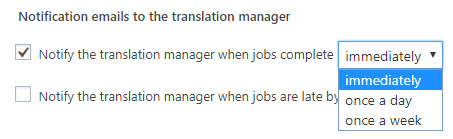
Now, when you translate with WPML’s Translation Editor, you can quickly see what changed in the content which requires an update to the translation.
This feature already works with your own translators (translators using WPML’s Translation Editor) many of the translation services who are integrated with WPML. If the service that you’re using still doesn’t have this integration, remind them you need it. The more clients ask, the faster it will happen.
Until now, WPML got into a corner when:
Now, you can update the original at any time without running into problems. WPML will make the translation update appear smooth and natural. Any partial translation that you did will continue and the Translation Editor will include the new or modified content for translation.
You will receive this update automatically to WordPress for all of your registered sites. You can always download WPML from your account and update manually.
WPML 5.0 is the biggest update we’ve shipped in years.
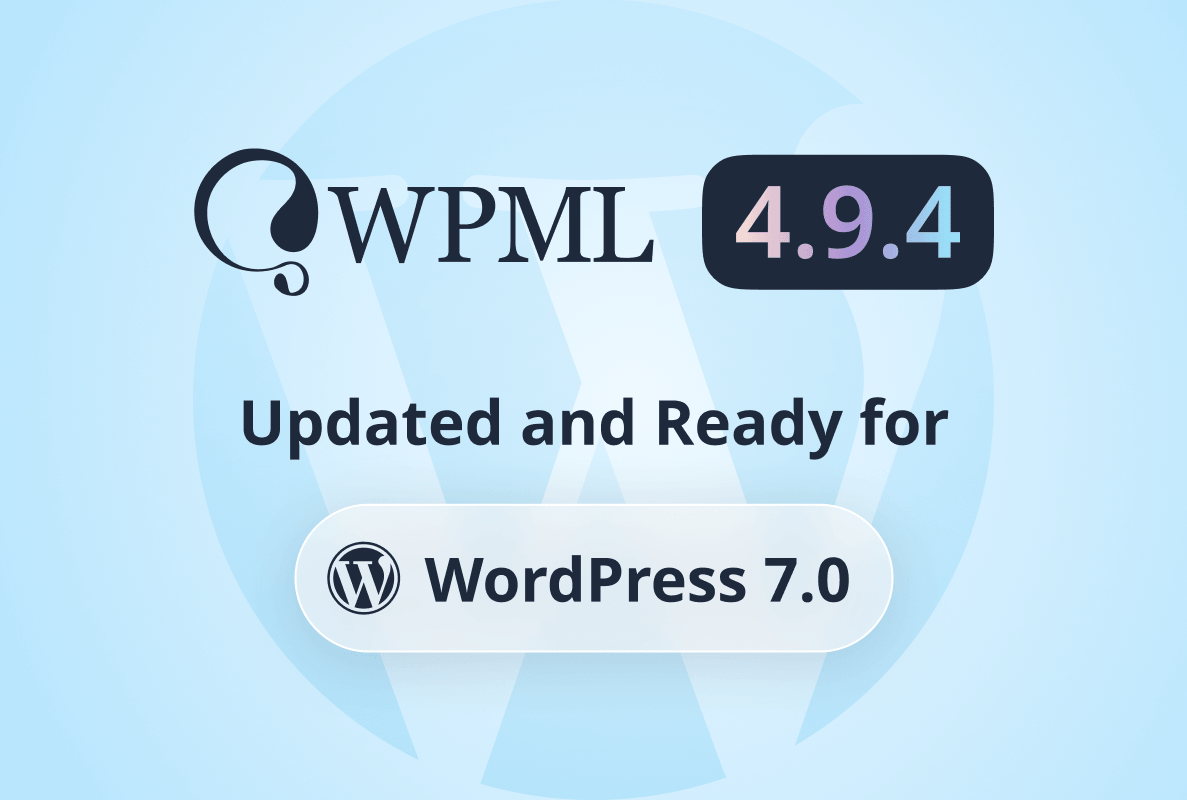
We just released WPML 4.9.4, which brings full compatibility with WordPress 7.0.
WPML 4.9.1 is out today with a focus on Divi 5 compatibility, so your multilingual sites are ready for the official Divi 5 launch on February 26.